14 Performing an “R Scan” Examination
Instruction Manual Keratograph 5M (G/77000/XXXX/EN – Rev05) 49 / 106
14 Performing an “R Scan” Examination
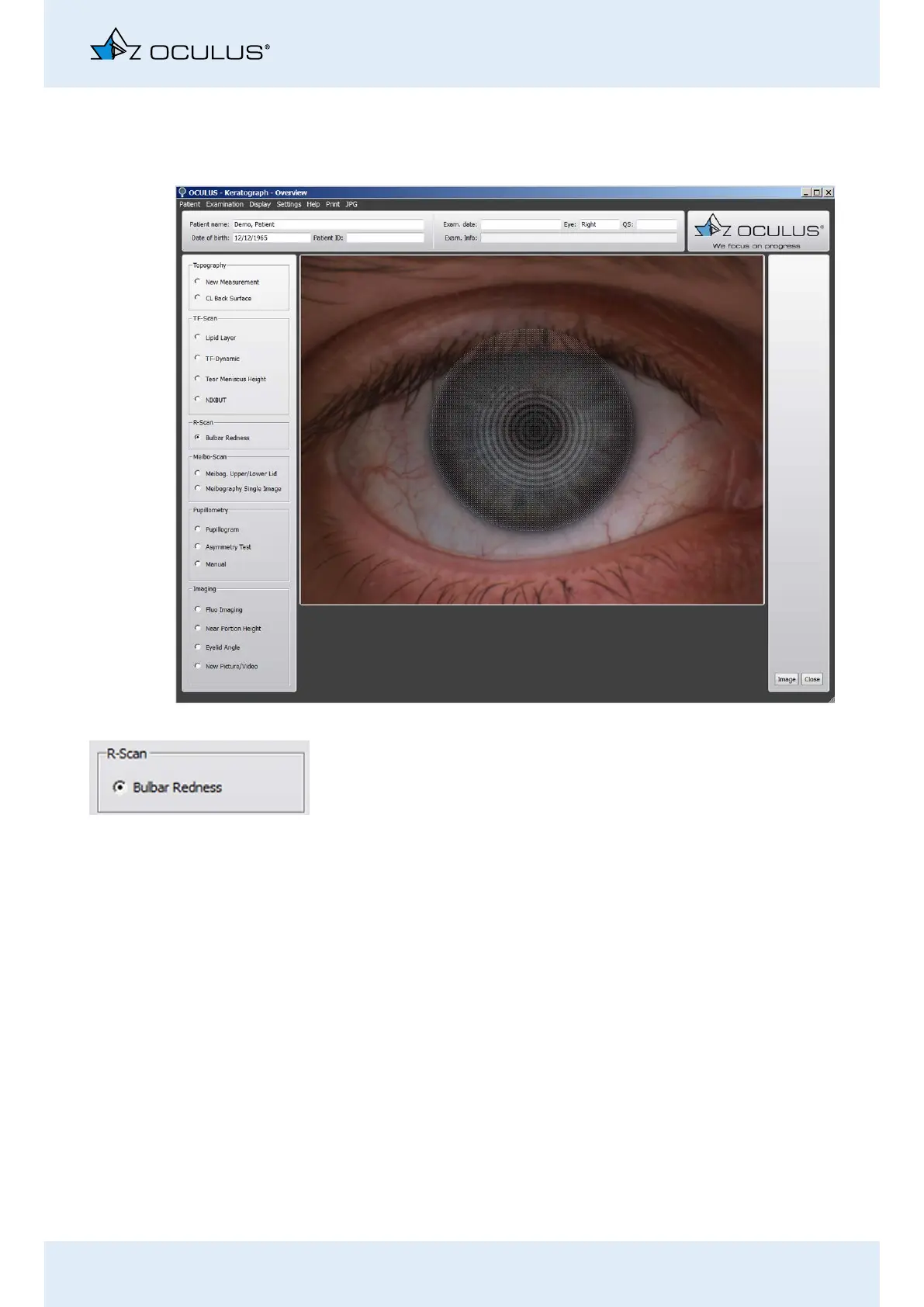
With this examination, you can classify levels of redness.
Activate the [Bulbar Redness] radio button.
Align the camera so that the grey “disc” covers the iris and .
Press the [Image] button.
Use the foot switch alternatively, (Chap. 10.10, page 36).
Fig. 14-1: R-Scan examination



 To Next Page