19 Performing extended examinations: JENVIS Pro Dry Eye Report (optional)
Instruction Manual Keratograph 5M (G/77000/XXXX/EN – Rev05) 67 / 106
19 Performing extended examinations:
JENVIS Pro Dry Eye Report (optional)
With the JENVIS Pro Dry Eye Report you perform a complete dry eye
workup. It is possible to choose from different worklists like:
Screening
Individualized
Follow-Up
by DEWS
In every worklist you have a structured workflow which saves time and
lets you work more efficiently. You have the liberty however to skip to
any position within the worklist.
For each examination the software provides to you additional, support-
ive information regarding the capturing process (on which area to focus,
light adjustment, camera settings etc.).
After you have conducted dry eye workup with a capture worklist, for
example “Individualized”, you can evaluate the results in the assessment
worklist. In the assessment display the causes of dry eye disease are
sorted in sub-categories. You can evaluate every single picture/exam-
ination separately, or if you click on a sub headline for example “Lid/
Margin”, all respective examinations pop up on the screen.
Based on the assessments which were made it is possible to create a
treatment plan with different options to cure the causes of the dry eye
disease.
Finally you can create a comprehensive print out ( JENVIS Pro Dry Eye
Report) which contains all results of the tests, the treatment options and
extensive glossary, where all examinations are explained.
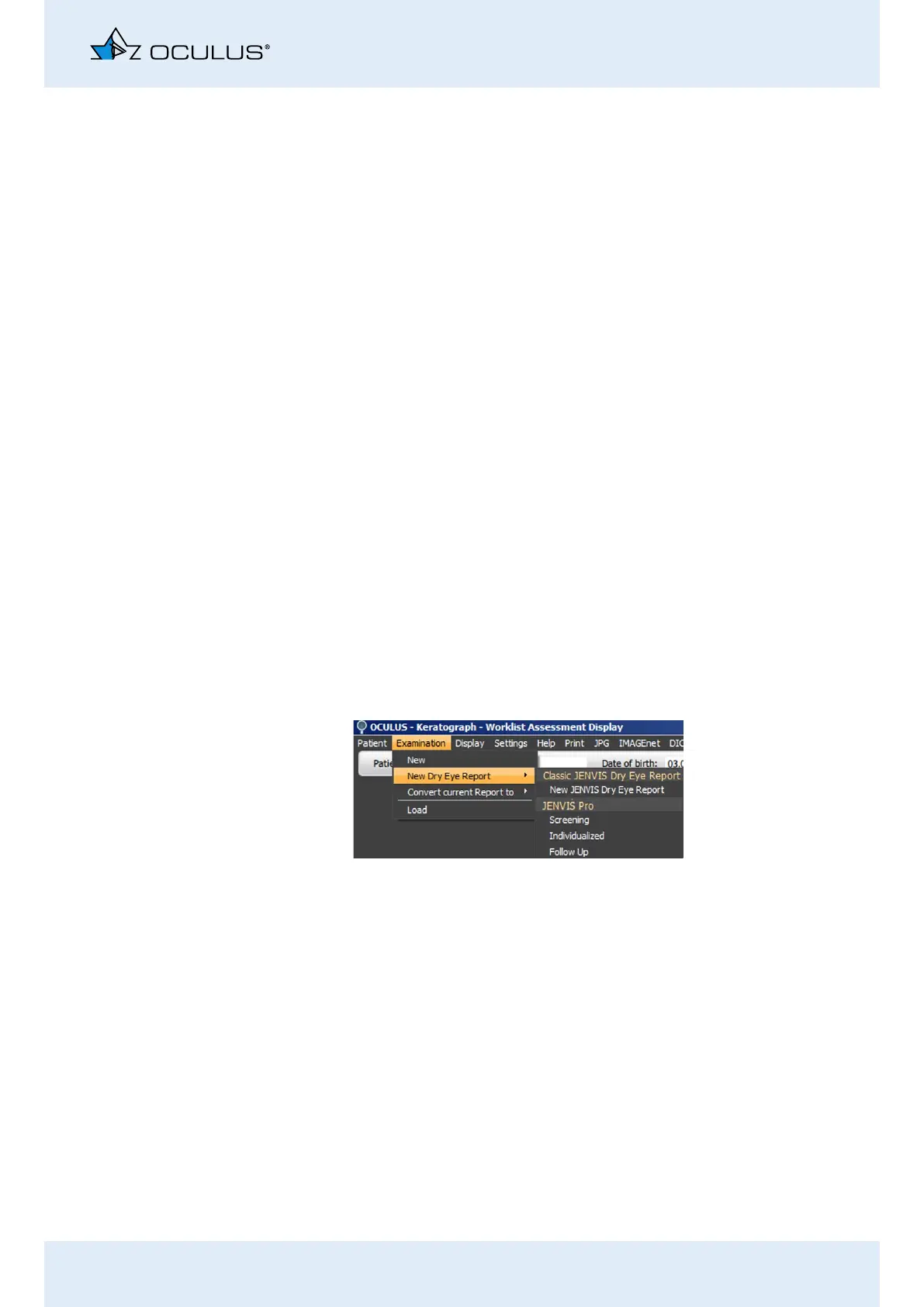
Select in the menu bar “Examination” the entry [New Dry Eye Re-
port] Individualized.
Fig. 19-1: Select Dry Eye Report



 To Next Page