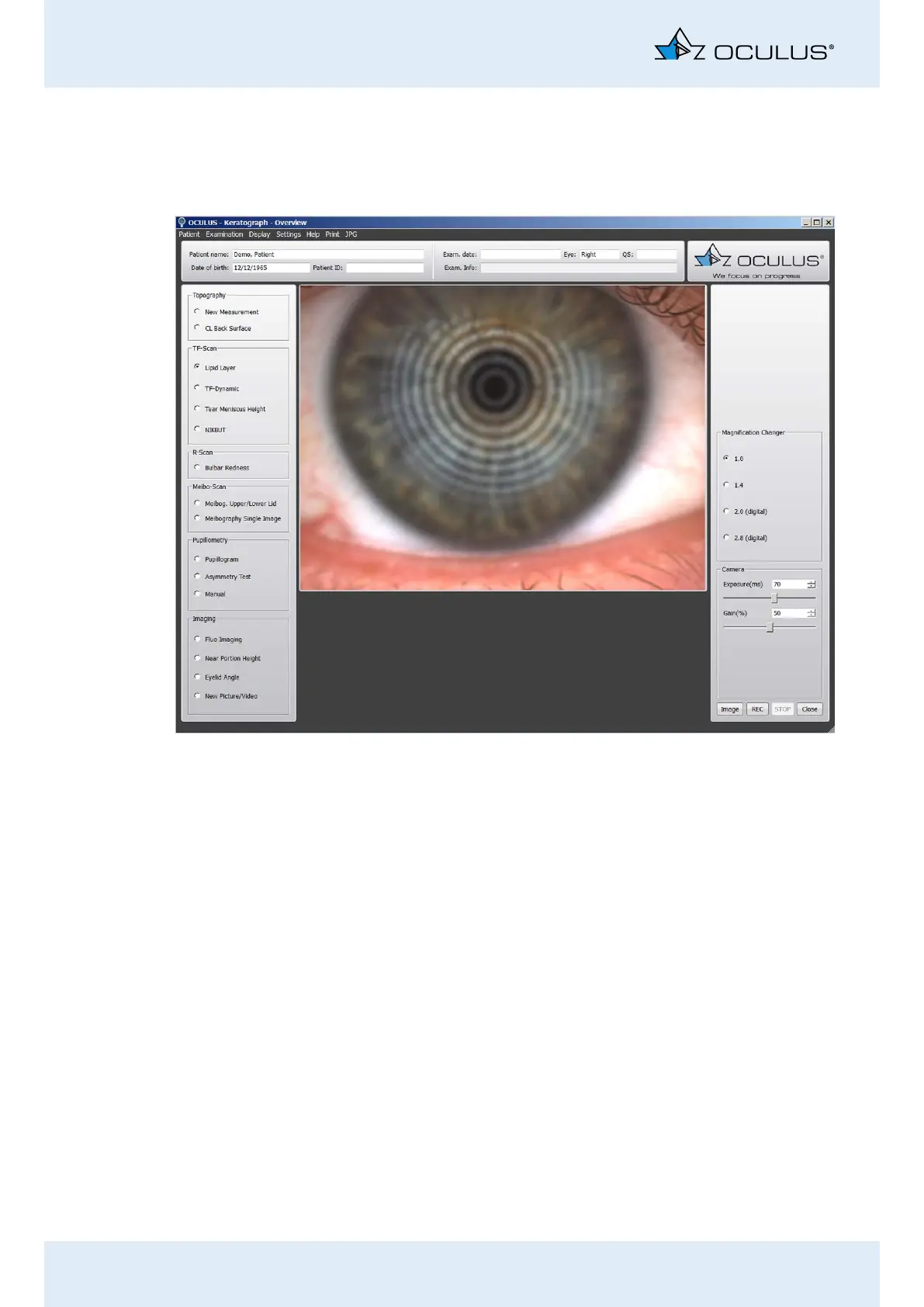
13 Performing a “TF Scan” Examination
44 / 106 Instruction Manual Keratograph 5M (G/77000/XXXX/EN – Rev05)
13.1 Examination of the Lipid Layer
The interference colors of the lipid layer and its structure are visible and
can be recorded.
Activate the [Lipid Layer] radio button.
Move the Keratograph 5M in small increments toward the patient’s
eye. Now properly focus the Placido rings.
Slightly pull back the camera and focus the lipid layer in the record-
ing.
Press the [Image] button to take a snap shot of the lipid layer, or
press the [REC] button to record a video. To stop recording, click
on the [STOP] button.
Use the foot switch alternatively, (Chap. 10.10, page 36).
Recommendation: A video recording is the best way to optimally docu-
ment the lipid layer.
To be able to optimally assess the distribution of the lipid on the
surface of the tear film, record the lipid layer for the duration of two
to three eyelid blinks.
You can find instructions on the magnification changer in Chap. 17.5,
page 59
Fig. 13-2: Lipid Layer Measurement



 To Next Page