23 Transport and Storage
88 / 106 Instruction Manual Keratograph 5M (G/77000/XXXX/EN – Rev05)
23 Transport and Storage
Observe the transport an storage conditions, refer to “Technical
Data” on page 92.
The Keratograph 5M, must be properly dismantled and packed before
the device is being transported or stored.
After storage and/or transport
After transport, allow the Keratograph 5M to rest for approx.
3-4 hours in its new location so that the device can adjust to the
ambient conditions. Drastic temperature changes from cold to
warm can cause the optical components to fog up.
23.1 Disassembly
End the current session.
Turn the device off.
Disconnect the cable from the computer/laptop and the power
adapter.
23.2 Transport and Storage
Observe the transport an storage conditions, refer to “Technical
Data” on page 92.
Attention
Equipment damage due to improper transport and storage
Avoid shocks, vibration and dust.
Avoid high temperatures and moisture.
Transport the Keratograph 5M carefully.
Do not hold the device by the joystick to carry it.
Avoid placing near heaters and moisture.
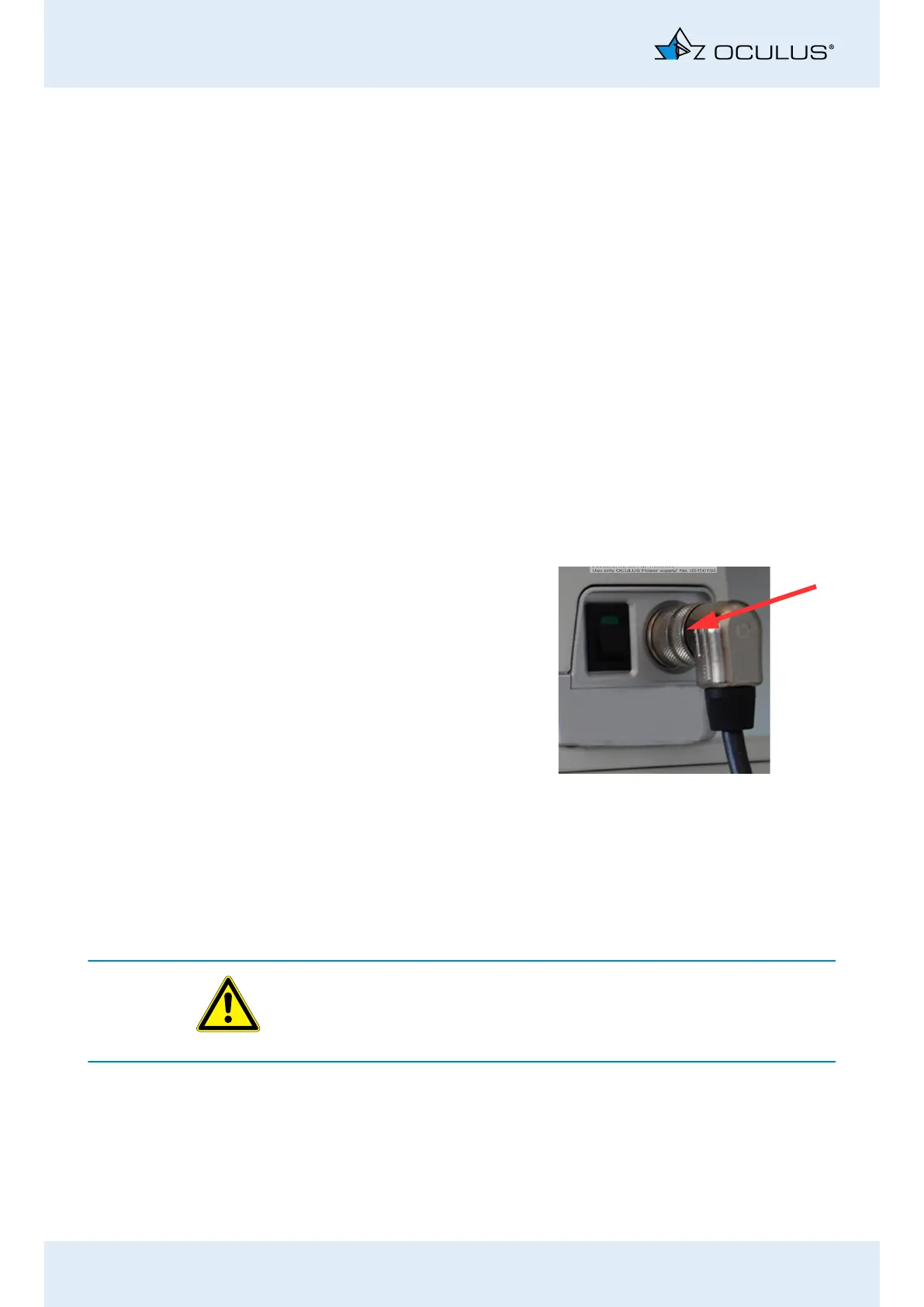
Loosen the screw con-
nection of the Med. Se-
cure Isolator cable and
pull it out.
Pull only on the plugs
and not on the cables.
Fig. 23-1: Loosen the screw connection
of the Med. Secure Isolator
cable



 To Next Page