8 Putting Back Into Operation
Instruction Manual Keratograph 5M (G/77000/XXXX/EN – Rev05) 25 / 106
8 Putting Back Into Operation
After transport, allow the Keratograph 5M to rest for approx. 3-
4 hours in its new location so that the device can adjust to the am-
bient conditions. Drastic temperature changes from cold to warm
can cause the optical components to fog up.
8.1 Turning On
The first step is to switch on the computer or laptop.
8.2 Turning Off
Close the Keratograph 5M program and the Patient data manage-
ment.
Shut down the Windows operating system.
Turn the Keratograph 5M off with the on/off switch (OFF position).
Attention
Risk of electric shock if the Keratograph 5M is not completely discon-
nected from the mains for transport, cleaning, maintenance, disinfection
and repair.
Pull the power plug before cleaning and maintenance. Take hold of
the power plug for this purpose; do not pull on the cable.
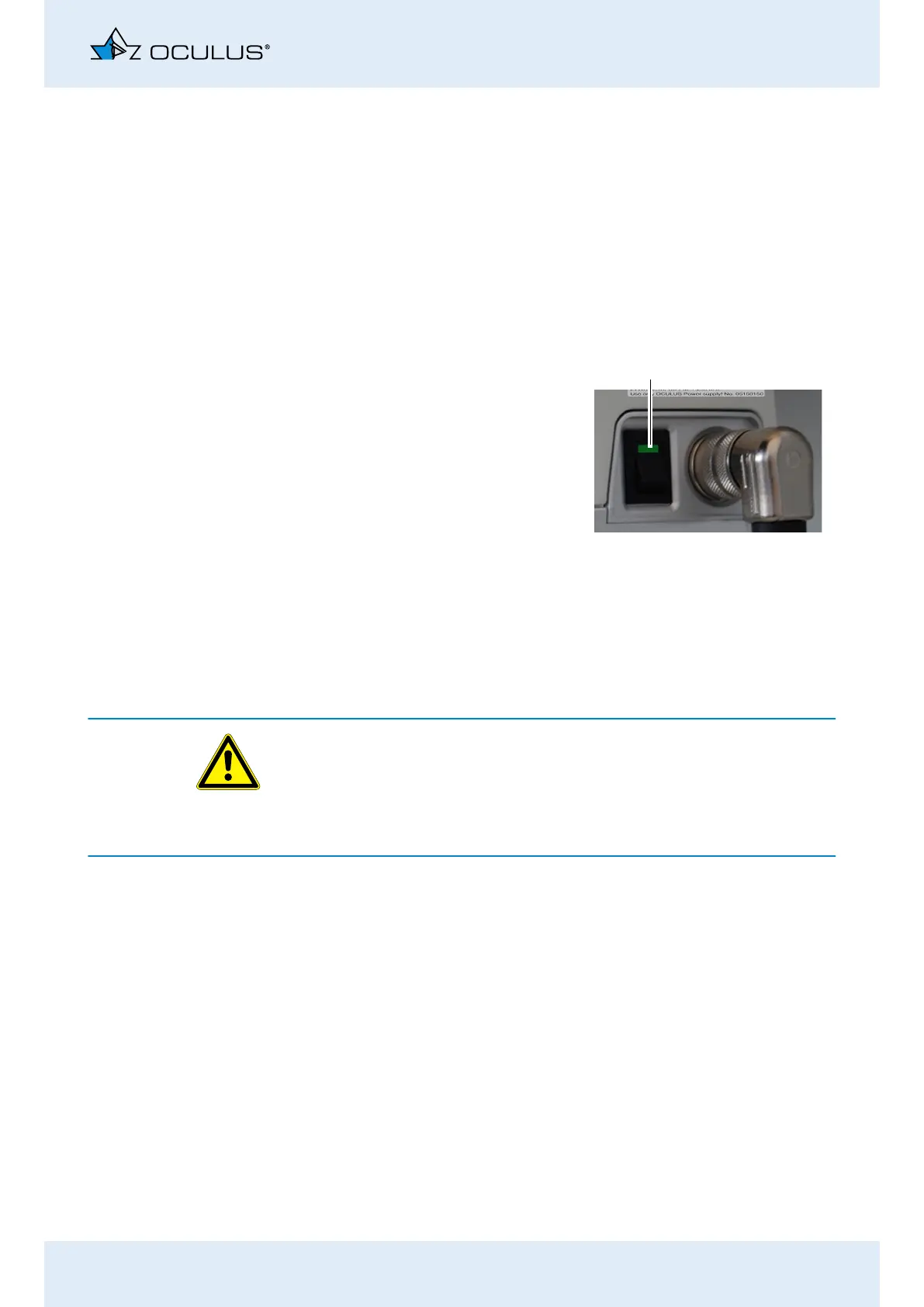
Then turn on the
Keratograph 5M with the on/
off switch (position ON).
The LED on the switch lights
up green.
Fig. 8-1: On/Off switch
1



 To Next Page