19 Performing extended examinations: JENVIS Pro Dry Eye Report (optional)
70 / 106 Instruction Manual Keratograph 5M (G/77000/XXXX/EN – Rev05)
19.3 Adjusting Illumination, Magnification Changer and Camera
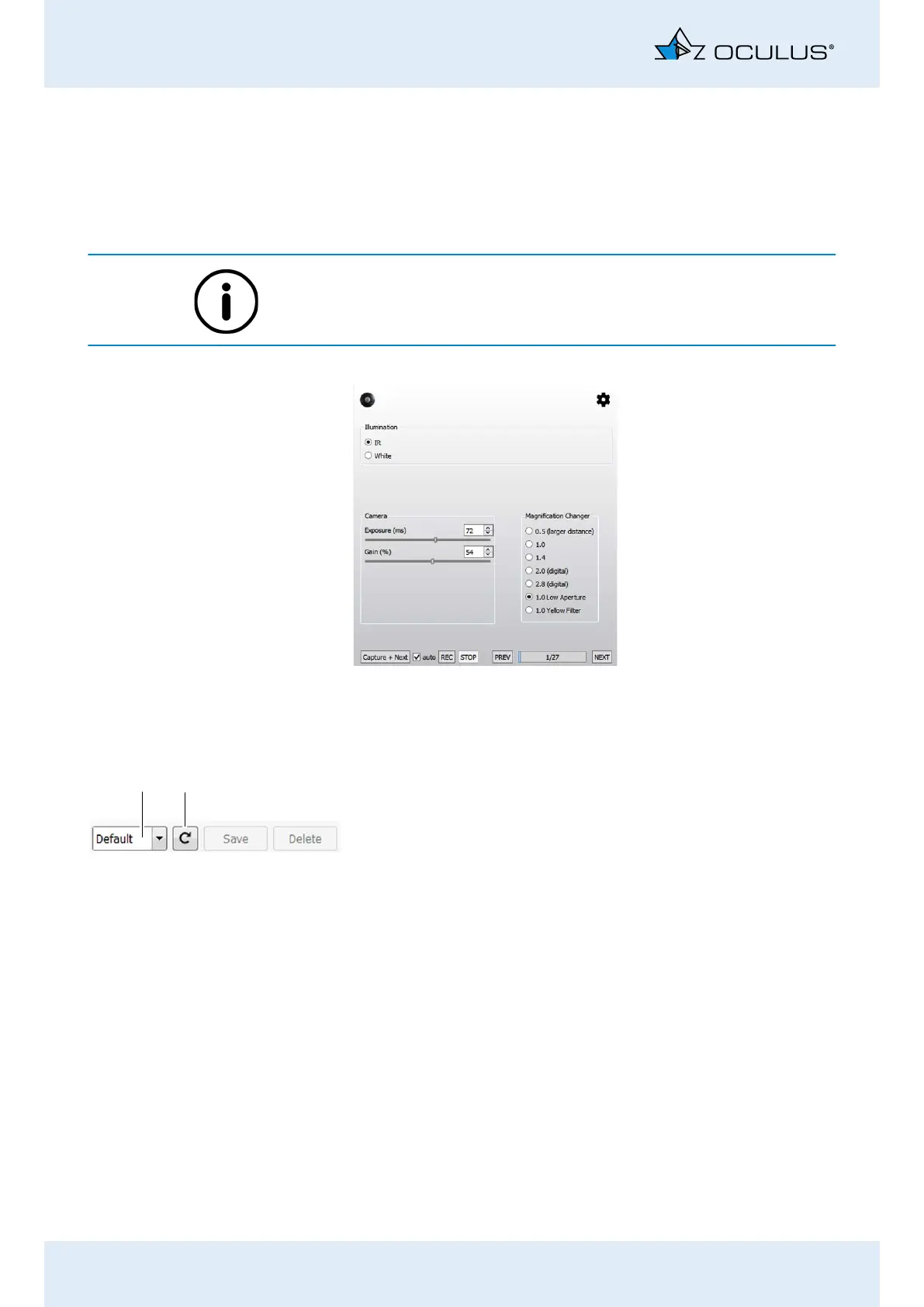
For some measurements, the [Illumination], [Magnification Changer]
and [Camera] groupboxes appear. You can set values for illumination,
magnification changer and camera. You can save the settings as a pro-
gram.
The optimal camera and illumination settings have already been preset
for the selectable measuring functions.
19.3.1 Selecting and saving settings
You can use default settings and you can save your own settings as an
image program.
Using default settings
In the drop down list select the program.
“Default”: default settings
“XXX”: your own saved settings
Using your own settings for an image program
Select the settings.
Enter the name of the program.
Press the [Save] button.
If you press the button, the image program uses the saved settings.
If you press the [Delete] button, you delete the image program. You
cannot delete the default settings.
Fig. 19-5: Camera settings
1
2



 To Next Page