13 Performing a “TF Scan” Examination
Instruction Manual Keratograph 5M (G/77000/XXXX/EN – Rev05) 45 / 106
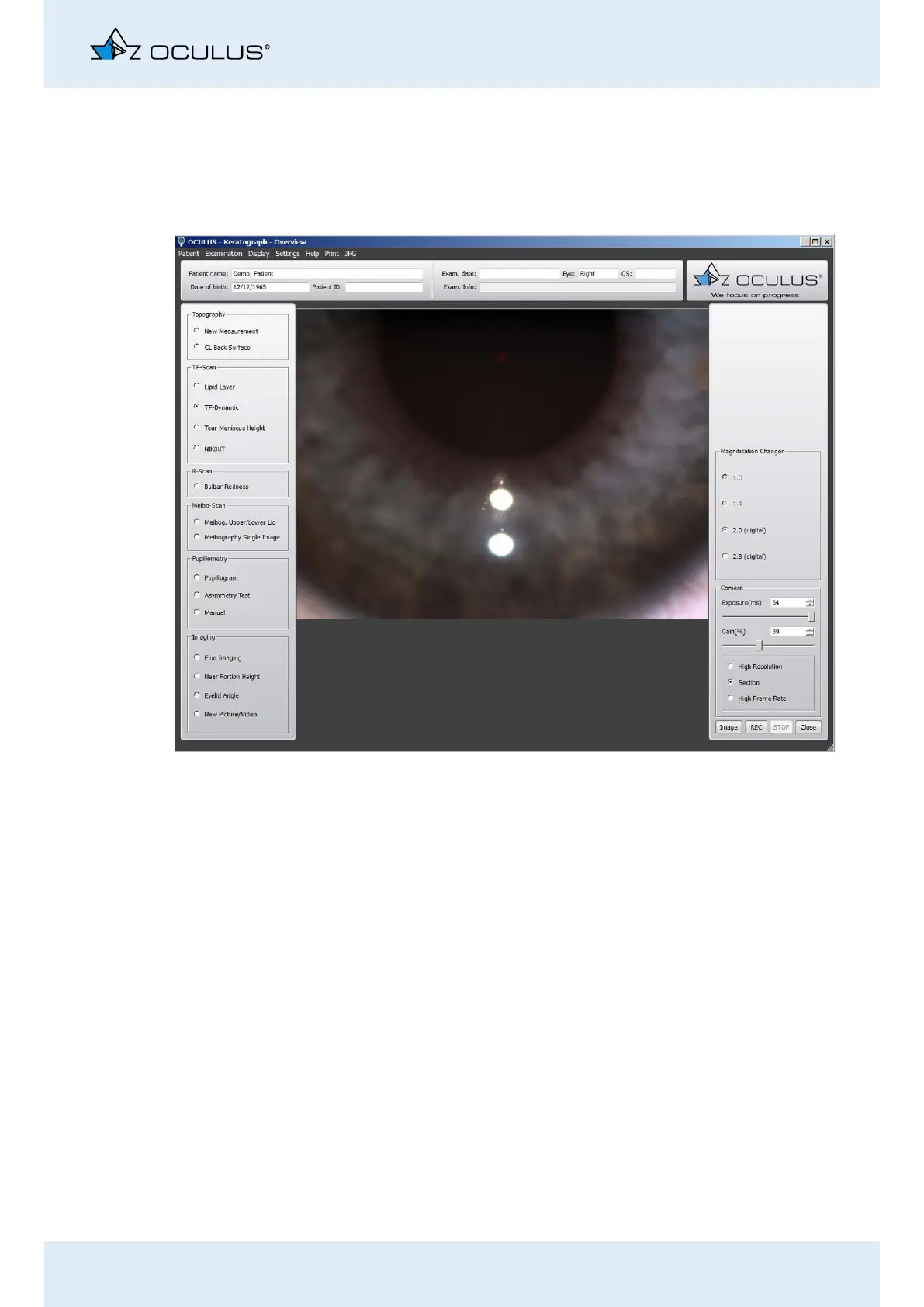
13.2 TF Dynamics Examination
With the video recording (up to 32 frames per second), you can observe
the distribution of the particles in the tear film. Based on the flow prop-
erties, inferences can be made regarding the viscosity.
Activate the [TF-Dynamic] radio button.
Adjust the camera if necessary, Chap. 17.5, page 59.
Focus the light spots. The tear film must be clearly focused.
Press the [Image] button to take a snap shot of the particles in the
tear film, or press the [REC] button to record a video. To stop re-
cording, press the [STOP] button.
Use the foot switch alternatively, (Chap. 10.10, page 36).
Recommendation: A video recording is the best way to document the
tear film dynamic.
To be able to assess the flow rate and flow properties of the tear
film, as well as the number of particles, record the video for the du-
ration of two to three eyelid blinks.
You can find instructions on the magnification changer in Chap. 17.5,
page 59
Fig. 13-3: TF Dynamics Measurement



 To Next Page