12 Contact lens back side measurement
Instruction Manual Keratograph 5M (G/77000/XXXX/EN – Rev05) 41 / 106
12.3 Measure the Back Surface of the Dry Contact Lens
Clean and dry the contact lens that is to be measured with a soft
cloth.
Make sure that there is no moisture, dust or fingerprints on the
concave inner surface.
12.4 Fixating the Contact Lens
Place the contact lens between your thumb and index finger and
carefully lay it on the surface of the water on the contact lens hold-
er.
Screw the adjusting screw of the contact lens holder out until the
contact lens sits securely in the holder.
Take care to ensure that no air bubbles are produced and that no
water gets onto the back surface that is to be measured.
12.5 Fasten the Mounted Contact Lens Holder into Place
Screw the reference sphere holder to the chin rest
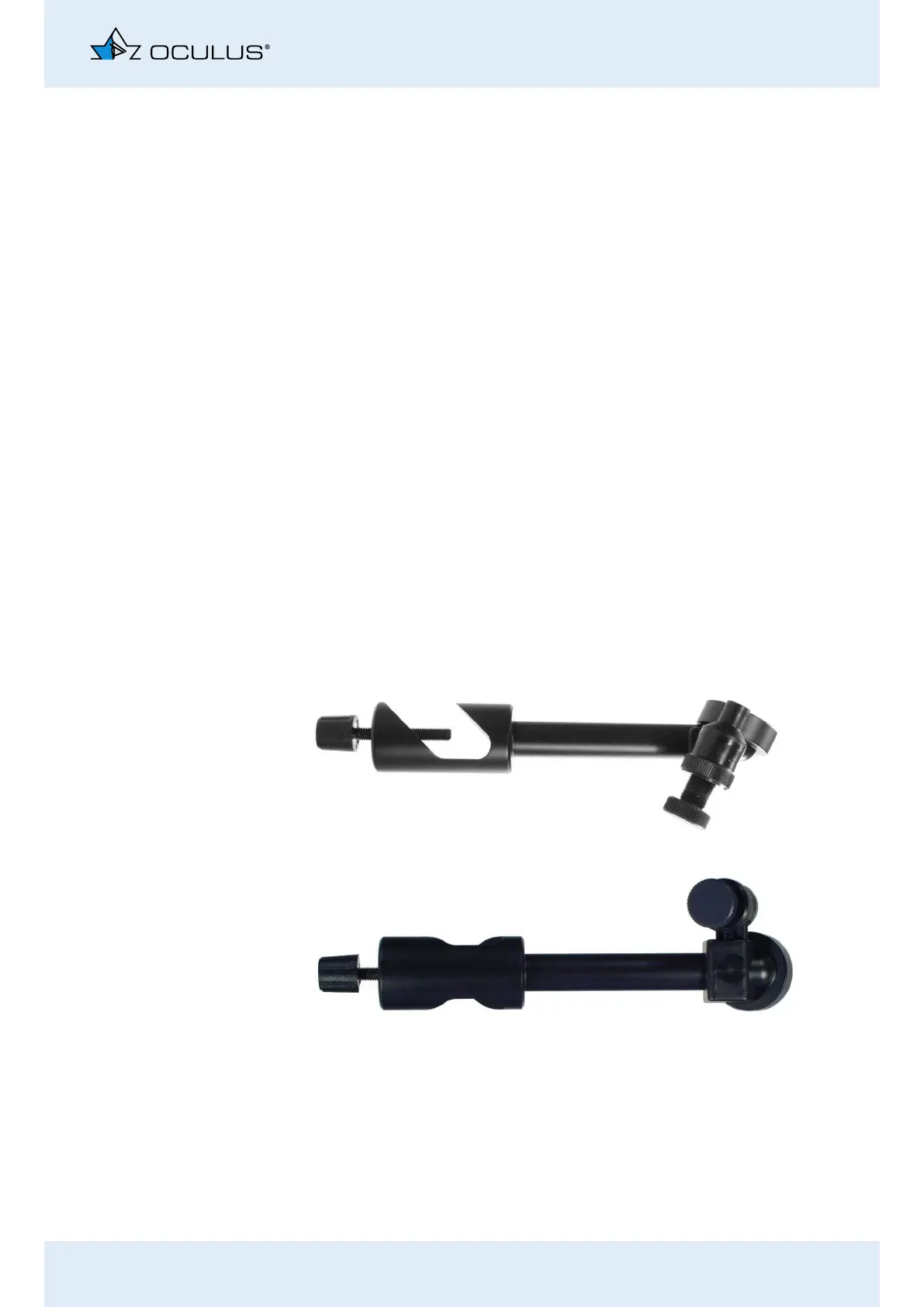
Plug the contact lens holder onto the mounting clip.
Adjust the mounting arm so that the optical axes of the contact
lens roughly coincide with those of the keratograph.
12.6 Fully assembled contact lens holder
Fig. 12-2: Assembled contact lens holder



 To Next Page