12 Contact lens back side measurement
42 / 106 Instruction Manual Keratograph 5M (G/77000/XXXX/EN – Rev05)
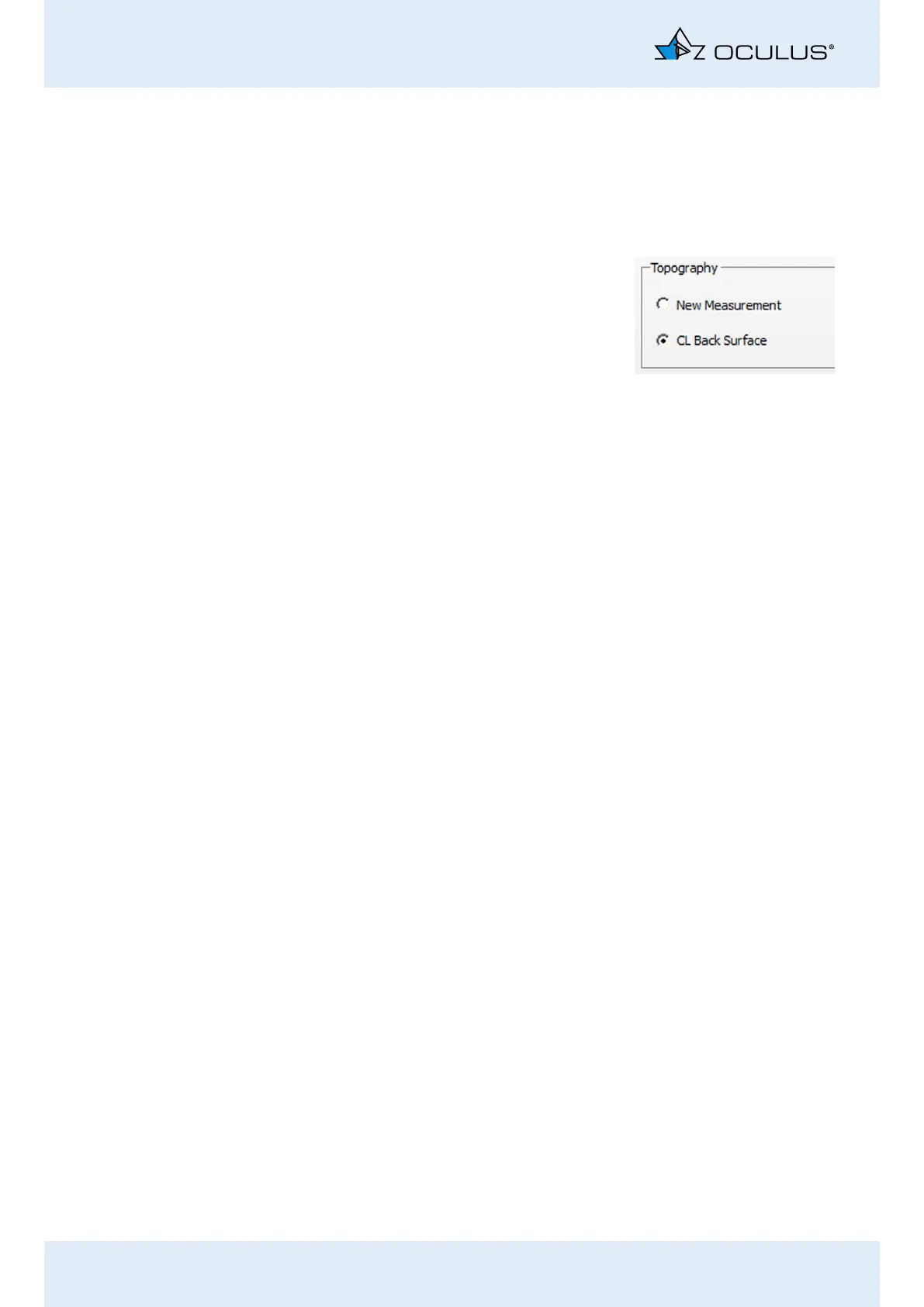
12.7 CL Back Surface
Start the Keratograph 5M software (see “10.1 Starting the
Keratograph 5M Software” on page 30).
In the [Examination] menu, select [New].
Enable the radio button [CL Back
Surface].
Measurement now takes place
in the same way as the topogra-
phy measurement (Chap. 11,
page 37).



 To Next Page