10 Fundamentals of working with the Keratograph
Instruction Manual Keratograph 5M (G/77000/XXXX/EN – Rev05) 31 / 106
10.3 Loading an Existing Examination
Select the menu item [Examination] and click [Load].
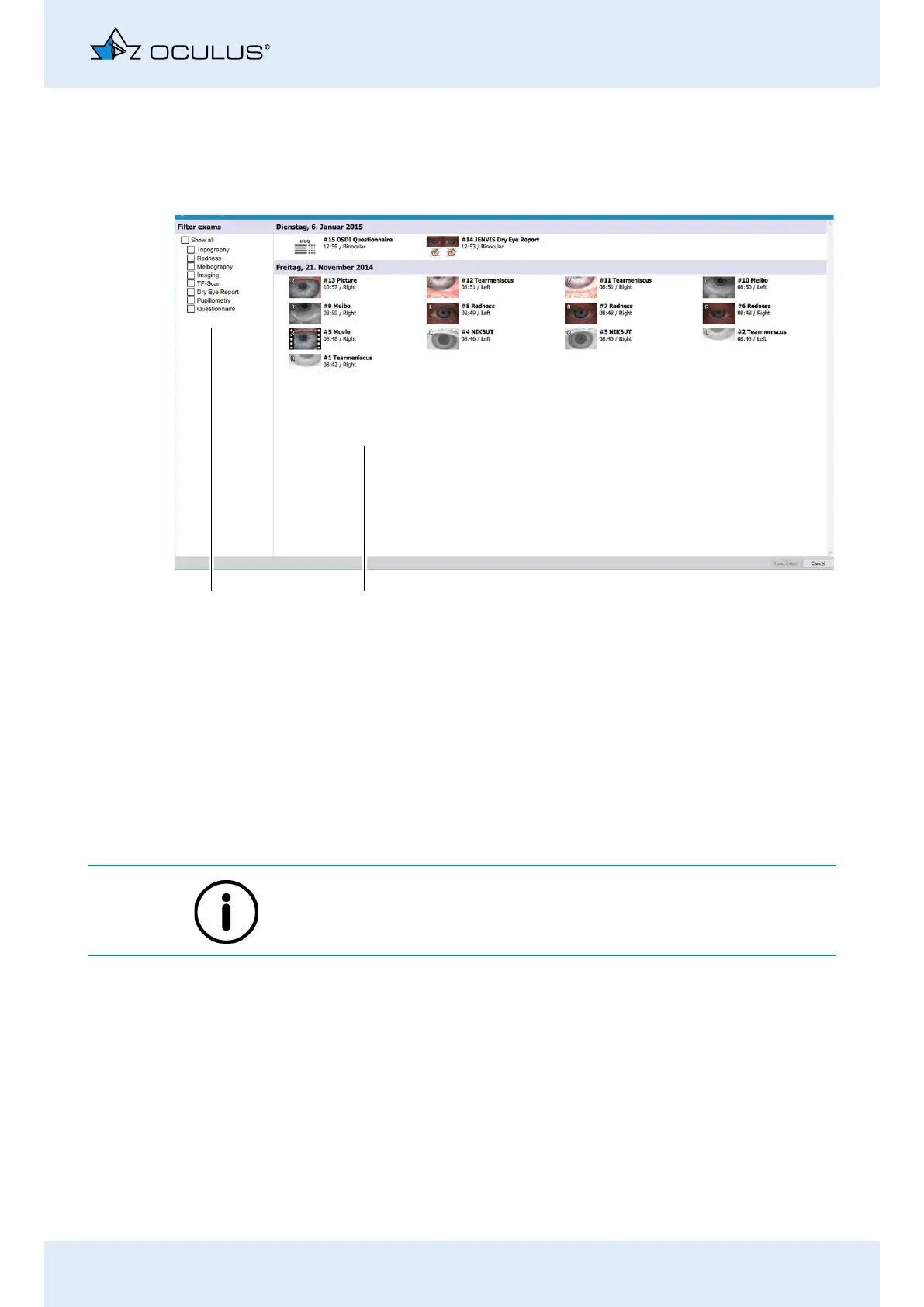
The “Examination Explorer” screen opens.
If necessary, select an examination filter, for example “Topogra-
phy”. Only the topography examinations will appear in the preview.
Select the desired examination by clicking on it.
Confirm your selection by clicking [Load examination], or by dou-
ble clicking.
The Keratograph 5M program will load the examination you have
selected.
When performing certain measurements e.g. tear meniscus height mea-
surement, you are led directly to the evaluation menu by pressing the
[Image] button.
10.4 Print Screen
Select the menu item [Print].
The Print menu appears:
Select the desired printer and enter the settings.
Press the [Seen] button.
The currently displayed screen is printed.
Fig. 10-1: Choose examination and load it.
1
2
1 Filter exams 2 Preview of examinations



 To Next Page