17 Imaging
Instruction Manual Keratograph 5M (G/77000/XXXX/EN – Rev05) 59 / 106
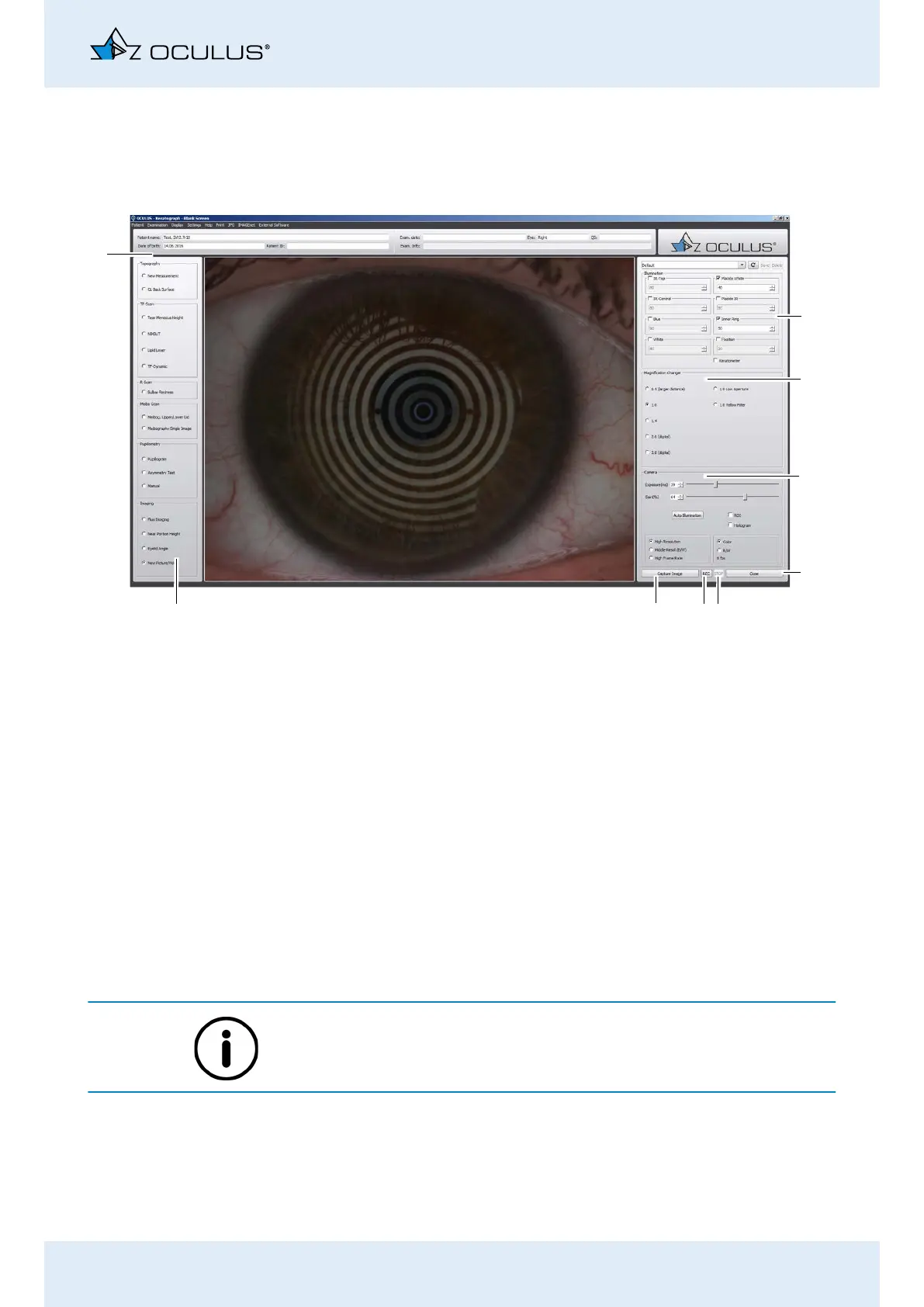
17.4 New Recording
This allows you to make additional photos and videos for image docu-
mentation.
How to adjust the camera can be found in Chap. 17.5, page 59.
17.5 Adjusting Illumination, Magnification Changer and Camera
For some measurements, the “Illumination“, “Magnification Changer“
and “Camera“ groupboxes appear. You can set values for illumination,
magnification changer and camera. You can save the settings as a pro-
gram.
The optimal camera and illumination settings have already been preset
for the selectable measuring functions.
Fig. 17-5: “New recording” overview
1
4
9
8
2
3
5
6
7
1 Illumination settings
2 Magnification changer
3 Camera settings
4 [Close] button
5 [STOP] button
6 [REC] button
7 [Image] button
8 Previous examinations
9 Examination and patient data



 To Next Page