19 Performing extended examinations: JENVIS Pro Dry Eye Report (optional)
Instruction Manual Keratograph 5M (G/77000/XXXX/EN – Rev05) 73 / 106
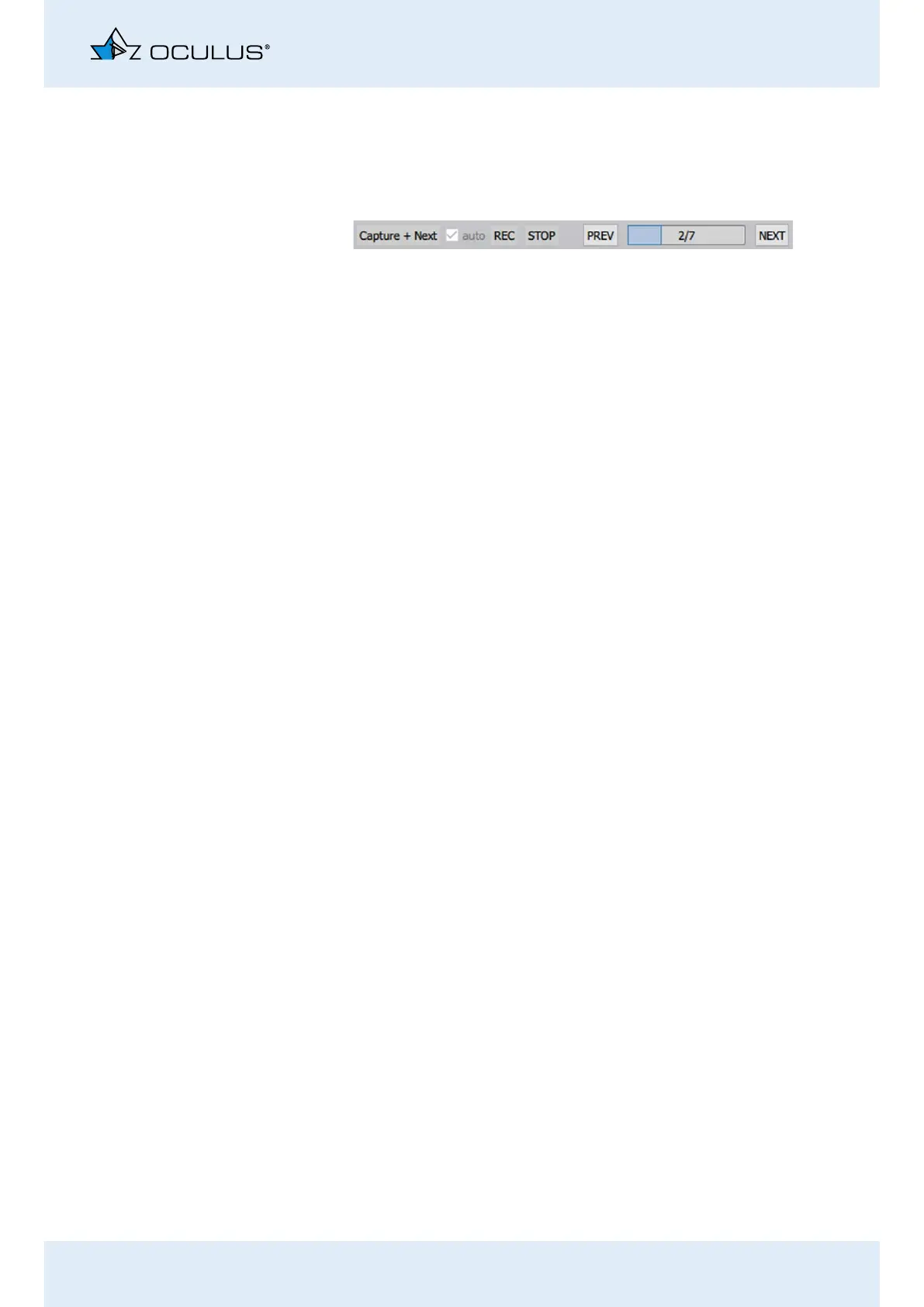
19.4.1 Buttons and Checkboxes
Start, stop or save your images or skip to the next examination step with
the following buttons.
[auto] checkbox: Changes the [Capture] button into [Capture+Next]
button.
Capture + Next: Checkbox “auto” is enabled. If you click this button the
image is captured. The software then skips to the next step in the work-
list automatically.
Image: Checkbox “auto” is disabled. Capture an image or video.
REC/STOP: You start or stop the video recording with these buttons.
Limit the duration of the recordings to maximum one minute. otherwise
the volume of data on your computer will become too extensive.
Back: With this button you start an individual recording. You can, for ex-
ample, record static fluo images.
0/50: Progress bar of the worklist
Next: Use these buttons to move on to the next step in the worklist. You
are not recording any image or video.
Fig. 19-7: Example: Displayed buttons during an examination



 To Next Page