Oki Data CONFIDENTIAL
45487001TH Rev.1
4-35 /
4. Maintenance menus
4.3.4 Functions of buttons when/after power-on
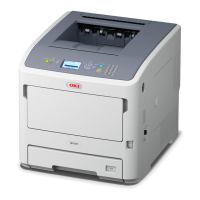
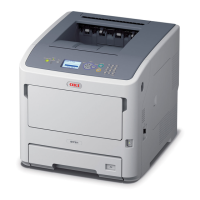
After the printer is turned on, buttons on the operator panel of B721/B731/ES7131/
MPS5501b function are described below.
(1) BACK, ENTER and ONLINE buttons for 5 seconds
Start the System Maintenance menu.
(2) BACK, ENTER and CANCEL buttons for 5 seconds
Start the Factory Maintenance menu.
When the printer is turning on, buttons on the operator panel of B721/B731/ES7131/
MPS5501b function are described below.
(3) BACK, MENU
and ENTER buttons
Ignoring all warnings and errors, start the printer, always placing it to an online
mode.
(4) ENTER button
Start the Boot menu.


 To Next Page