Basic copy operation7-2
Basic copy operation
The general procedure for making copies is described below.
1 In the home screen, press [Copy].
" When the [Start (Color)] or [Start (B&W)] key is pressed in the home
screen, the job can be copied with the defaults.
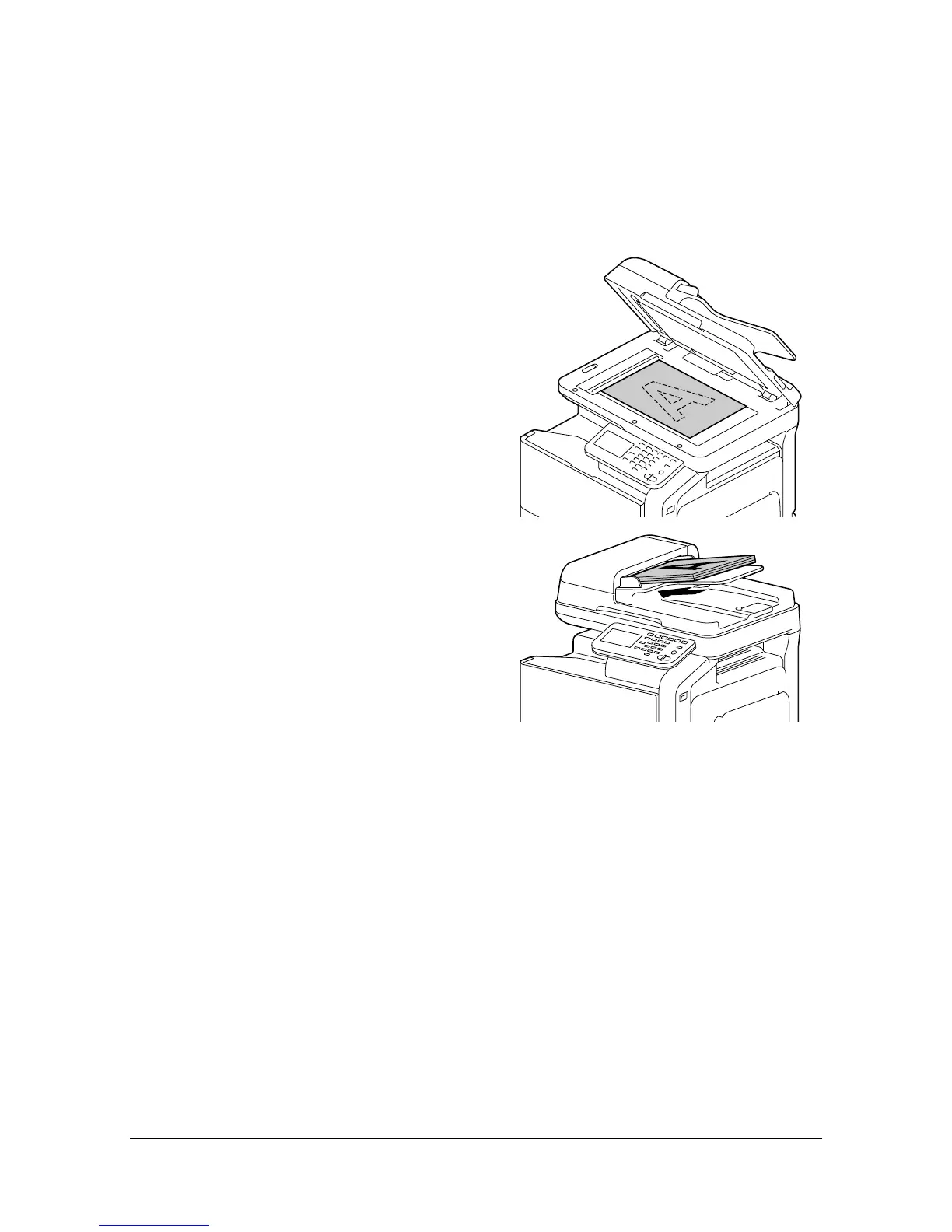
2 Place the document on the origi-
nal glass or load it into the ADF.
" For details on positioning the
document, refer to “Placing a
document on the original
glass” on page 4-36 and
“Loading a document into the
ADF” on page 4-37.
3 Specify the desired copy settings.
" For details on specifying document size settings, refer to “[Original
Size]” on page 7-4.
For details on specifying paper size settings, refer to “[Paper]” on
page 7-5.
For details on specifying zoom ratio settings, refer to “[Zoom]” on
page 7-6.
For details on specifying double-sided copy settings, refer to “[Duplex/
Combine]” on page 7-7.
For details on specifying density settings, refer to “[Density]” on
page 7-8.
For details on specifying document type settings, refer to “[Original












 To Next Page