Cleaning the machine12-10
Cleaning the Laser Lens
This machine is constructed with four laser lenses. Clean all lenses as
described below. The laser lens cleaning tool should be attached to the inside
of the tray 2.
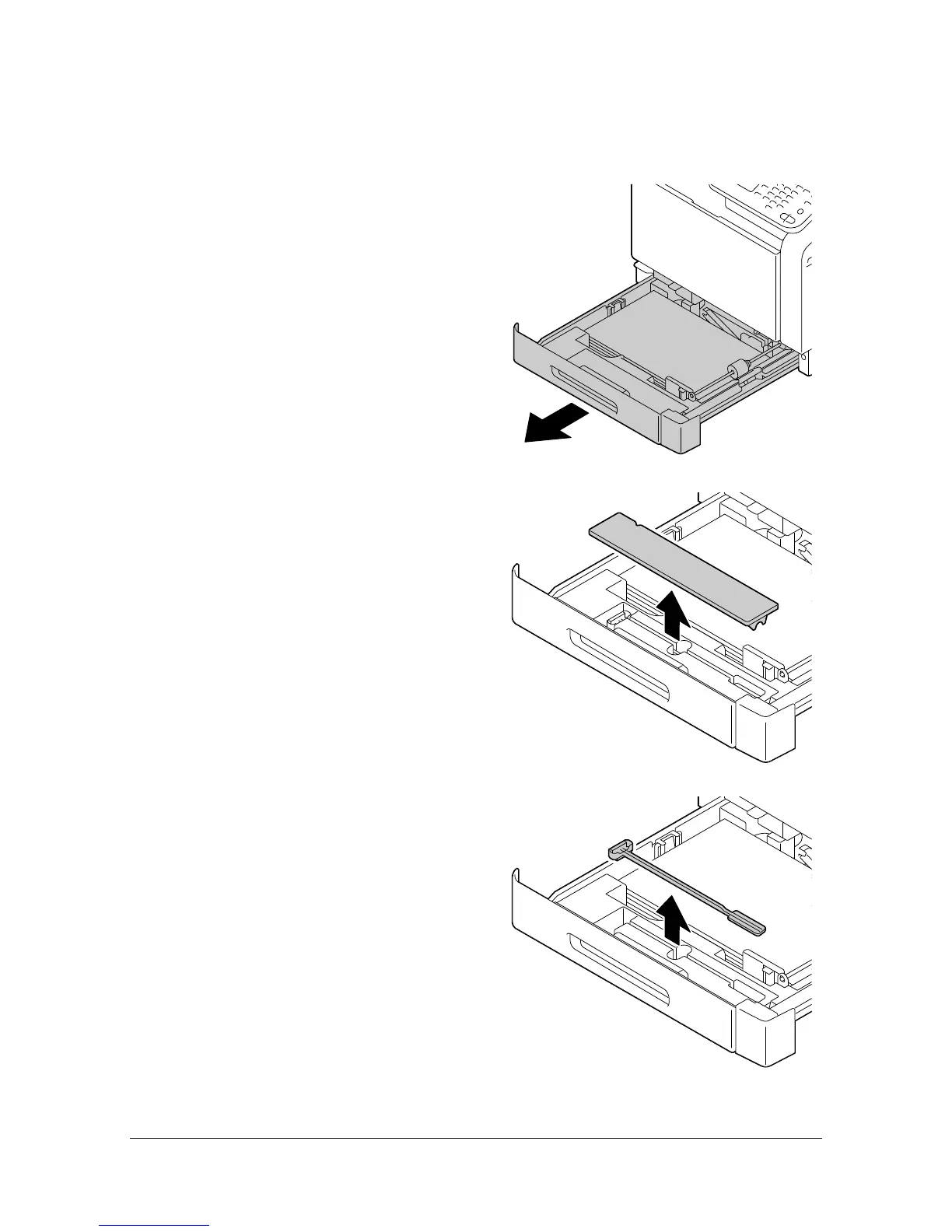
1 Pull out the tray 2.
2 Remove the cover.
" Since the cover will be used
later, do not return it to its
original position.
3 Remove the cleaning tool from
the tray 2.












 To Next Page