MicroHAWK Engine Integration Guide 14-13
Utilities
Request Master Symbol Data
Request All Master Symbol Data
Definition: Returns master symbol data for any enabled master symbols from 1 to 10.
For example, to request master symbol # 5, enter
<K231?,5>
. The reader
transmits master symbol # 5 data in brackets in the following format:
<5/>
.
If no master symbol data is available, the output will be:
<5/>
.
Serial Cmd: <K231?,master symbol number>
Caution: Be sure to add the ? or you will delete the master symbol.
Note: This command returns the number of master symbols if no number is
included.
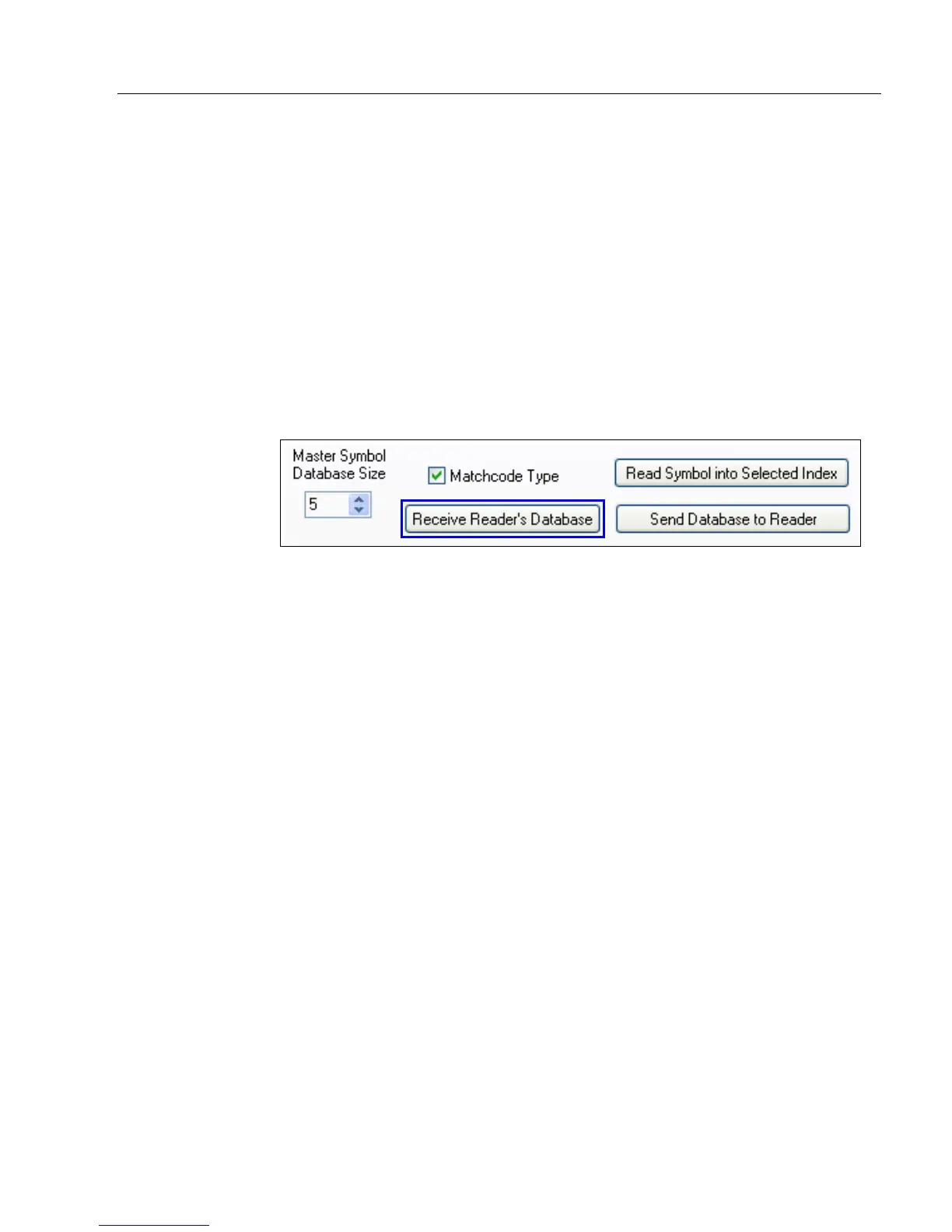
ESP: 1. Click the Utilities button and the Master Database tab.
2. Click the Receive Reader’s Database button.
Definition:
This command will return master symbol data for all symbols enabled (up to 10).
Serial Cmd: <K231?>














 To Next Page