MicroHAWK Engine Integration Guide 1-29
Quick Start
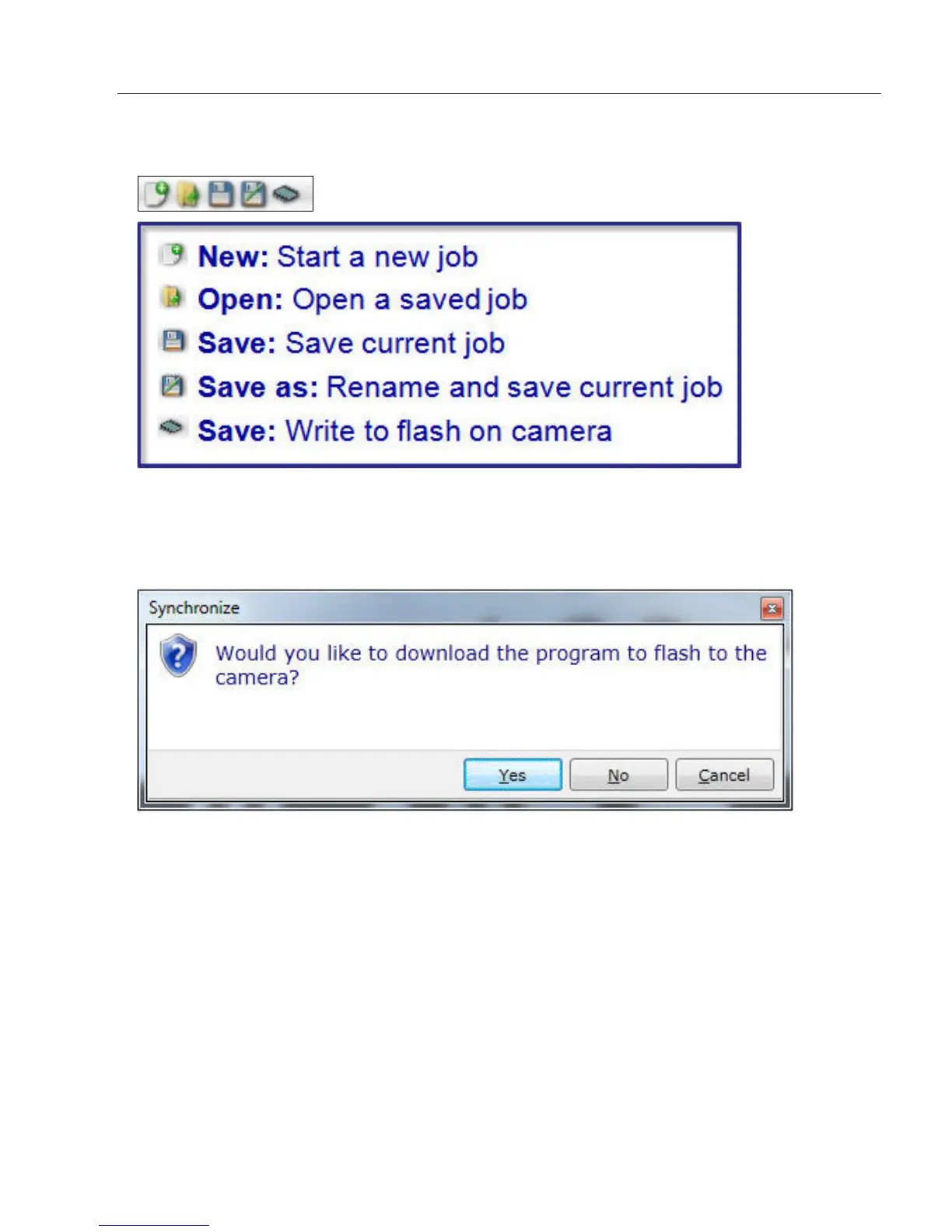
File Menu Toolbar
The available commands in the file menu toolbar include Create a New Job, Open an
Existing Job, Save Job to Disk, Save Job with a New Filename, and Save Job to
Flash. If the user selects the flash option, AutoVISION will ask if they want to download
the job to the camera before saving the job to flash.














 To Next Page