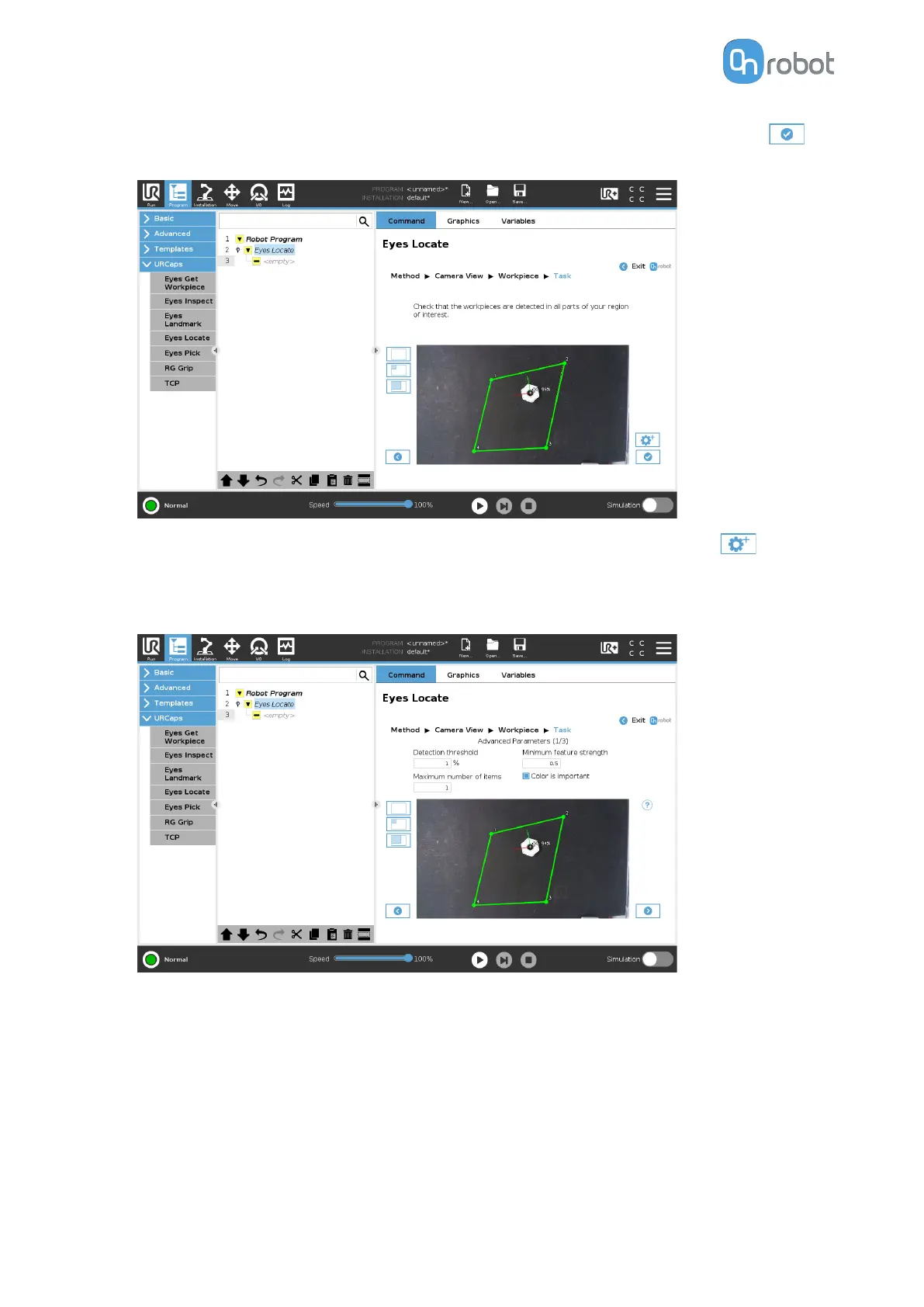
Check that the workpiece is detected in all parts of the region of interest. If so, press
and go to Finish Configuration.
•
Optionally, you can adjust the detection by using advanced parameters. Press
to go
to the advanced settings.
•
Adjust the detection by setting the Detection threshold, Minimum feature strength,
Maximum number of items, and Color is important parameters.
•
Detection threshold:
Defines the similarity value required for the detected objects to
be accepted as a valid detection. If it is set to the maximum, only exactly matching
objects will be detected by the Eyes. If it is set to the minimum, false positive results
can occur.
•
Minimum feature strength: Defines the extent to which the Eyes considers the object
edges. Low values can lead to include nonexistent features coming from image noise.
High values can lead to false negative results as some of the object features are
disregarded. See the following example to see
insucient features, good level
features, and excessive/noisy features.
OPERATION
58


 To Next Page
 Loading...








