NOTE:
The osets are applied in the non-rotated frame of the detected workpiece.
For this reason, it is more intuitive to adjust the picking osets first, and the
picking orientation afterwards.
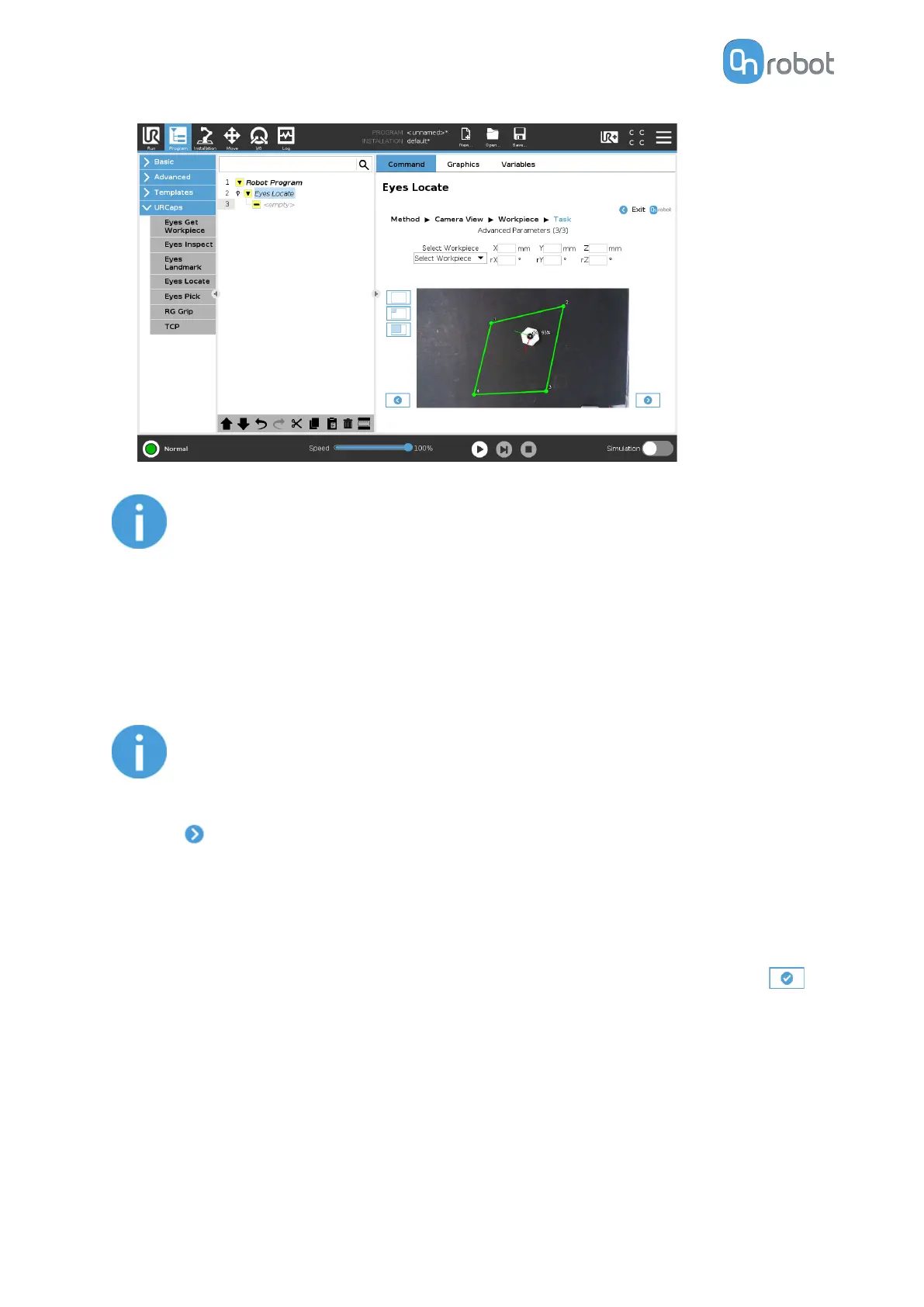
You can adjust the region of interest, which is marked by a yellow rectangle in the image.
To change the region of interest, adjust the corners by clicking and dragging each of the
points to its new position. The green region moves first, then the yellow follows, indicating
that you successfully changed the region of interest.
NOTE:
Each workpiece is stored with the camera view that was used to define it.
Sorting can only be done between workpieces with the same camera view.
•
Press
and go to the first page of Task Using Detection by the Workpiece's Inner
Features.
II/4.3 Task Using Detection by the Workpiece's Outline
•
You can see the detected workpieces with axes and the workpiece number in the camera
feed.
Check that the workpiece is detected in all parts of the region of interest. If so, press
and go to Finish Configuration.
OPERATION
60


 To Next Page
 Loading...








