•
Background sensitivity: This parameter makes the task detect the workpieces that are
more similar in color to the background. Use the parameter with care as the greater its
value is, the less robust the detection is to lighting changes and shadows. The eect
can be seen in the textured zone in the image feed, which indicates the foreground.
•
Detection Height: This parameter ensures that only objects inside of a given height
range from the camera view plane will be detected as possible workpieces. Use the
parameter when detecting tall workpieces, so that only the top part is used to compute
the position of the workpiece. Increase the robustness to disturbances like shadows or
reflections, as these usually appear at camera view plane level. It is recommended to
have a range large enough to allow variations in the height of the workpieces. The
eect can be seen in the textured zone in the image feed, which indicates the
foreground.
•
Press .
•
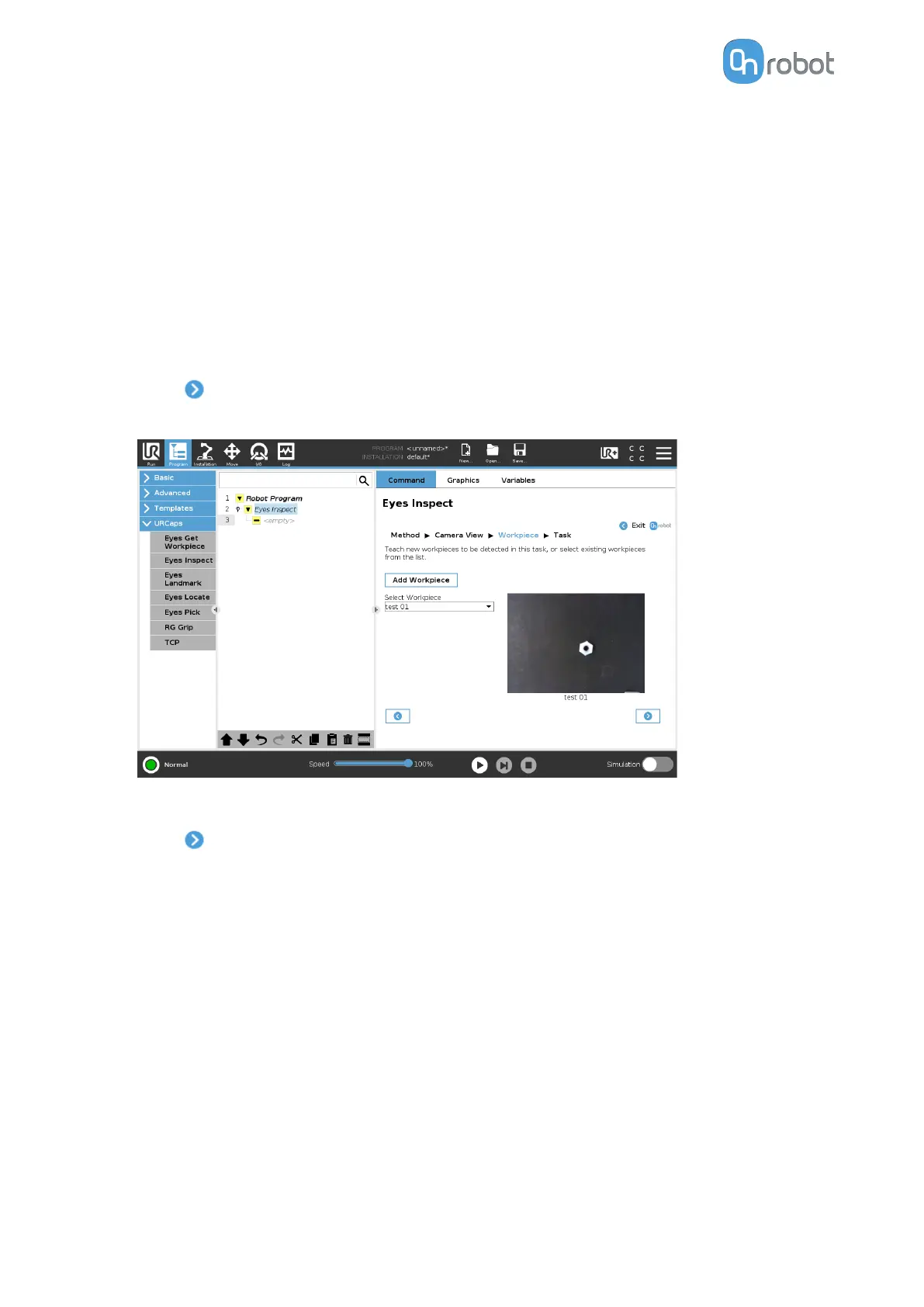
The workpiece and its settings are shown on the page.
The process can be repeated to teach more workpieces.
•
Press .
If the selected method is by workpiece's inner features, go to Task Using Inspection by
the Workpiece's Inner Features.
If the selected method is by workpiece's outline, go to step Task Using Inspection by the
Workpiece's Outline.
II/4. Task
The task can be set up to detect one or several types of workpieces.
II/4.1 Task Using Inspection by the Workpiece's Inner Features
•
You can see the detected workpieces in the image view with their axes.
Check that the inspected workpiece is inside the region of interest and set Edge
dierence tolerance, Color dierence tolerance, Minimum edge strength, and
Maximum defect size parameters.
OPERATION
76



 To Next Page