7-4 Operator’s Manual – OPTI CCA-TS
7 DIAGNOSTICS AND TROUBLESHOOTING
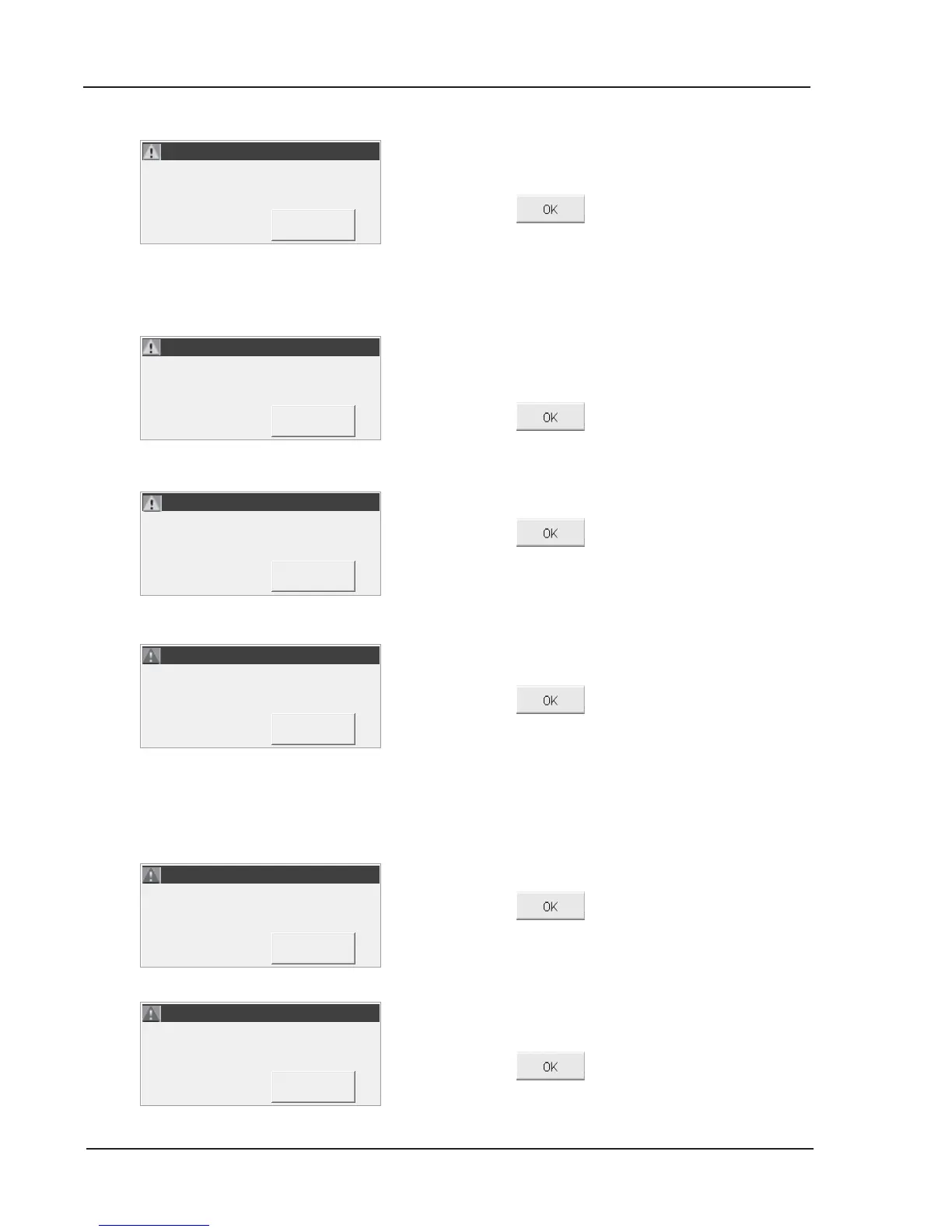
A bubble was detected at the light gates.
• Remove the cassette.
• Press to continue.
• Examine the cassette and look for bubbles.
If bubbles are present over a sensor, rerun the
patient or QC sample.
This display only appears once prior to the three
month expiration of the tHb Calibration and acts as a
reminder to run the tHb Calibrator.
• Press to continue.
The number of secure users (operator IDs) stored in
memory equals 300.
• Press
to continue.
• Delete unused Operator IDs from memory
(See Section 3.3.3.1.3).
If Patient ID, Operator ID and/or Accession No. is
required and not entered, this error will be displayed.
• Press
to edit the patient data and add
the required information. A new printout will be
given with the required information.
NOTE: If the required information is not entered,
results will be displayed and printed out,
however, the system will not return to
<Ready>.
Two or more measured parameter sensors are bad.
• Press
, discard the cassette and repeat
the test with a new cassette.
A sample error has occurred. This may be due to a
clot or blockage preventing sample aspiration.
• Press
and discard cassette.
WARNING! - Bubble Detected.
WARNING! - Bubble Detected.
WARNING! - Hb Calibration
WARNING! - Hb Calibration
ERROR! - No Patient ID Entry.
ERROR! - No Patient ID Entry.



 To Next Page