Operator’s Manual – OPTI CCA-TS 7-5
7 DIAGNOSTICS AND TROUBLESHOOTING
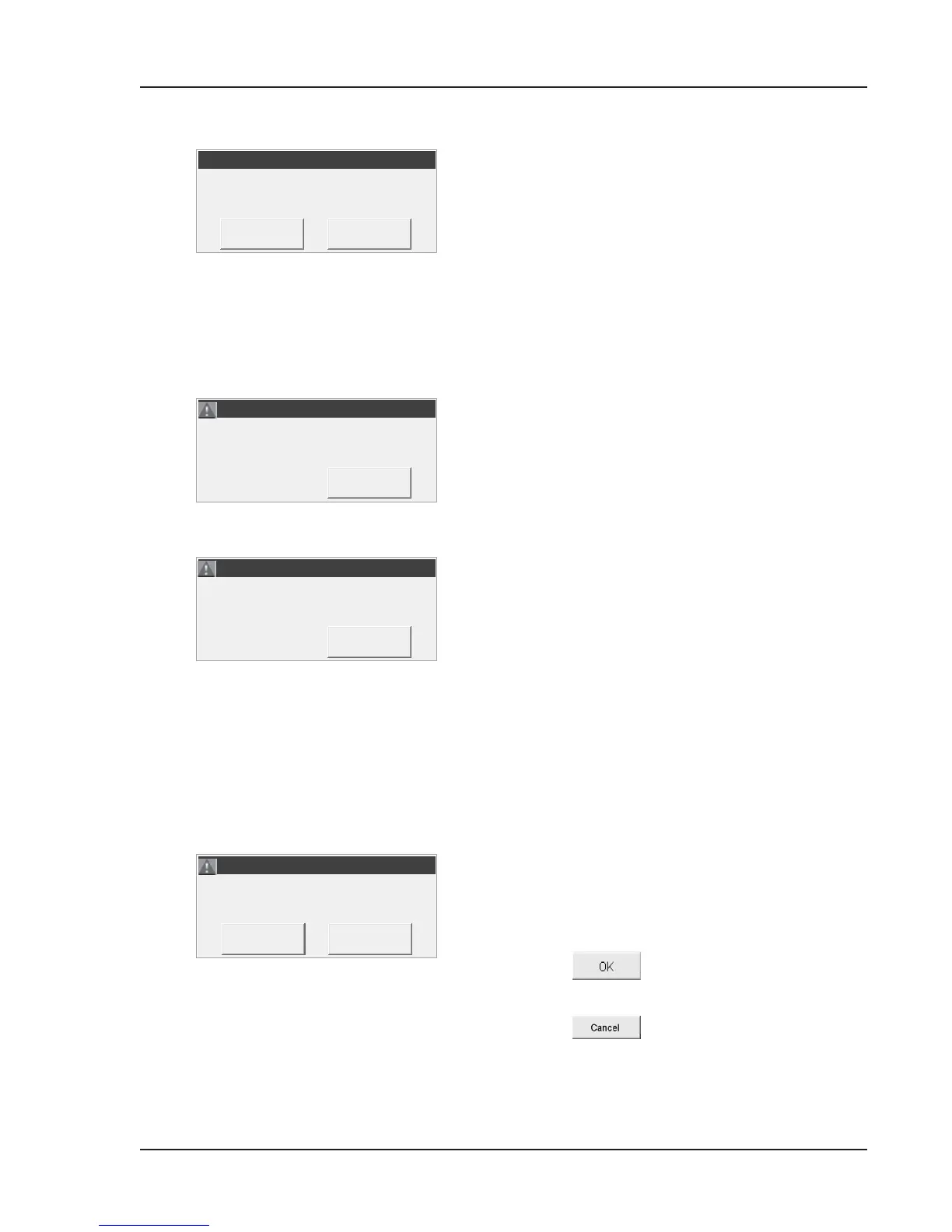
This error message appears when the reproducibility
of the OPTI Check controls during the lactate setup
procedure is out of range.
• Re-run scalar setup procedure. Make sure to
aspirate the OPTI Check directly from the
ampoule.
• Re-run the scalar setup using a different lactate
cassette lot.
• Call Technical Support.
An incorrect cassette type or lot was scanned in
during lactate setup.
• All cassettes used during lactate setup must be
the same lot number.
• Make sure the cassette type is B-Lac.
The gas bottle has expired or you have used an
invalid bar code.
NOTE: The gas bottle expires 9 months after
installation or after exceeding the labeled
expiration date, whichever comes rst.
• Check the gas bottle label. Make sure it is for
this particular gas bottle and the expiration date
has not been exceeded. If expired, insert a new
gas bottle.
•
Check proper date setting in
<System ->Time and Date>.
The cassette was not properly placed into the
chamber or it was previously used.
• Open the SMC cover.
• Reinsert the cassette and verify proper seating.
• Press
to continue.
OR
• Press to return to the <Ready>
display and retry after installing a new cassette.
ERROR! - Lactate Setup Failed!
ERROR! - Lactate Setup Failed!
ERROR! - Wrong/Different Lot.
ERROR! - Wrong/Different Lot.
ERROR! - Cassette Misseat 1.
ERROR! - Cassette Misseat 1.



 To Next Page