7-6 Operator’s Manual – OPTI CCA-TS
7 DIAGNOSTICS AND TROUBLESHOOTING
The cassette was not properly placed into the
chamber or it was previously used.
• Open the SMC cover, remove and reinsert the
cassette and close the cover. Optionally, tap
the cassette rmly on the tabletop to dislodge
bubbles.
OR
• Press to use a different cassette.
Make sure to wipe the new cassette dry before
inserting it into the SMC.
• If the message still appears with a different
cassette, turn the power off and wait 30 seconds.
Then turn the power back on and retry.
The cassette was not properly placed into the
chamber or it was previously used.
• Press
, discard the cassette and repeat
test with a new cassette.
• If the message still appears with a different
cassette, turn the power off and wait 30 seconds.
Then turn the power back on and retry.
The cassette or its packaging is defective.
• Press
, discard the cassette and repeat
test with a new cassette. Make sure to wipe
the new cassette dry before inserting it into the
SMC.
• If the message still appears with a different
cassette, turn the power off and wait 30 seconds.
Then then turn power back on and retry.
The instrument did not calibrate due to problems
with the cassette or instrument.
• Press
, discard the cassette and repeat
the test with a new cassette.
• If the message still appears with a different
cassette, turn the power off and wait 30 seconds.
Then turn the power back on and retry.
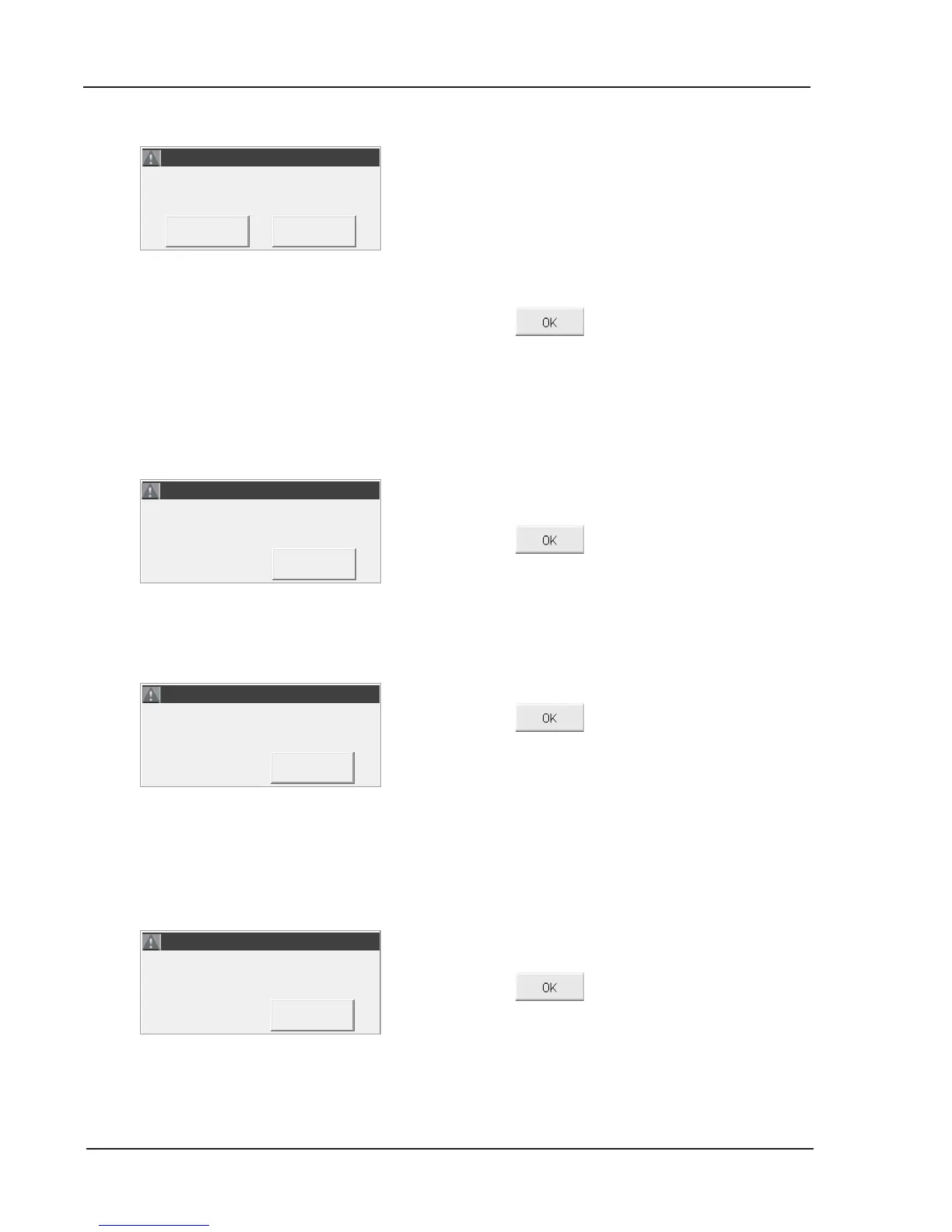
ERROR! - Cassette Misseat 2.
ERROR! - Cassette Misseat 2.
ERROR! - Cassette Misseat 2.
ERROR! - Cassette Misseat 2.
ERROR! - Bad Calibration.
ERROR! - Bad Calibration.



 To Next Page