Operator’s Manual – OPTI CCA-TS 7-7
7 DIAGNOSTICS AND TROUBLESHOOTING
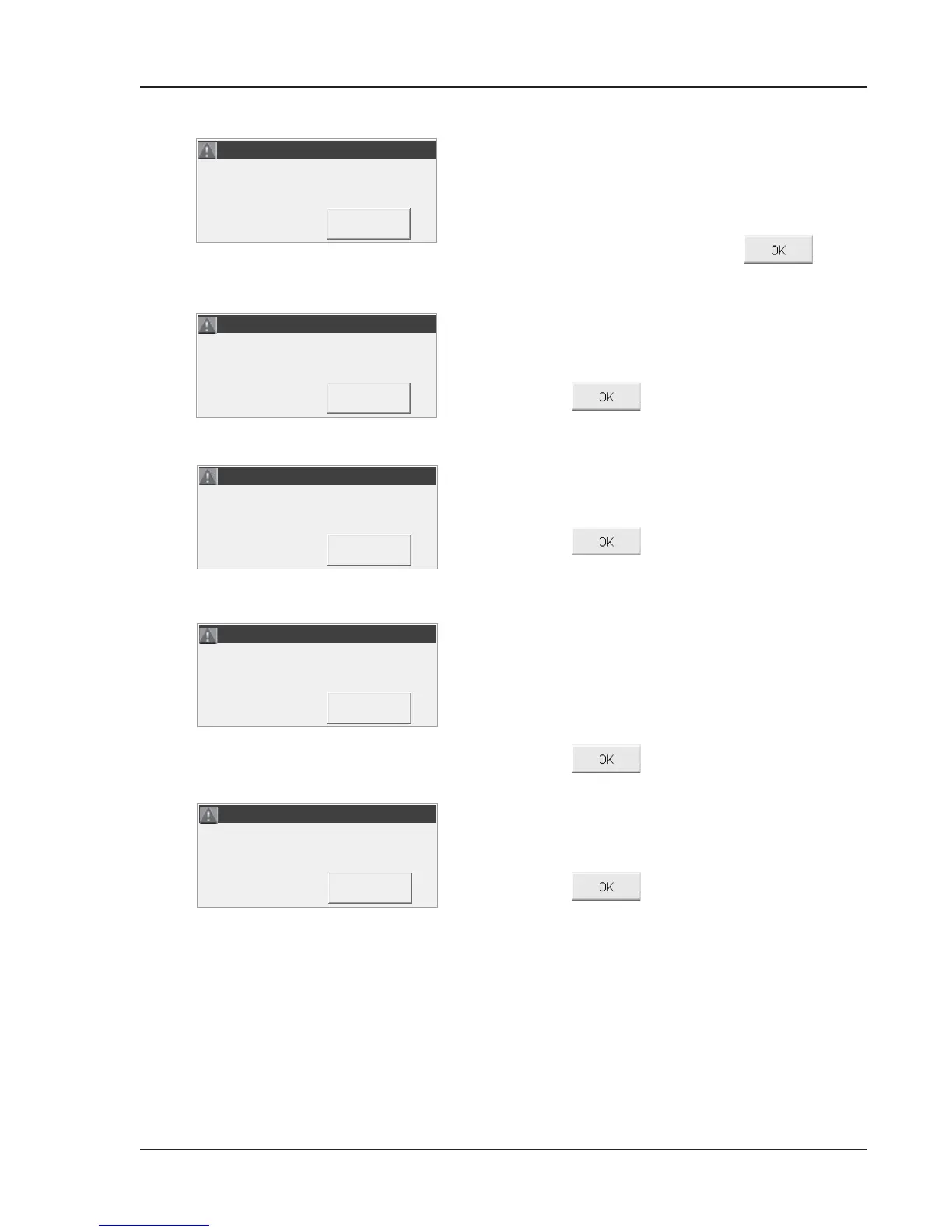
The optics or cassette are dirty.
• Remove the cassette. Inspect the cassette and
optics on bottom and top plate.
Clean, if necessary.
• Reinsert the cassette and press
to
rerun the test.
The cassette has been holding the calibration for
more than 10 minutes without a sample being
attached.
• Press
and discard the cassette.
A sample error has occurred. This may be due to a
clot or large air bubble if two or more sensors are
unstable.
• Press
and discard the cassette.
• Check the sample and rerun with a new cassette.
The system was not able to aspirate enough
contiguous sample uid to cover the optode sensors
after multiple aspiration attempts. If a bubble
was detected, the system attempted to restart the
aspiration and was not able to aspirate enough
sample.
• Press
, and discard the cassette.
The bar code was invalid. The OPTI CCA-TS either
misread the bar code label or it is an invalid bar code
for the OPTI CCA-TS.
• Press
to retry.
• If the error message appears again, check the
product package for intended use.
• Check the bar code scanner (see Section 7.2.11).
• Clean the bar code scanner. Using a lint-
free cloth dampened with a dilute alcohol or
ammonia-based cleaner, gently wipe the face of
the scanner clean.
• Retry the bar code.
ERROR! - Calibration Expired.
ERROR! - Calibration Expired.
ERROR! - Unstable Sensors.
ERROR! - Unstable Sensors.
ERROR! - Invalid Barcode.
ERROR! - Invalid Barcode.



 To Next Page