7-8 Operator’s Manual – OPTI CCA-TS
7 DIAGNOSTICS AND TROUBLESHOOTING
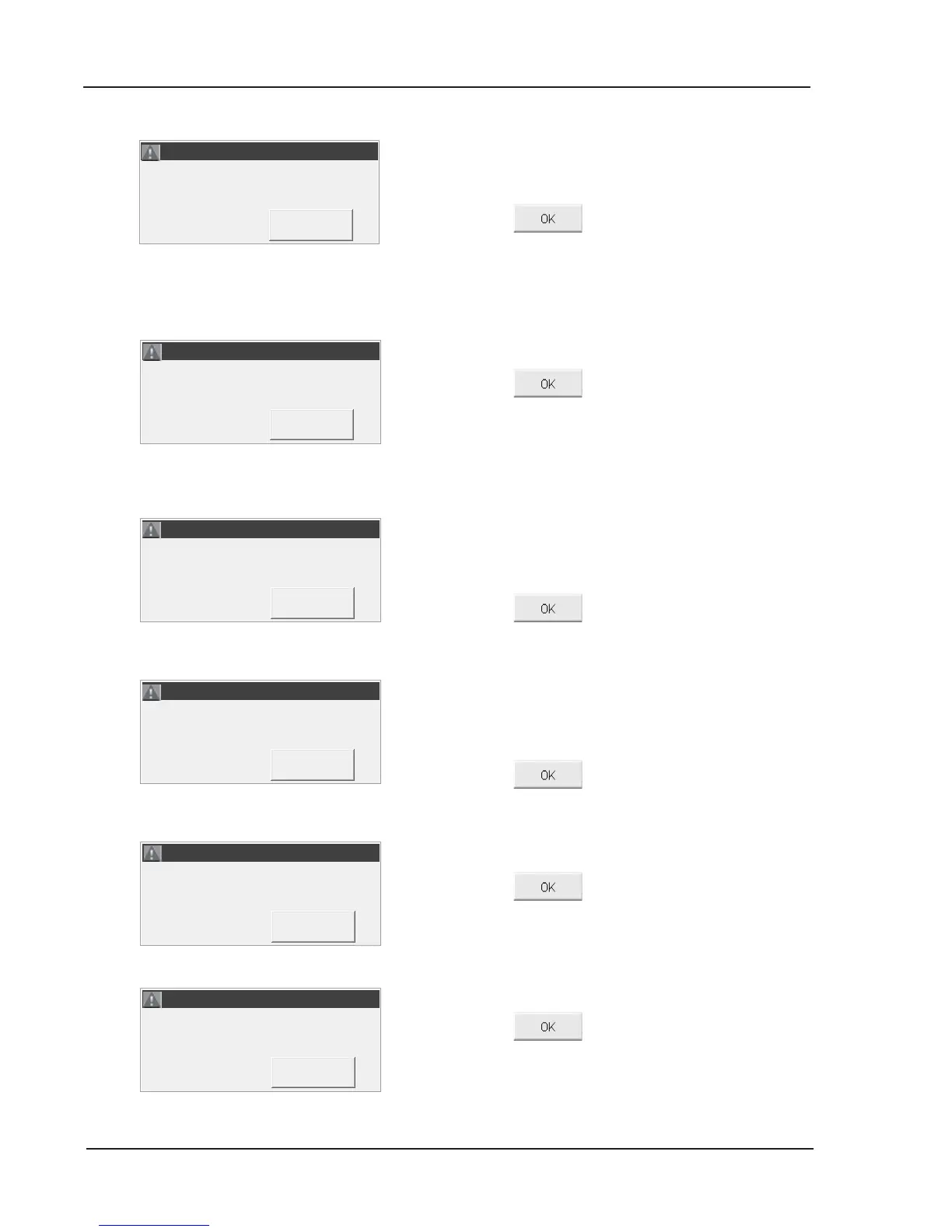
The bar code was invalid. The OPTI CCA-TS either
misread the bar code or the product (i.e. gas bottle,
cassette or SRC) has expired.
• Press
to retry.
• If the error message appears again, check the
date in <System ->Time and Date>.
• Verify the product expiration date.
The cassette expiration date has been reached.
• Press
to retry.
• If the error message appears again, check the
date in <System ->Time and Date>.
• Verify the product expiration date.
The bar code was invalid.
• Verify that <Scan A> and <Scan B> of the QC
material is from the same level and lot number.
• Press
to continue.
The cassette placed in the SMC is invalid.
• Verify that the cassette placed in the SMC is a
valid tHb calibrator.
• Press
to continue.
The QC lot is invalid.
• Press
to continue.
• Congure the control material under <Setup>
and retry.
The SRC type is invalid.
• Press
to continue.
• Remove the SRC.
• Congure the SRC data in <Setup> and retry.
ERROR! - Invalid Barcode.
ERROR! - Invalid Barcode.
ERROR! - Expired Barcode.
ERROR! - Expired Barcode.
ERROR! - Invalid Barcode.
ERROR! - Invalid Barcode.



 To Next Page