Operator’s Manual – OPTI CCA-TS 2-9
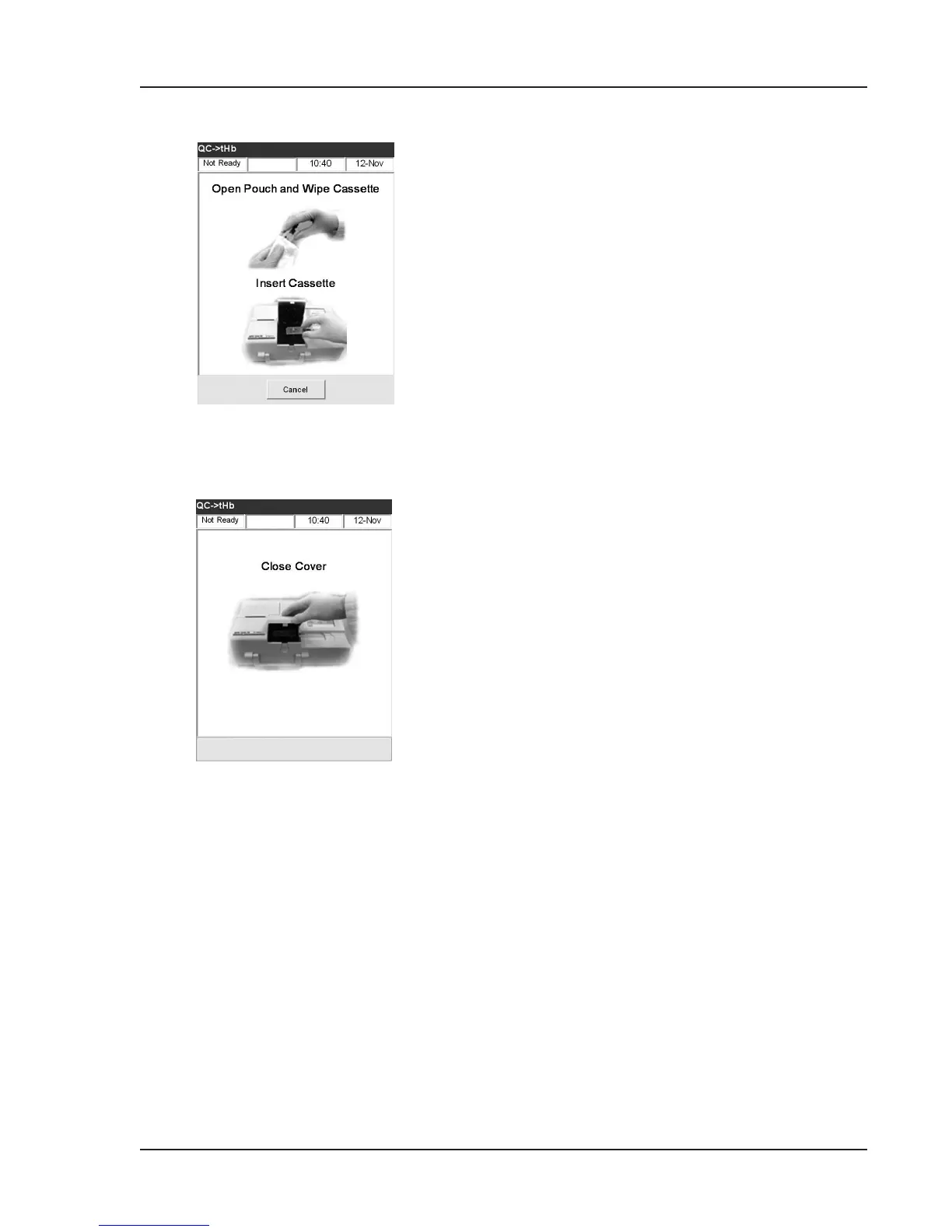
• Gently wipe both sides of the Calibrator
Cassette with a clean dry cloth and examine
it to ensure it is clean. Insert it into the
chamber and press down to properly seat the
cassette (Fig. 2-19).
• Close the sample chamber cover (Fig. 2-20).
Fig. 2-20 Close Cover
Fig. 2-19 Wipe and Insert Cassette



 To Next Page