2-8 Operator’s Manual – OPTI CCA-TS
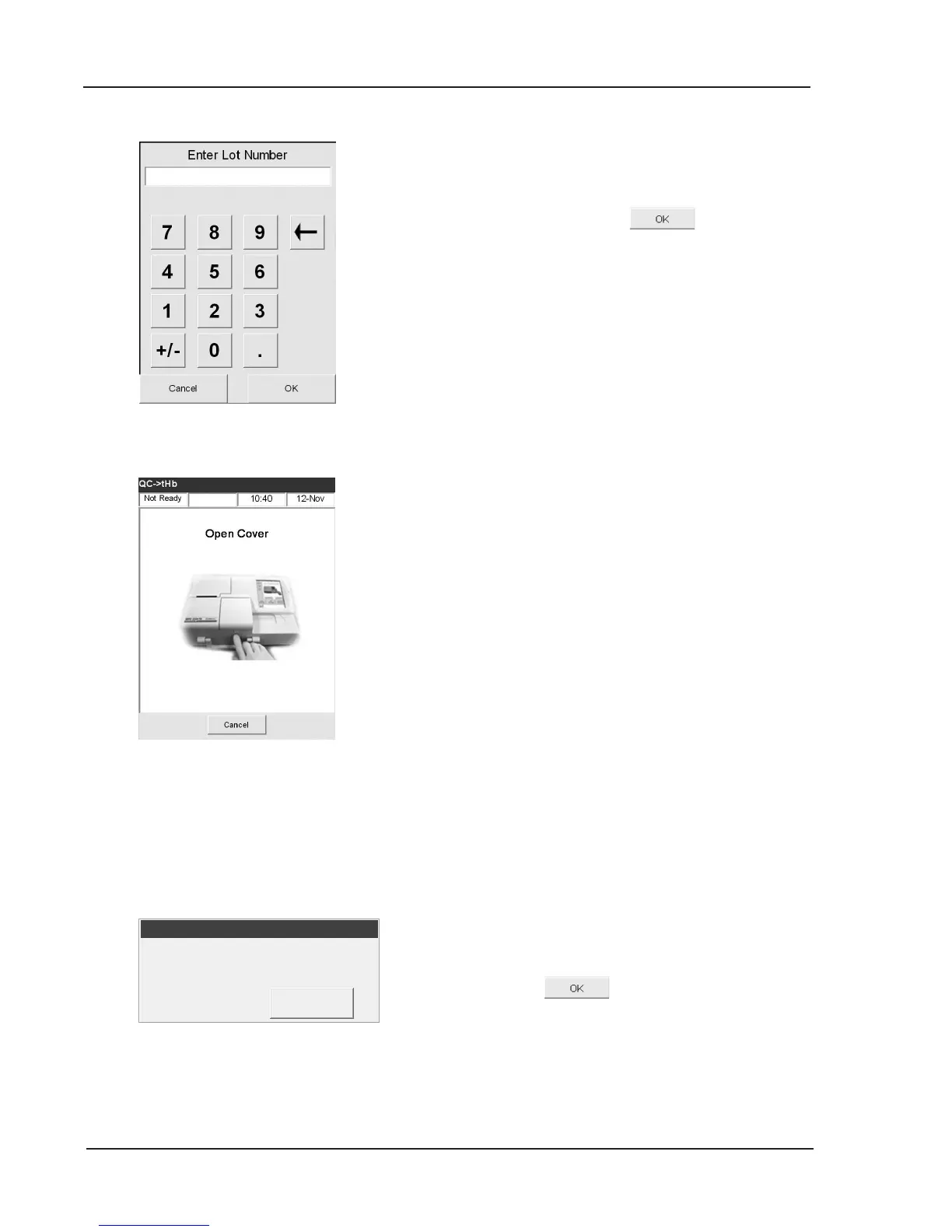
• Enter the lot number of the Calibrator
cassette located on the top surface of the
cassette and press
(Fig. 2-16).
• At the prompt open the SMC cover by
pressing the button (Fig. 2-17).
• Gently clean the optics window and the
inside top cover of the sample chamber with
a soft lint free cloth (Fig. 2-18).
Press
.
Fig. 2-18 Clean Optics and
Inside of Cover
Fig. 2-17 Open Cover
Fig. 2-16 Enter Lot Number



 To Next Page