Operator’s Manual – OPTI CCA-TS 5-7
5 SAMPLE HANDLING AND PATIENT TESTING
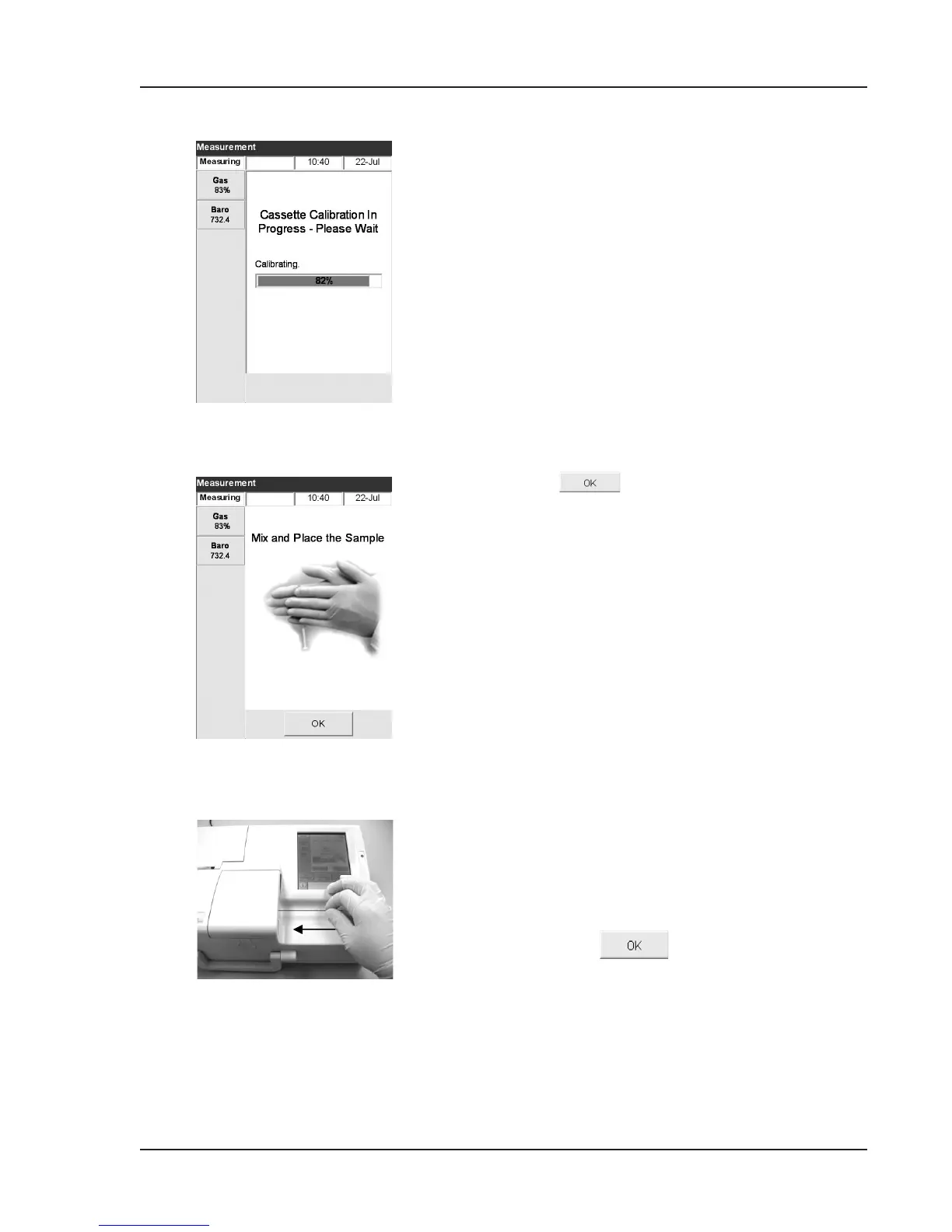
5. The system will now check the integrity of the
cassette and then calibrate (Fig. 5-7). For more
information about calibration, please refer to
Chapter 4 “Calibration and Quality Control”.
NOTE: The OPTI CCA-TS will hold calibration
for 10 minutes for all cassette types except
B-Lac. B-Lac cassettes will hold calibration
for 2 minutes. The OPTI CCA-TS will beep,
warning you when only 1 minute remains
on the calibration. After this time elapses,
a message will be displayed to discard the
cassette.
NOTE: If tHb and SO
2
have been disabled (see
Section 3.3.2.2), you may attach the sample
at any time during calibration and press
.
The sample will then be automatically
aspirated after calibration and the
measurement will begin.
6. After the successful calibration the status light
will stop blinking, and the display will prompt
you to mix and place the sample (Fig. 5-8).
Mix the syringe sample well by rolling it
between the palms of your hands and inverting
end over end.
• Sedimentation of blood cells causes
alteration of tHb
values. Therefore mix the
sample well just prior to analysis.
7. Using a capillary, a syringe and adapter, or
ComfortSampler, attach the sample to the
cassette llport (Fig. 5-9 and Fig. 5-10),
and press
.
Fig. 5-9 Attach Capillary
Fig. 5-8 Mix and place sample
Fig. 5-7 Cassette Calibration



 To Next Page