5-8 Operator’s Manual – OPTI CCA-TS
5 SAMPLE HANDLING AND PATIENT TESTING
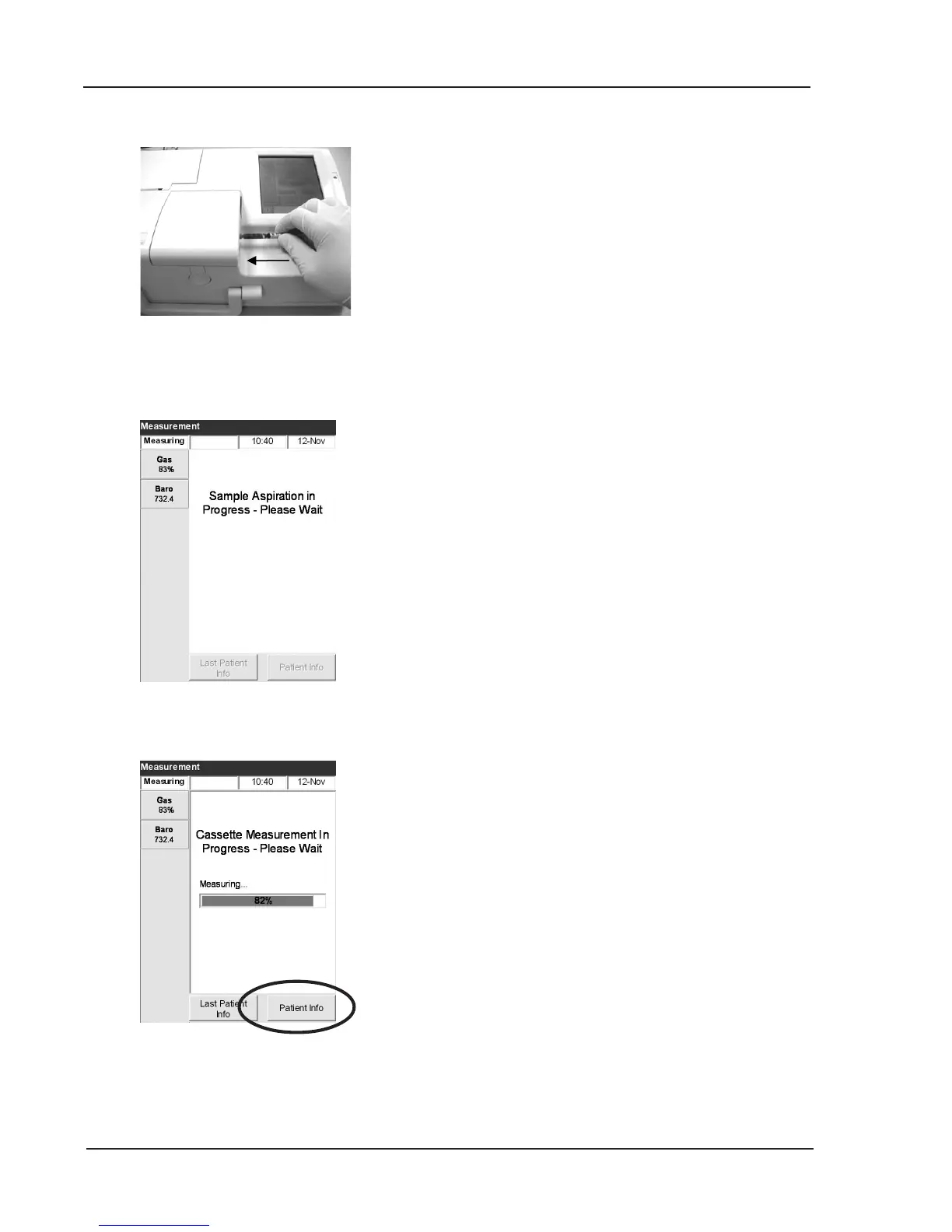
Fig. 5-10 Attach Syringe Sample
• When using a syringe, make sure the red
syringe adapter is not touching the syringe
plunger.
WARNING:
Do not inject the sample!
It will be automatically aspirated.
• The sample will then be aspirated
(Fig. 5-11).
• Next the sample is measured. During the
measurement the status light is blinking and
a progress bar is displayed (Fig. 5-12).
Do not open the cover of the sample
measurement chamber during the
measurement. If you do, the cassette and the
sample must be discarded.
8. To enter patient information while measurement
is in progress, press <Patient Info> (Fig. 5-12).
Fig. 5-12 Sample Measurement
Fig. 5-11 Sample Aspiration



 To Next Page