Chapter 3 - How to...
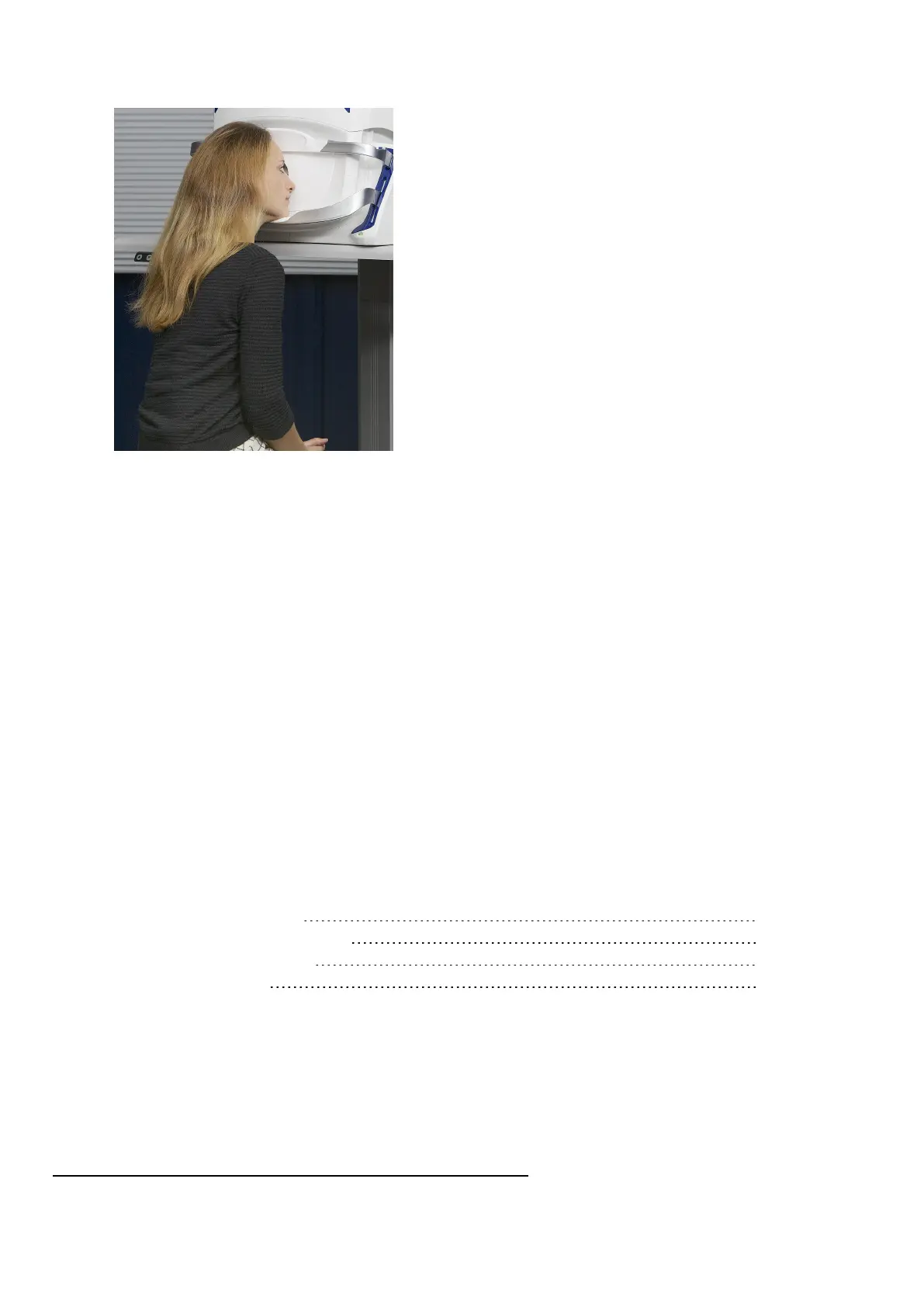
FIGURE 8: Aligned patient
5.
After they are comfortable, ask the patient to remain still to allow you to adjust the scan head to the
correct alignment position. The alignment colors seen by the patient are also shown on the touch
screen.
6.
Adjust the alignment. The alignment target will change to green when the scan head is the correct
distance from the patient's eye. If the target turns red the scan head is too close. If the target turns
blue the scan head is too far away.
l When aligning the patient the center of the cross hairs should be close to the center of the
pupil as possible.
l In some instances you may choose to capture an image when the patient is aligned to the
blue or red target. If the patient has an IOL
1
or small pupils you may choose to capture when
the target is red. If the patient has very large pupils you may choose to capture when the
target is blue.
l
You can make adjustments using the hand control, see Using the hand control on page33.
7.
The z alignment co-ordinates are shown. Ideally these should be as near to zero as practical,
depending on the patient being imaged.
8.
Capture the required image modality from the following list:
Capturing instructions
How to capture SLO images 39
How to capture eye steered images 40
How to capture stereo images 40
Capturing OCT images 43
1.
Intraocular lens
Page 38 of 75 Part Number: G108707/8GME
English Copyright 2018, Optos plc. All rights reserved.



 To Next Page