Chapter 3 - How to...
3.4.5 Managing connections
The ability to edit network settings is restricted to System Administrators.
If there are any connection problems ask your System Administrator to review your settings and where
necessary contact your Optos representative for instructions on how to proceed, see Contact us on page71.
3.4.6 Quality checks
Your system automatically runs specific checks during start up and shut down.
3.4.6.1 Self-tests
Each time the system starts it runs a series of self-tests. If any problems are identified please follow the on-
screen instructions and take appropriate action or contact your Optos representative, see Contact us on
page71.
3.4.6.2 Status indicator
The status of the scan head is identified using different colored lights on the status indicator. For more
information see System parts on page23.
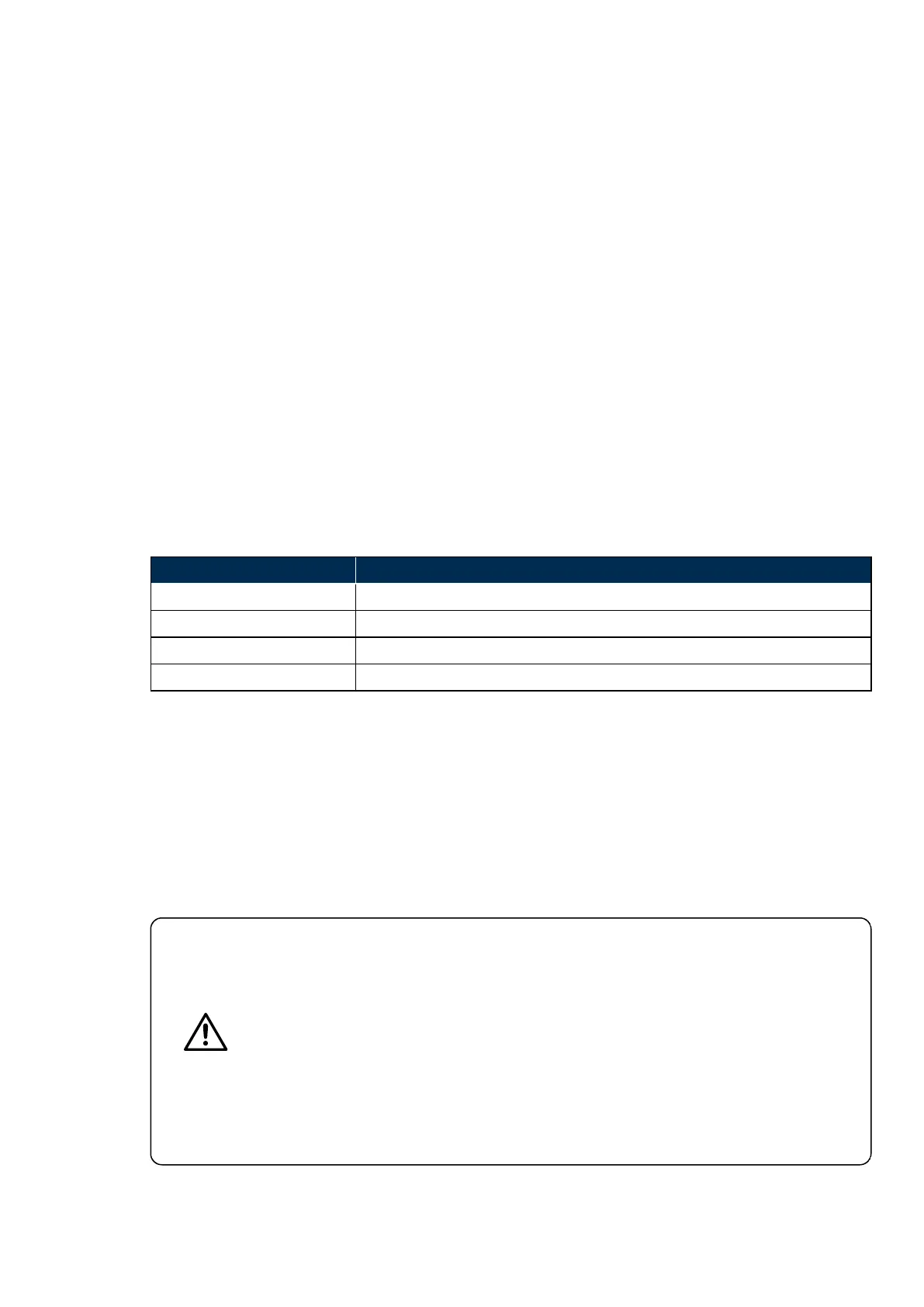
TABLE 5: List of status indicator lights
Status color Description
White Switching on and running self-tests
Green Ready for use
Yellow System error
Blue System in standby mode
3.4.6.3 Software update
Each time your scan head shuts down it will check for software updates.
Please allow up to 15 minutes for the update to complete. You will be instructed when it is safe to switch off.
Do NOT accept updates when you are about to image a patient.
3.4.7 Maintenance
User maintenance is restricted to cleaning and visual checks for external damage.
CAUTION
Your device will be installed by Optos trained personnel. Do NOT operate the device until
they have completed the installation and training.
Your Optos representative will configure the settings when the device is installed. These
settings should NOT be changed in the course of normal operation.
Please consult your Optos representative before changing the settings.
Do NOT remove the scan head covers. Only Optos trained technical personnel are
permitted to service the device.
The scan head weighs 40 kg (89 lbs). This requires two people to lift or carry the unit.
You should be aware of your contractual obligations before disposing of any equipment.
Part Number: G108707/8GME Page 55 of 75
Copyright 2018, Optos plc. All rights reserved. English



 To Next Page