Chapter 3 - How to...
3.2.8 Capturing OCT images
Depending on the features available on your device, you may be able to capture OCTimages.
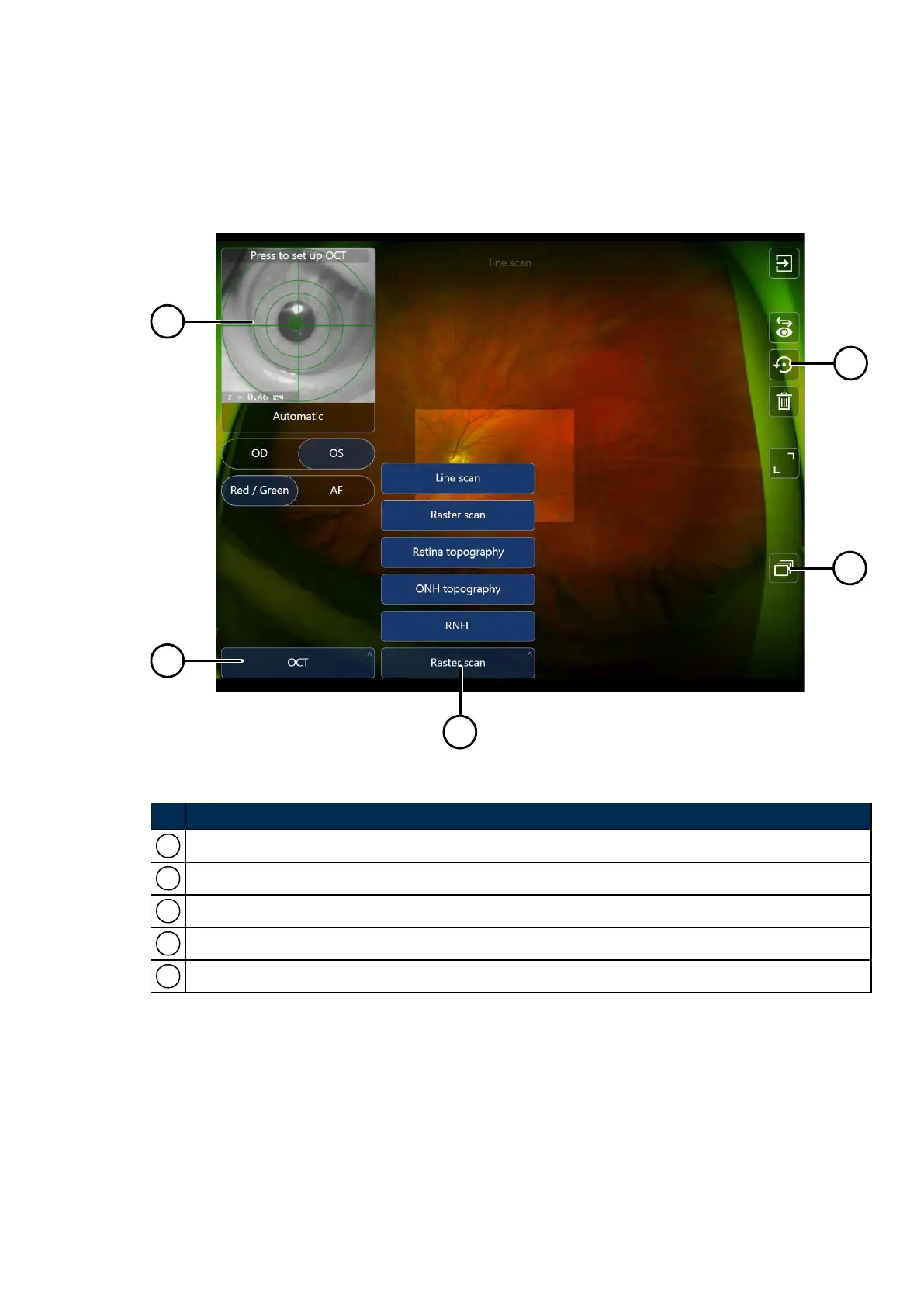
Select OCT and then the OCT scan type.
FIGURE 11: List of OCTscan types
No. Description
1 Live external view.
2 Primary scan type selector.
3 OCTscan type options.
4
Save and recapture.
5
Image Browser displays all the captured images and scans.
Part Number: G108707/8GME Page 43 of 75
Copyright 2018, Optos plc. All rights reserved. English



 To Next Page