V–16
5) Error Data Display (Level 2)
During error log code display, pressing the SET (S007) key for one second or more activates the error data
display at that time.
Example:
— Pressing the SET (S007) key →
Pressing the SET (S007) key again for one second or more, or when there are no operations for 10 minutes,
returns to the normal display.
Example:
— Pressing the SET (S007) key →
Data is displayed by selecting with the UP (S005) and DOWN (S006) keys.
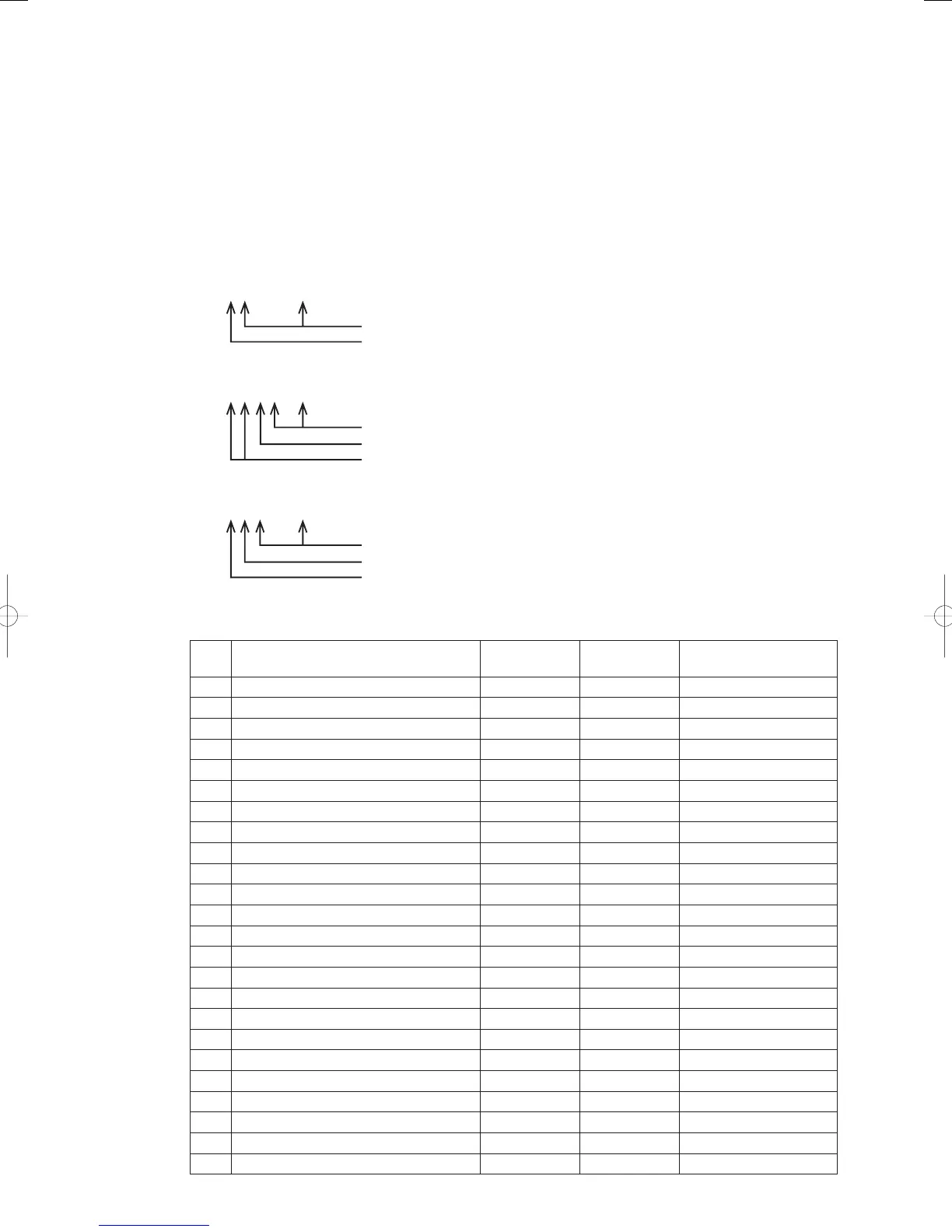
Data display example
Outdoor unit data
Beyond this point is data
Data code
Indoor unit data
From the second point is data.
Up until the second point is data code.
Up until the fi rst point are indoor unit numbers.
Data from 5, 10 and 15 seconds before is identifi ed as follows.
From the second point is data.
Up until the second point is data code.
Up until the fi rst point is identifi cation of data R5, b10 and C15 seconds before.
The data displayed is as follows:
● Outdoor Unit Data
Data
code
Data name Unit
Display
examples
Remarks
None Date of malfunction YYMMDD
April 01, 2012
None Time of malfunction HHMMSS
08:19:41
1Engine operation time Hr
12,345 hours
2Engine operation count Times
2,345 times
3 Starter operation time Seconds
234 seconds
4 Starter operation count Times
1,345 times
5
6
7
8 Clutch 2 time
2,000 hours
9 Clutch 2 count
200 times
A
b
c
d
E
F
G
H
i
J
K
L
n
GHPtroubleshooting.indbV‒16GHPtroubleshooting.indbV‒16 2012/11/2611:20:192012/11/2611:20:19















 To Next Page