V–42
Date Display: No. 11 (Level 0) <
>
Display of the current date
Key operation is used to display the time and set the date.
1) Date display (Level 0)
Displays the date.
Example:
(Example: April 1, 2012)
2) Date display (Level 1)
In the date display mode, pressing the SET (S007) key activates the next display.
Example:
(Example: April 1, 2012)
In this state, pressing the UP (S005) and DOWN (S006) keys toggles between the dates and time displays.
Display Function
↑DOWN
↓UP
Date display
Time display
3) Clock setting (Level 2)
In the date display or time display mode, pressing the SET (S007) key for one second or more activates the
clock setting function.
Example:
(Example: Year 2012)
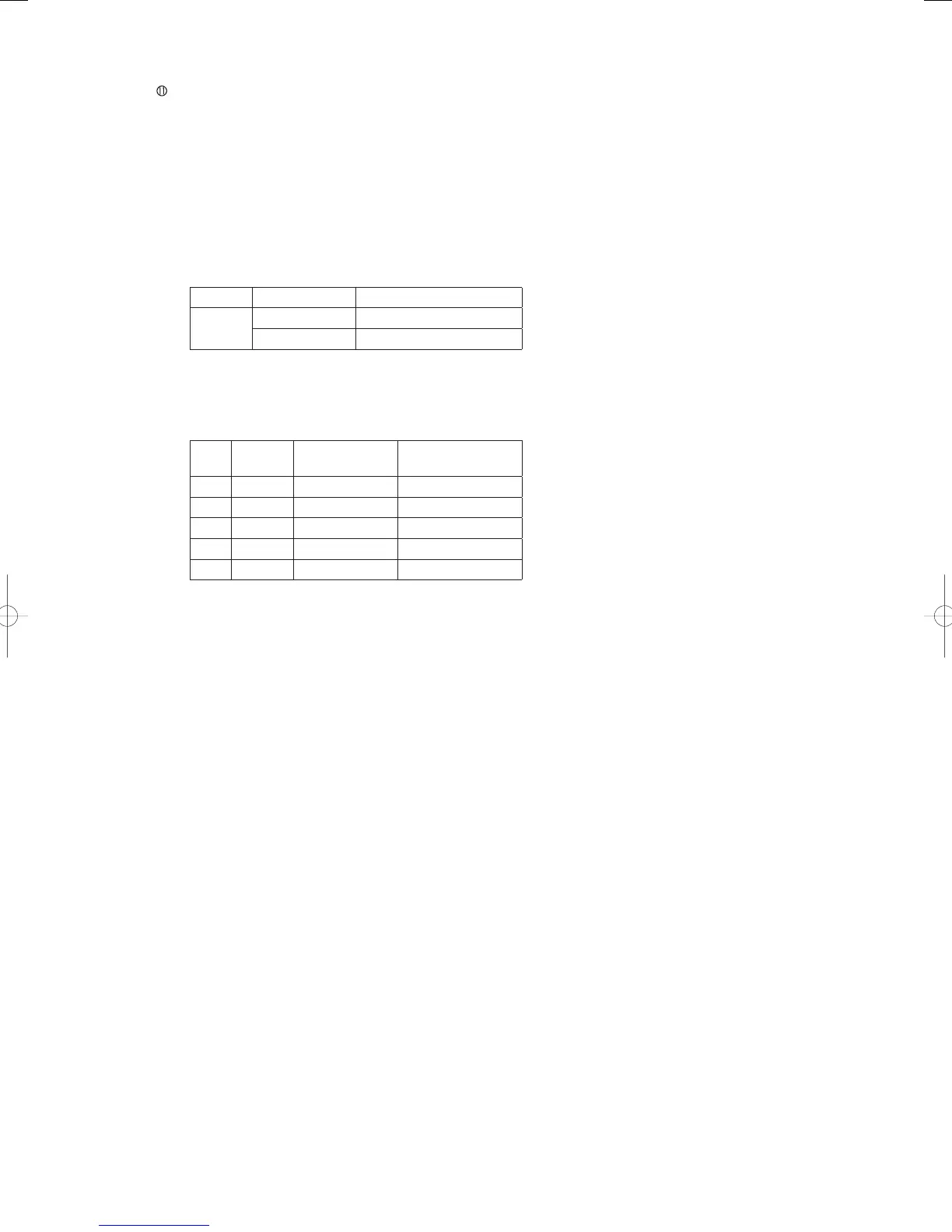
Item Data
name
Display
examples
Remarks
1Year
2012
2Month
April
3Day
1
4Hour
11:00 a.m.
5Minutes
6 min.
Each time the SET (S007) key is pressed, the set items is confi rmed, and the set item moves to the next one
in the order shown. The set item returns to Item 1 after Item 5.
As each item is displayed, operating the UP (S005) and DOWN (S006) keys makes it possible to change the
value settings.
When clock is set, the clock stops and the number of seconds is set to 0.
When completing the clock setting, push the HOME (S004) key for 1 second.
This clock may be set for up to year 2099 (with adjustments for leap years, it may be set for beyond that year
as well).
When the power supply is turned on, detecting a halt in RTC oscillation causes the clock to be set at the
initial value.
(February 1, 2003 - 12:00:00)
GHPtroubleshooting.indbV‒42GHPtroubleshooting.indbV‒42 2012/11/2611:20:222012/11/2611:20:22















 To Next Page