Basic Operation 11
International calls
You need to have the destination country/region
code, area code and the phone number before you
make an international call.
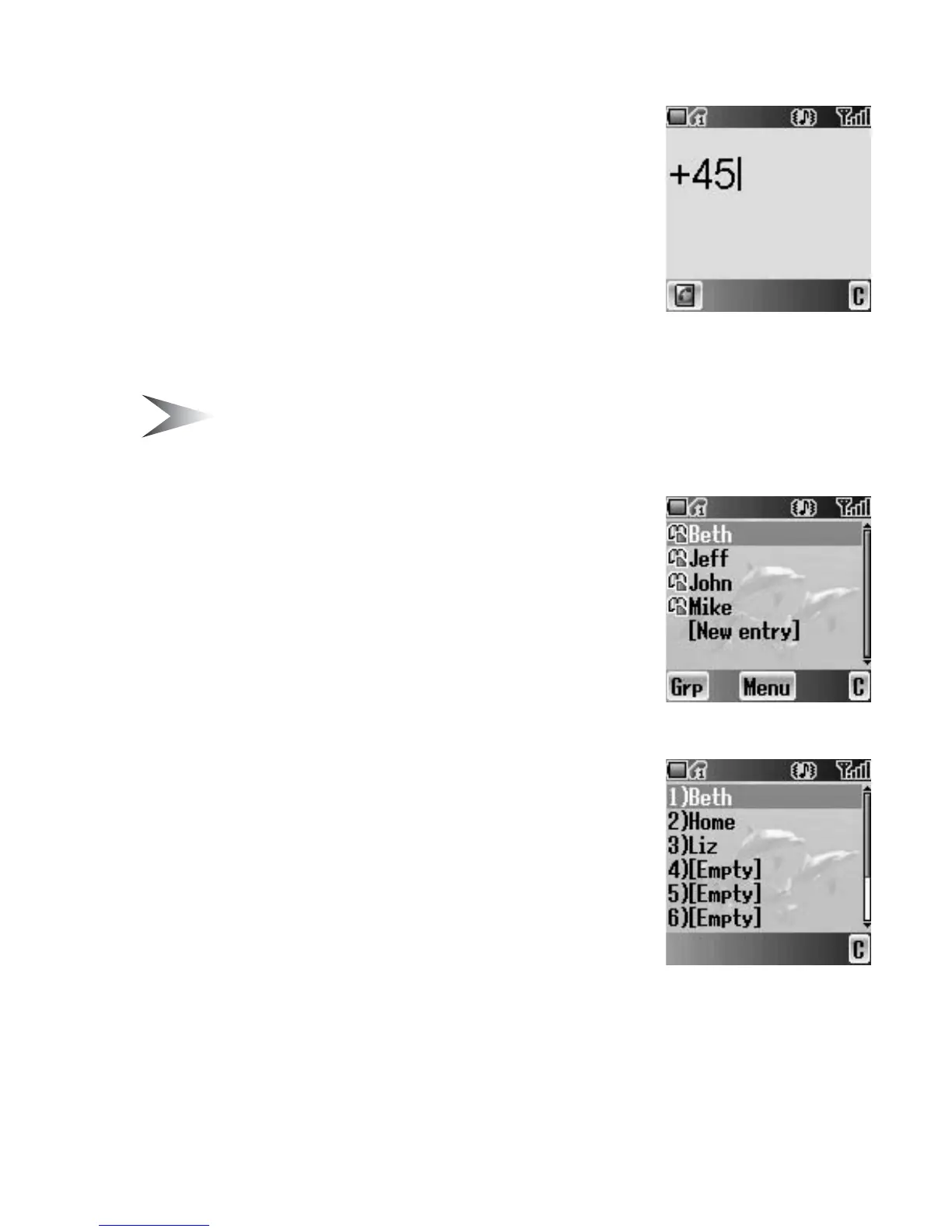
In idle screen
1. Press and hold # until “+” is displayed.
2. Enter the country/region code with # – ,
3. Enter the area code and the phone number with
# – ,
4. Press C (Send)
Note: When you make an international phone call, remember to omit the first
“0” of the area code. (There are some exceptions.)
Contacts list
You need to store the phone numbers in Contacts
list before using this function (see “Create” on
page 43).
In idle screen
1. Press 1 or 5 to display Contacts list
2. 4 move to the required entry
3. Press C (Send)
Hot key dial
You need to set the Hot key dial before using this
function (see “Hot key dial” on page 49).
In idle screen
1. Press and hold the appropriate hot key number
with $ – ,
2. The number will be dialled automatically














 To Next Page