Applications 81
Conversion
You can convert from/to a home currency using
a currency rate.
On Calculator
1. Enter a number with # – ,
(maximum 8 digits)
2. Press A (Menu)
3. 4 move to Conversion
4. Press < (Select)
Calculated amount is displayed.
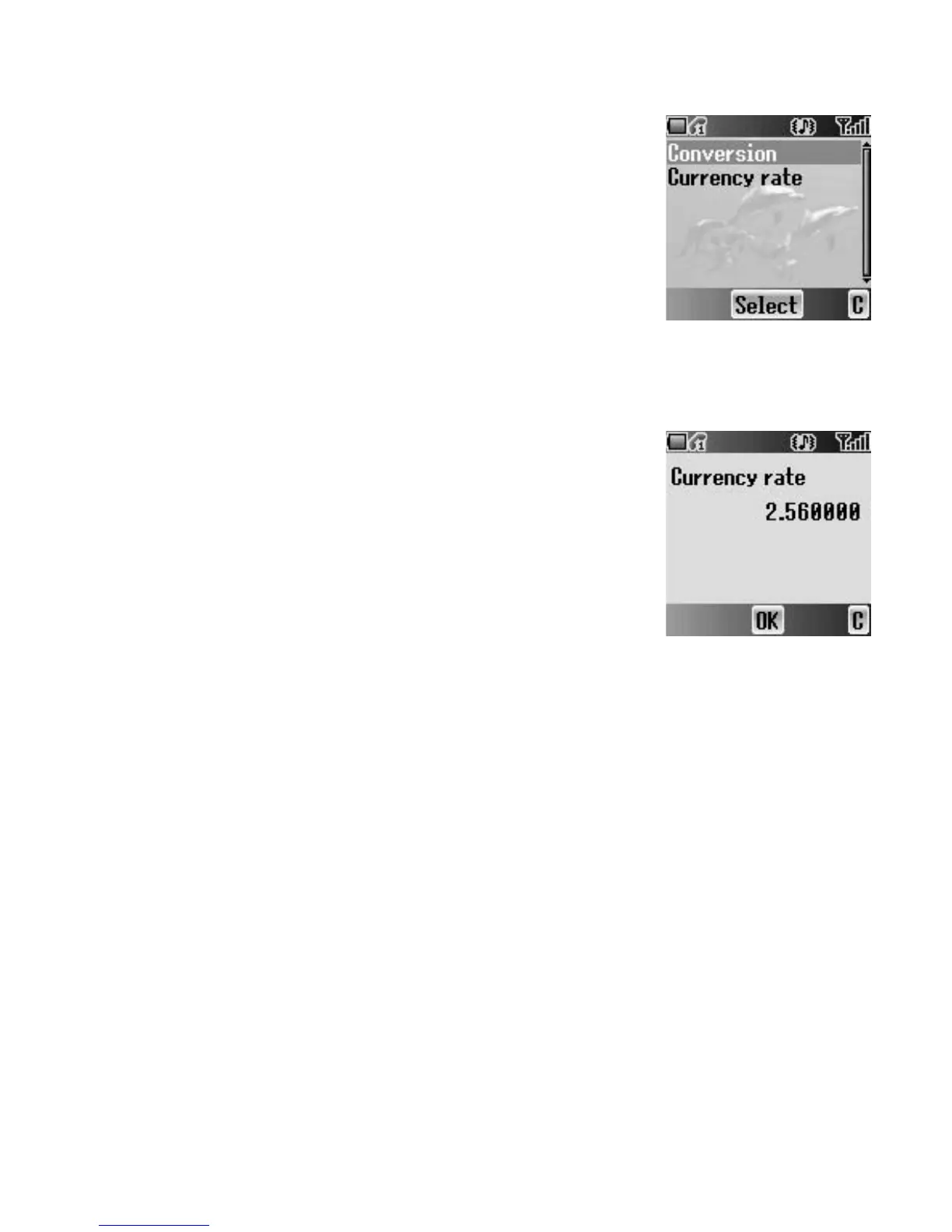
Currency rate
You can set currency rate to convert to/from
a particular currency.
On Calculator
1. Press A (Menu)
2. 4 move to Currency rate
3. Press < (Select)
4. Enter a number with # – , up to 6 decimal
places
5. Press < (OK)














 To Next Page