My Phone 31
Shortcut key
You can assign two selected functions to the Right soft key and activate them
by a Short press (press once) or a Long press (press and hold).
From My Phone menu
1. 4 move to Shortcut key
2. Press < (Select)
3. 4 move to Short press or Long press
4. Press < (Select)
5. 4 move to the required function
6. Press < (Select)
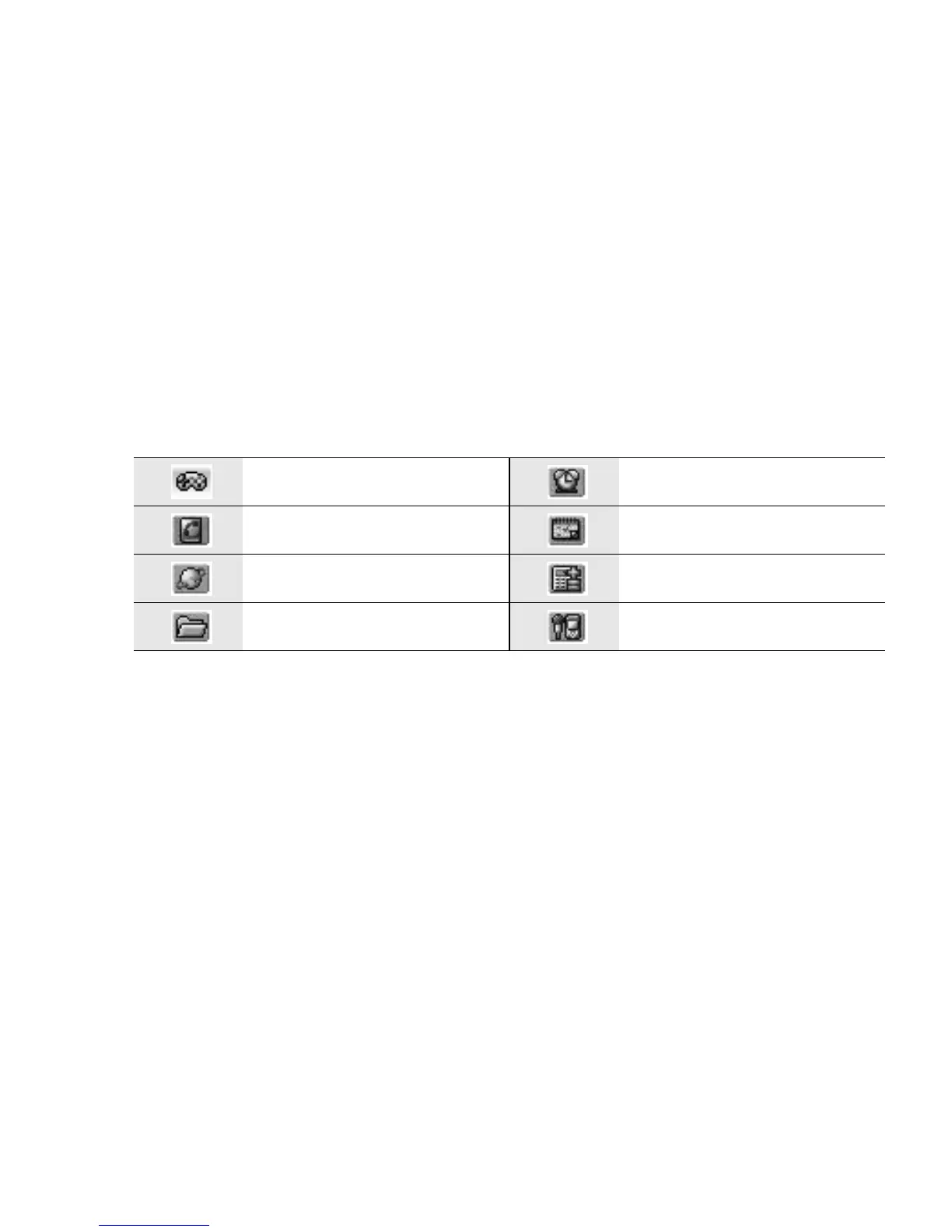
The following functions are available:
Games Alarms
Contacts Calendar
Start Browser Calculator
My Media Sound recorder














 To Next Page