EasyManua.ls Logo

Panasonic A200 - Ending both Connections; Ending One Connection

Panasonic A200
101 pages
Print Icon
To Next Page IconTo Next Page
To Previous Page IconTo Previous Page
Loading...
Basic Operation 17
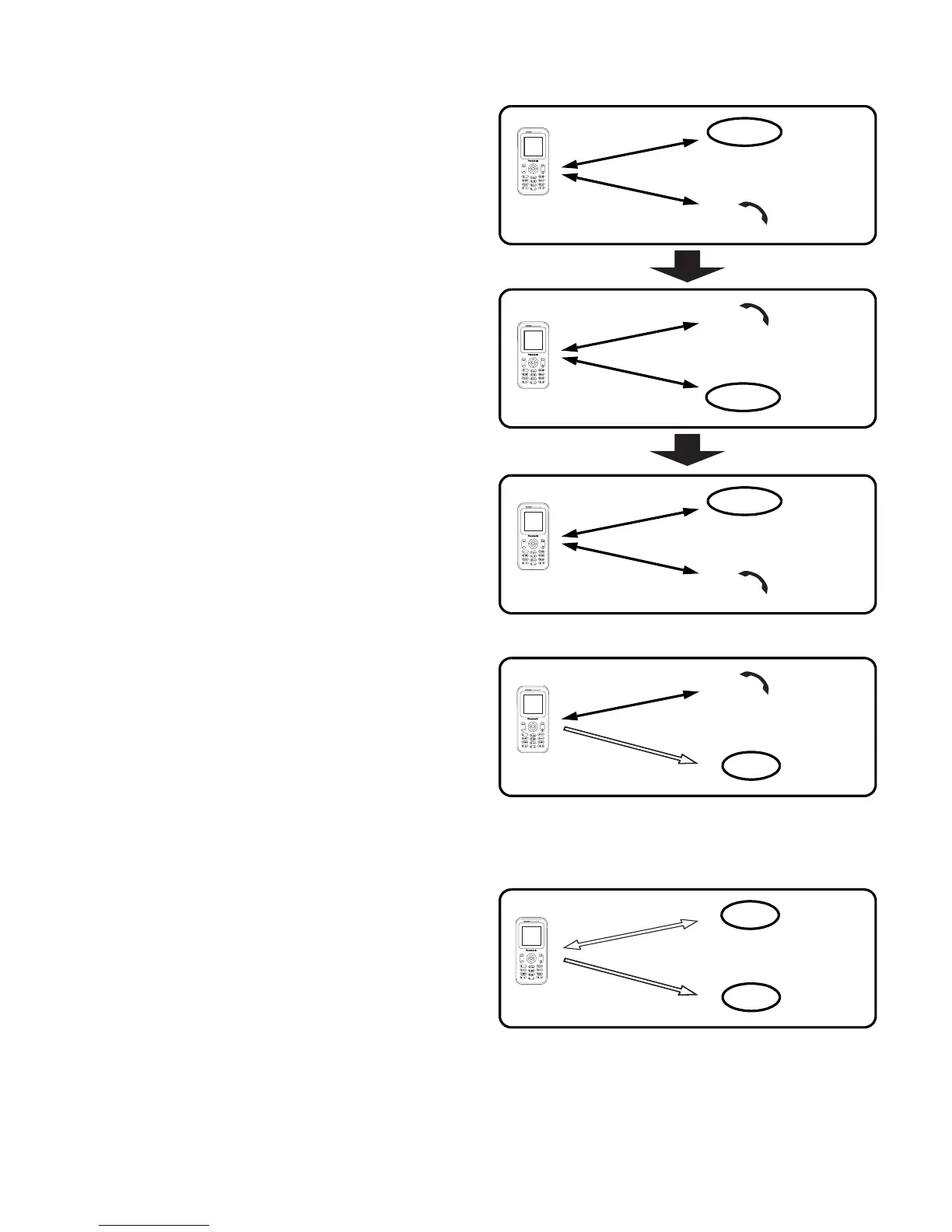
Swapping call
You can swap between
2 connections.
While on the second call
1. Press @ (Resume)
2. The second call will be placed
on hold and you will be
returned to the first call
3. Press @ (Hold)
4. The first call will be placed on
hold and you will be returned to
the second call
Ending one connection
While on calls
1. Press < (Menu)
2. 4 move to Hang up
3. Press < (Select)
4. 4 move to Active or Hold
5. Press < (Select)
Ending both connections
While on calls
Press D (End)
Call A
C
o
n
n
e
c
t
i
o
n
1
Hold
Call B
C
o
n
n
e
c
t
i
o
n
2
C
o
n
n
e
c
t
i
o
n
1
Call A
C
o
n
n
e
c
t
i
o
n
2
Call A
C
o
n
n
e
c
t
i
o
n
1
Hold
Call B
C
o
n
n
e
c
t
i
o
n
2
Call B
Hold
C
o
n
n
e
c
t
i
o
n
1
Call A
C
o
n
n
e
c
t
i
o
n
2
Call B
End
C
o
n
n
e
c
t
i
o
n
1
Call A
C
o
n
n
e
c
t
i
o
n
2
Call B
End
End

Table of Contents

Related product manuals