74 My Media
My Animations
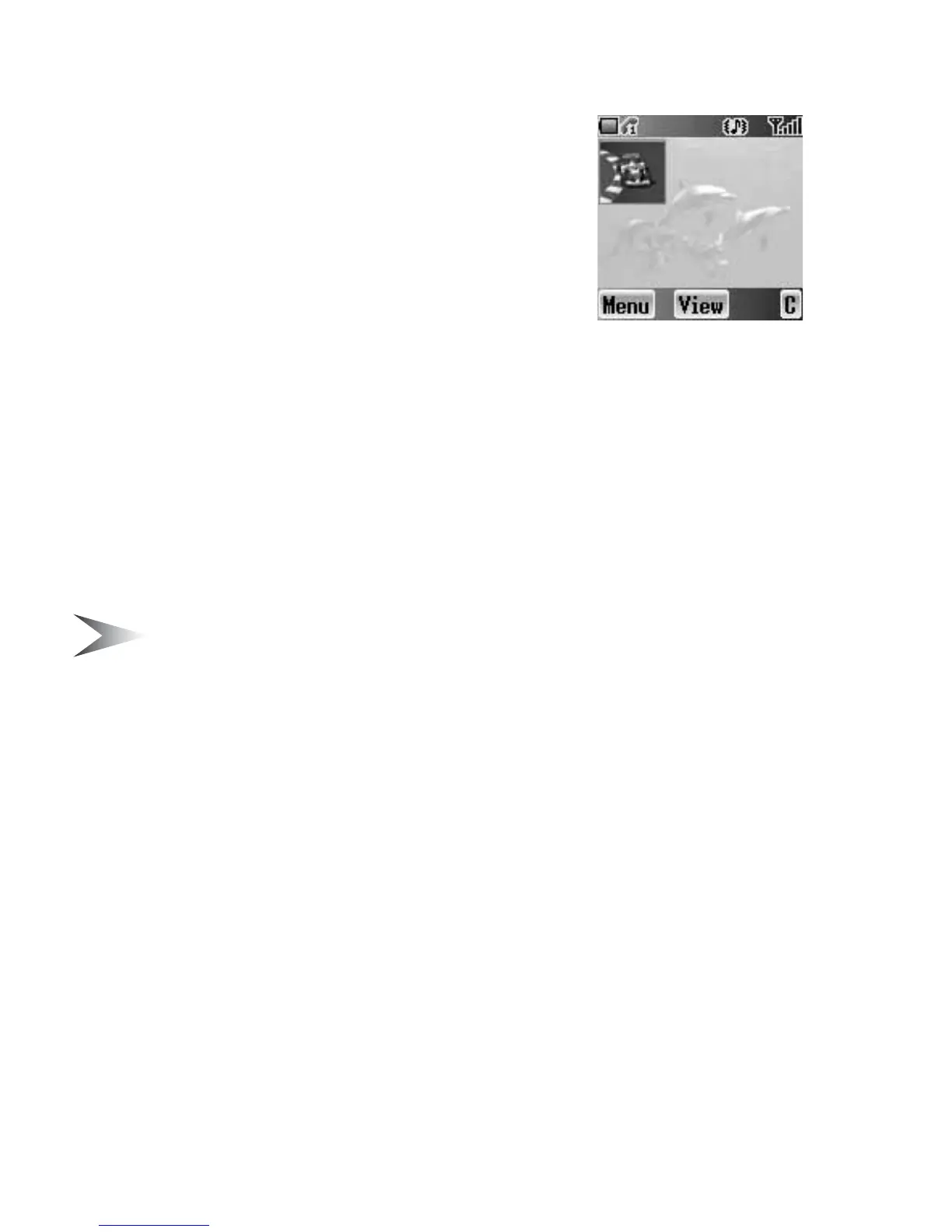
You can store and manage the animation files.
Animation files are displayed as thumbnails. Move
the cursor with 0.
From My Media menu
1. 4 move to My Animations
2. Press < (Select)
3. 0 move to the required animation
4. Press < (View)
OR
Press A (Menu)
5. 4 move to the required function
6. Press < (Select)
The following functions are available:
• View
• Rename
• Delete
• Properties
Note: Only GIF format animations are available with your phone.














 To Next Page