Contacts 43
Create
SIM Contacts list: You can store Name, Tel number and Location No.
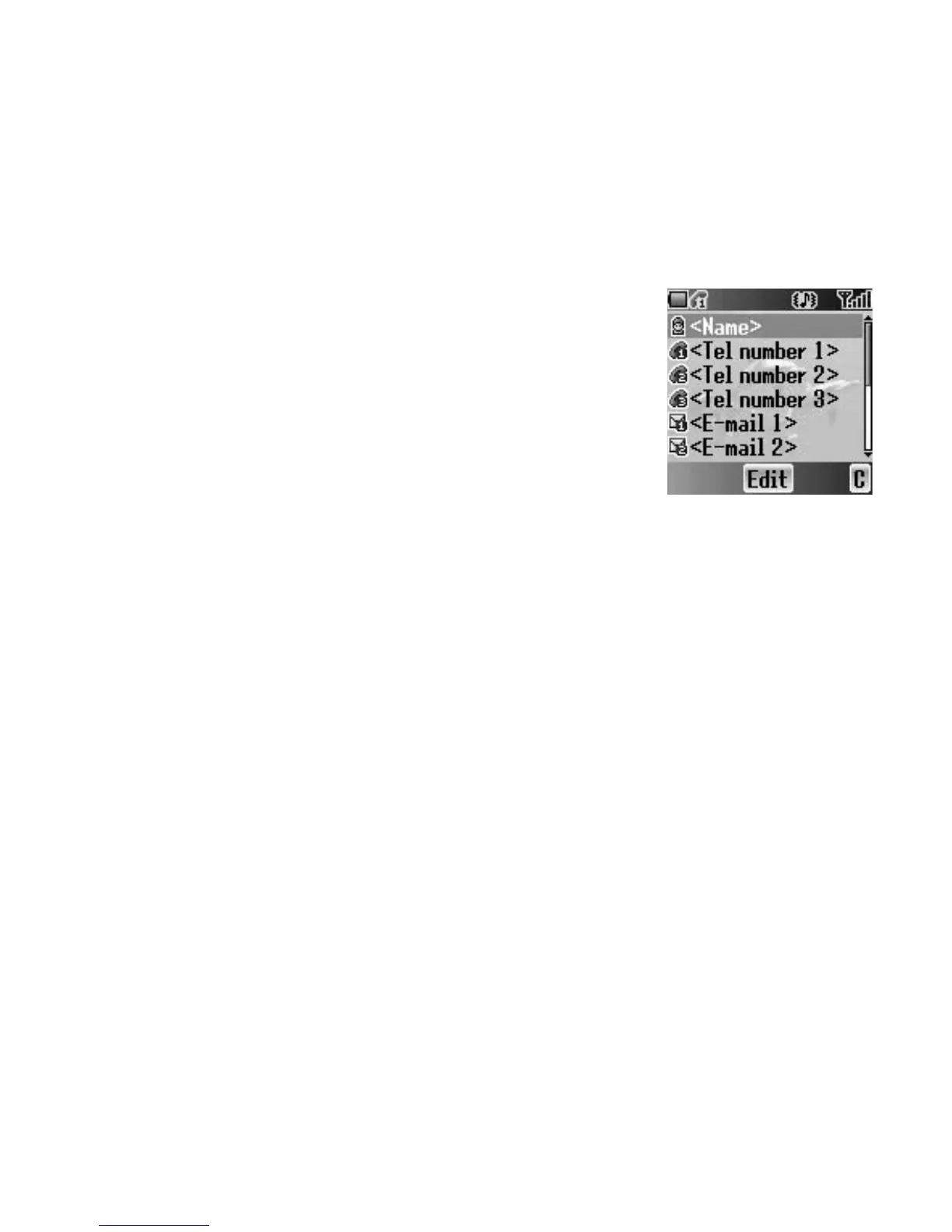
Phone Contacts list: You can store Name, 3 Tel numbers, 2 E-mail addresses,
Ringtone type, Group, Hot key dial, Note and Location No.
Creating a new entry
From Contacts menu
1. 4 move to Create
2. Press < (Select)
3. 4 move to SIM or Phone
4. Press < (Select)
5. 4 move to the required item
6. Press < (Edit)
7. Edit the entry item
8. Press < (OK)
9. Press A (Save)
From Contacts list menu
1. Press < (Menu)
2. 4 move to Create
3. Press < (Select)
4. 4 move to SIM or Phone
5. Press < (Select)
6. 4 move to the required item
7. Press < (Edit)
8. Edit the entry item
9. Press < (OK)
10. Press A (Save)














 To Next Page