Browser 53
Browser
You can access Internet services supported by the network, such as news,
weather reports and sport (
F).
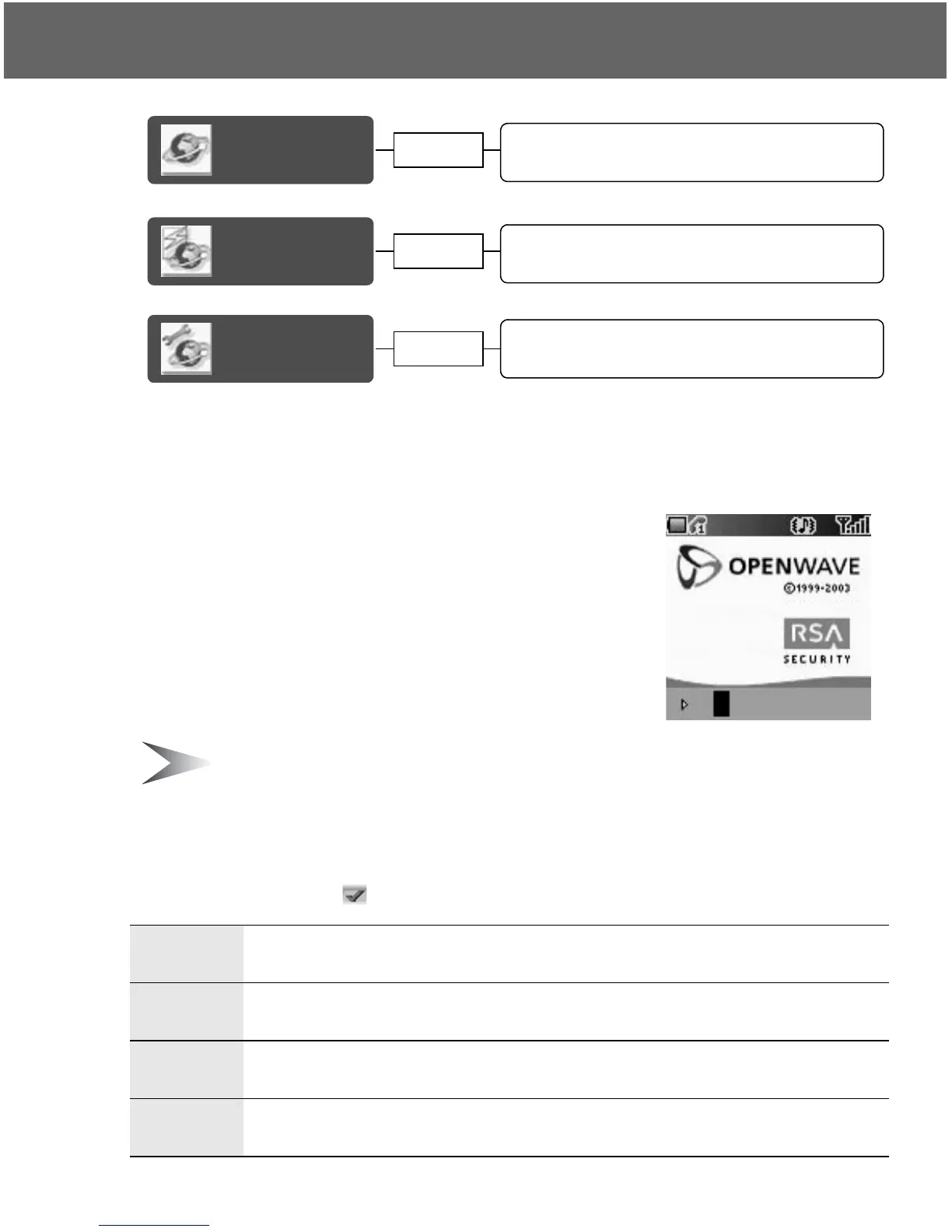
Starting the Browser
From Browser menu
1. Press < (Select)
2. The WAP browser will start to connect to the
network
To exit the browser, press D.
Note: If the server is not responding, press < (Retry) or try again later.
Navigating contents
Use 0 to scroll through the contents on the screen. When linked text is
highlighted, press < ( ) to load the page.
1
Scroll up
Page up with Long press
5
Scroll down
Page down with Long press
7
Scroll up
Return to the previous object
3
Scroll down
Return to the next object
Starting the
Browser
Navigating contents......................................... 53
Using the Browser........................................... 54
Bookmarks
Managing Bookmarks in Browser ................... 55
Managing off-line Bookmarks.......................... 56
Settings
page 55
page 53
Editing GPRS Connection............................... 59
Editing CSD Connection ................................. 59
page 58














 To Next Page