Messages 67
Chat SMS
F
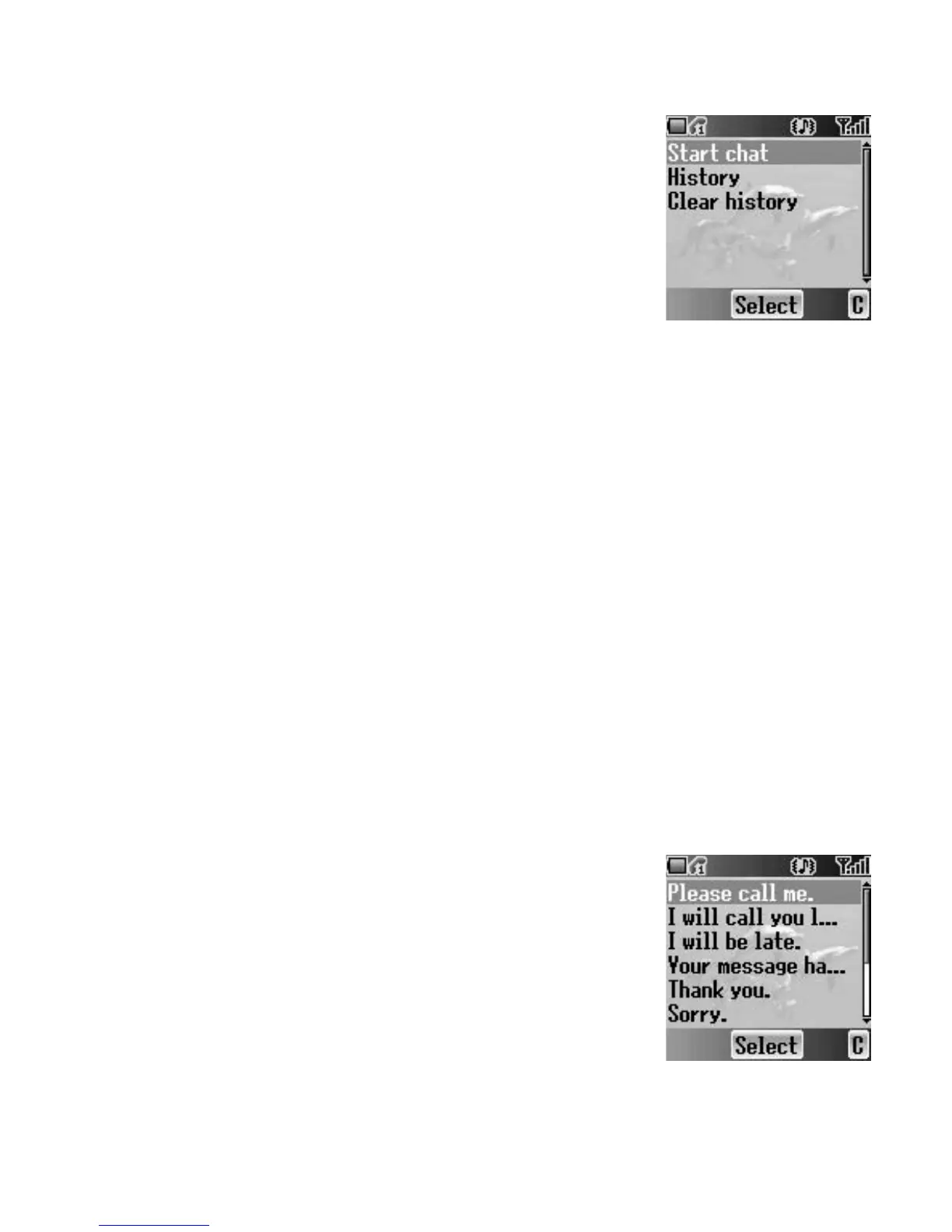
The Chat SMS feature enables you to read sent and
received messages on one screen while in the chat
mode with another party.
From Messages menu
1. 4 move to Chat SMS
2. Press < (Select)
3. 4 move to Start chat
To check the history, select History and press < (Select).
To clear the history, select Clear history and press < (Select).
4. Press < (Select)
5. Enter your nickname (up to 10 characters)
6. Press < (OK)
Then you can start chatting with the other party, providing he/she has the
Chat SMS facility on his/her phone.
7. Enter your message
8. Press < (OK)
9. 4 move to Phone number or Contacts
10. Press < (Select)
11. Enter or select a destination phone number
12. Press < (OK)
Your phone sends the message.
When receiving a message from the other party in chat mode, the text will
be displayed automatically above the last message.
13. Press < (OK) to continue the chat
User messages
You can add your original text in User messages.
From Messages menu
1. 4 move to User messages
2. Press < (Select)
3. 4 move to [New user msg]
4. Press < (Select)
5. Enter text (see “Text Entry” on page 20)
6. Press < (OK)














 To Next Page