70 Calendar
Calendar
You can organise your calendar to remind you of a personal event, such as
a holiday period or birthday. You need to set the clock, day and time before
entering anything in the calendar.
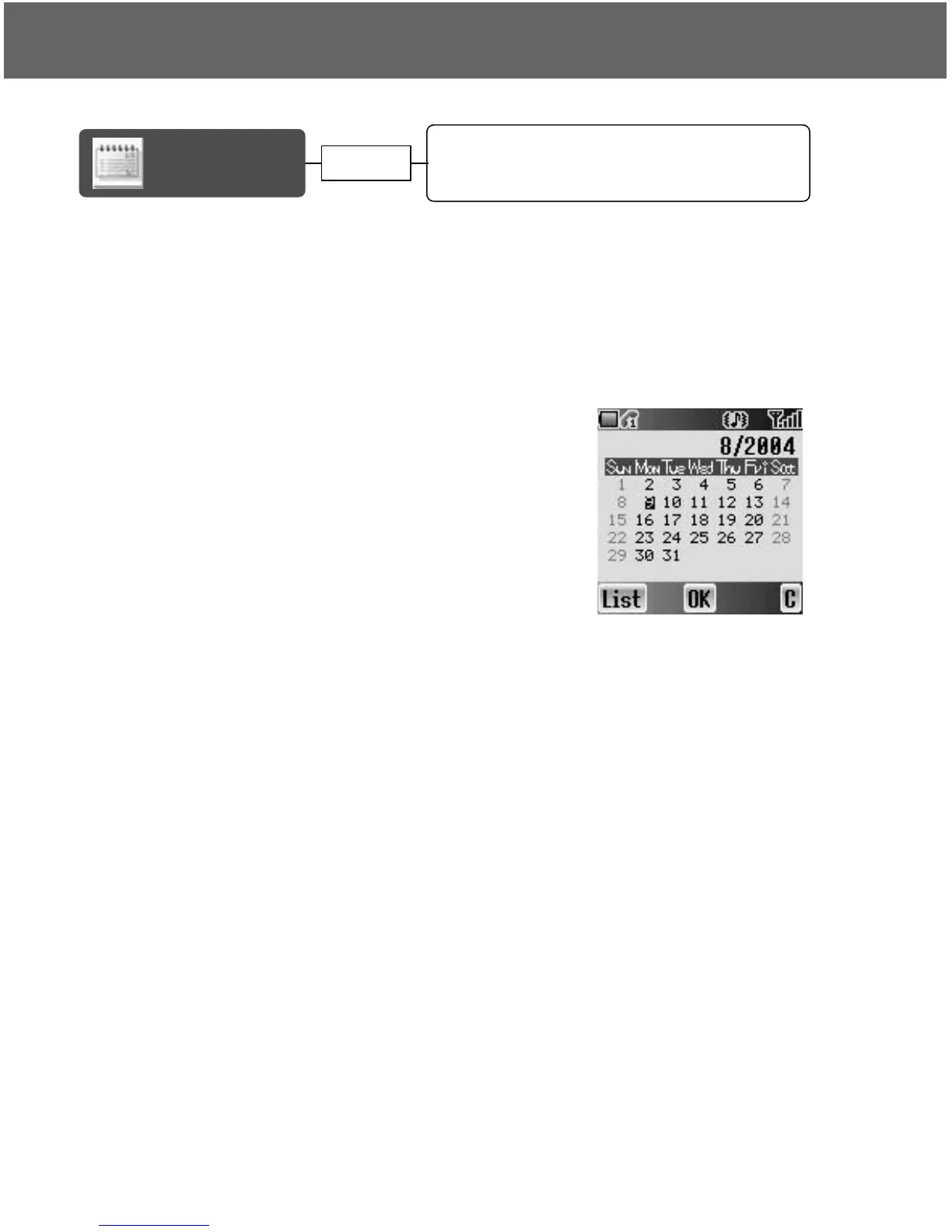
Viewing the Calendar
In idle screen
1. Press < (Menu)
2. 0 move to Calendar
3. Press <
OR
In idle screen
Press 7 to display Calendar
Moving the cursor
When the Calendar is displayed, the cursor is on the current day. Press 0 to
move the cursor to a different day. To display the next/previous month, place
the cursor on the Month and press 4. To display the next/previous year, place
the cursor on the Year and press 4.
Moving the cursor............................................ 70
Creating a reminder......................................... 71
Reminder list ................................................... 71
Viewing the
Calendar
page 70














 To Next Page