Messages 69
• Road reports (Local)
• Taxis
• Weather
• District
• Network information
• Operator services
• Directory enquiries (National)
• Directory enquiries (International)
• Customer care (National)
• Customer care (International)
Adding a new topic
From Cell Broadcast menu
1. 4 move to Topic list
2. Press < (Select)
3. Press < (Menu)
OR
4 move to [New channel] and press < (Menu)
4. Press < (Select) to Insert
5. 4 move to Predefined topics or Manual
6. Press < (Change)
7. To select from Predefined topics,
4 move to the required topics
OR
To enter Channel no: manually,
Enter Channel no:
8. Press < (Select)
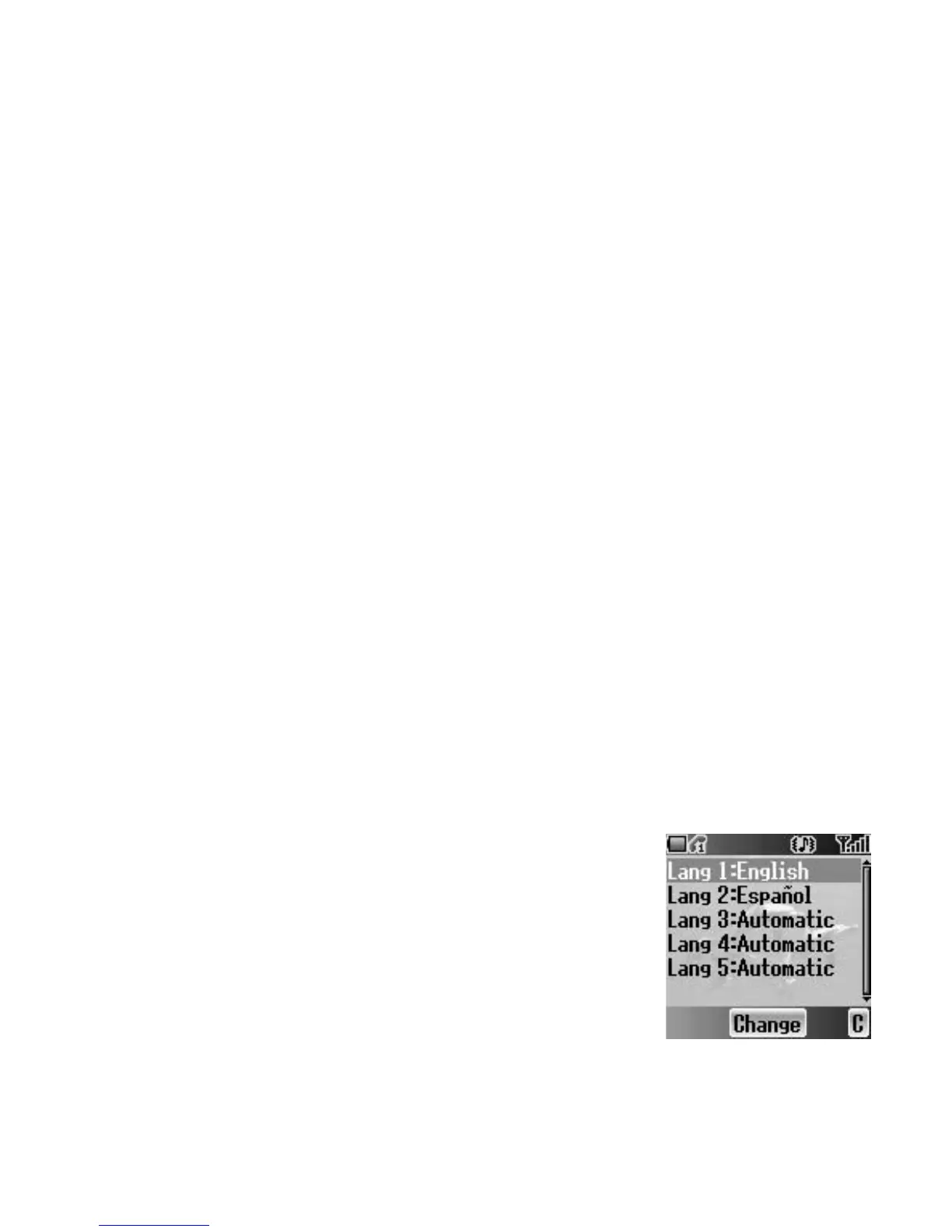
Languages
You can select the language of the message you
receive.
From Cell Broadcast menu
1. 4 move to Languages
2. Press < (Select)
3. 4 move to the required language set
4. Press < (Change)
5. 4 move to the required language
6. Press < (Select)














 To Next Page