46 Contacts
Memory status
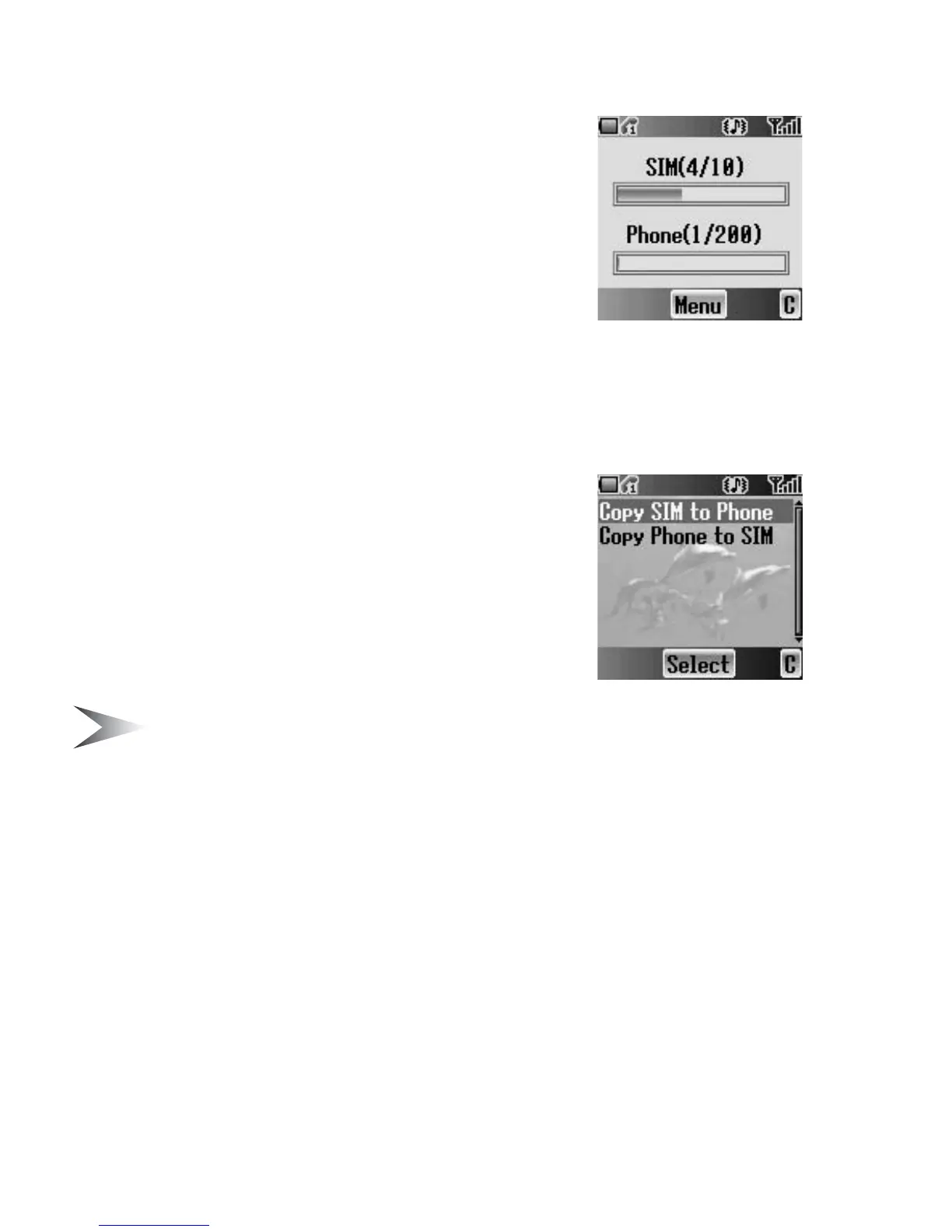
Memory status shows how many locations are
available in each Contacts list. You can copy entries
of the SIM Contacts list to the Phone Contacts list
and vice versa.
From Contacts menu
1. 4 move to Memory status
2. Press < (Select)
3. 2 bars indicating Contacts list memory status
are displayed
(in use location(s)/maximum locations)
Copying all entries to the
other Contacts list
While displaying the Memory status
1. Press < (Menu)
2. 4 move to the required action
3. Press < (Select)
4. Press < (Yes)
Note: Original entries will not be deleted from the Contacts list.














 To Next Page