My Media 75
My Sounds
You can store sound files and manage them.
From My Media menu
1. 4 move to My Sounds
2. Press < (Select)
3. 4 move to the required sound
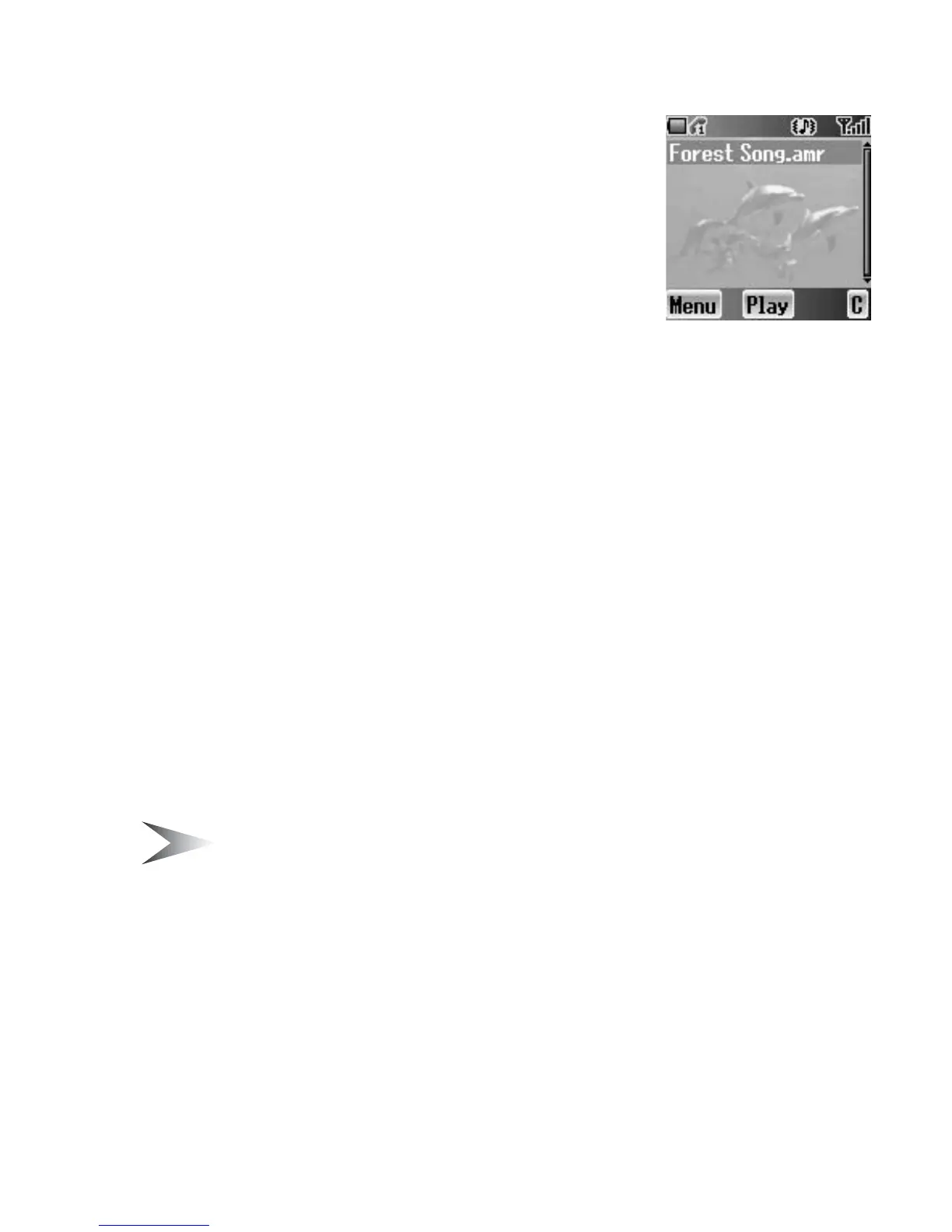
Sound files are played automatically.
4. Press < (Play) to play again
OR
Press A (Menu)
5. 4 move to the required function
6. Press < (Select)
The following functions are available:
• Play
• Create MMS
• Rename
• Delete
• Properties
Memory status
You can check the Memory status occupied by media files.
From My Media menu
1. 4 move to Memory status
2. Press < (Select)
Note: To obtain maximum performance from your phone, control the number
of files for free memory space.














 To Next Page