Contacts 41
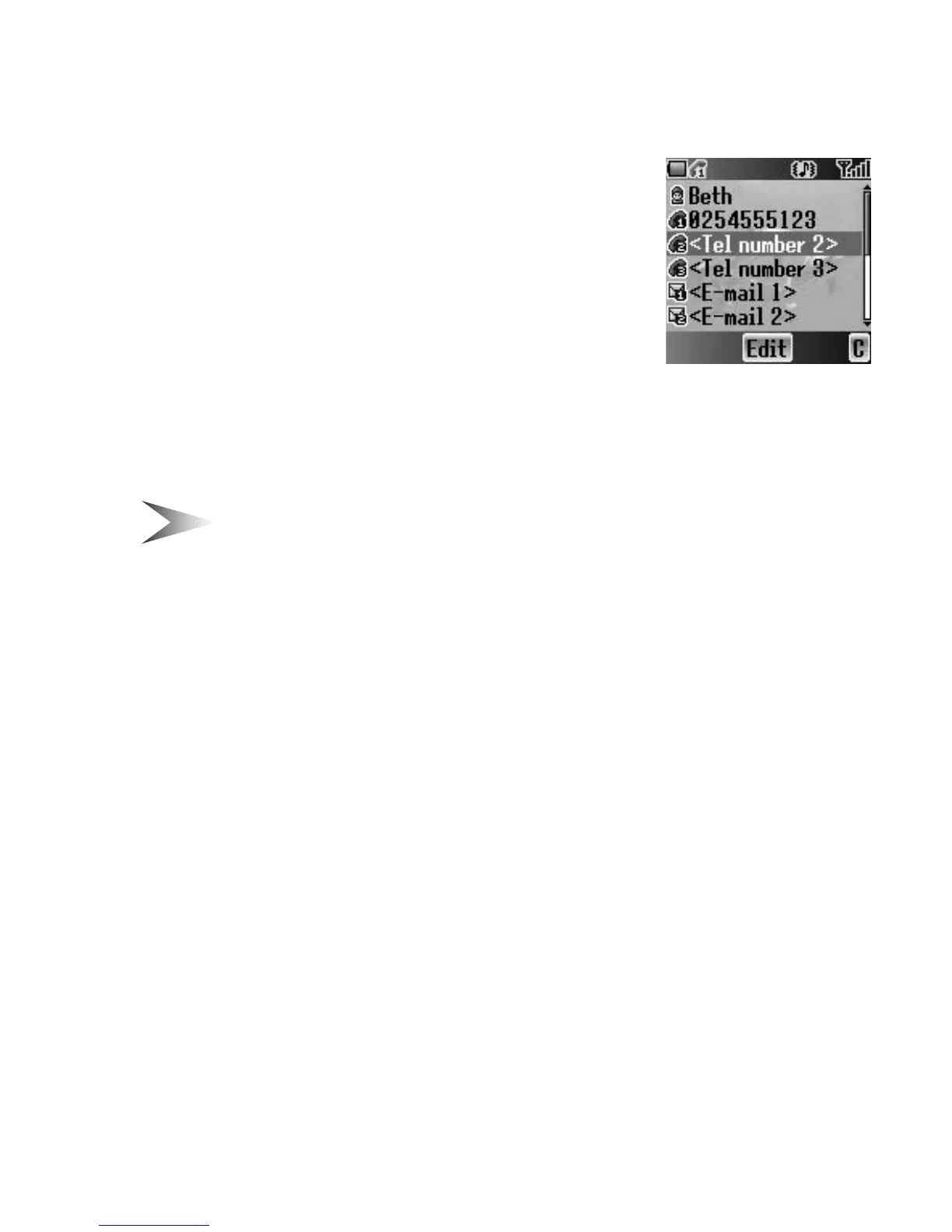
Editing the Contacts list
From Contacts list menu
1. 4 move to the required entry
OR
Press the numeric key which contains the first
letter of the required name
2. Press < (Menu)
3. 4 move to Edit
4. Press < (Select)
5. 4 move to the required item
6. Press < (Edit)
7. Edit an entry item
8. Press < (OK)
9. Press A (Save)
Note: SIM Contacts list can contain only Name, Tel number 1 and
Location No..
Making a call using the Contacts list
From Contacts list menu
1. 4 move to the required entry
OR
Press the numeric key which contains the first letter of the required name
2. Press C (Send)
From Contacts list menu
1. 4 move to the required entry
OR
Press the numeric key which contains the first letter of the required name
2. Press < (Menu)
3. 4 move to Call
4. Press < (Select)














 To Next Page