78 Applications
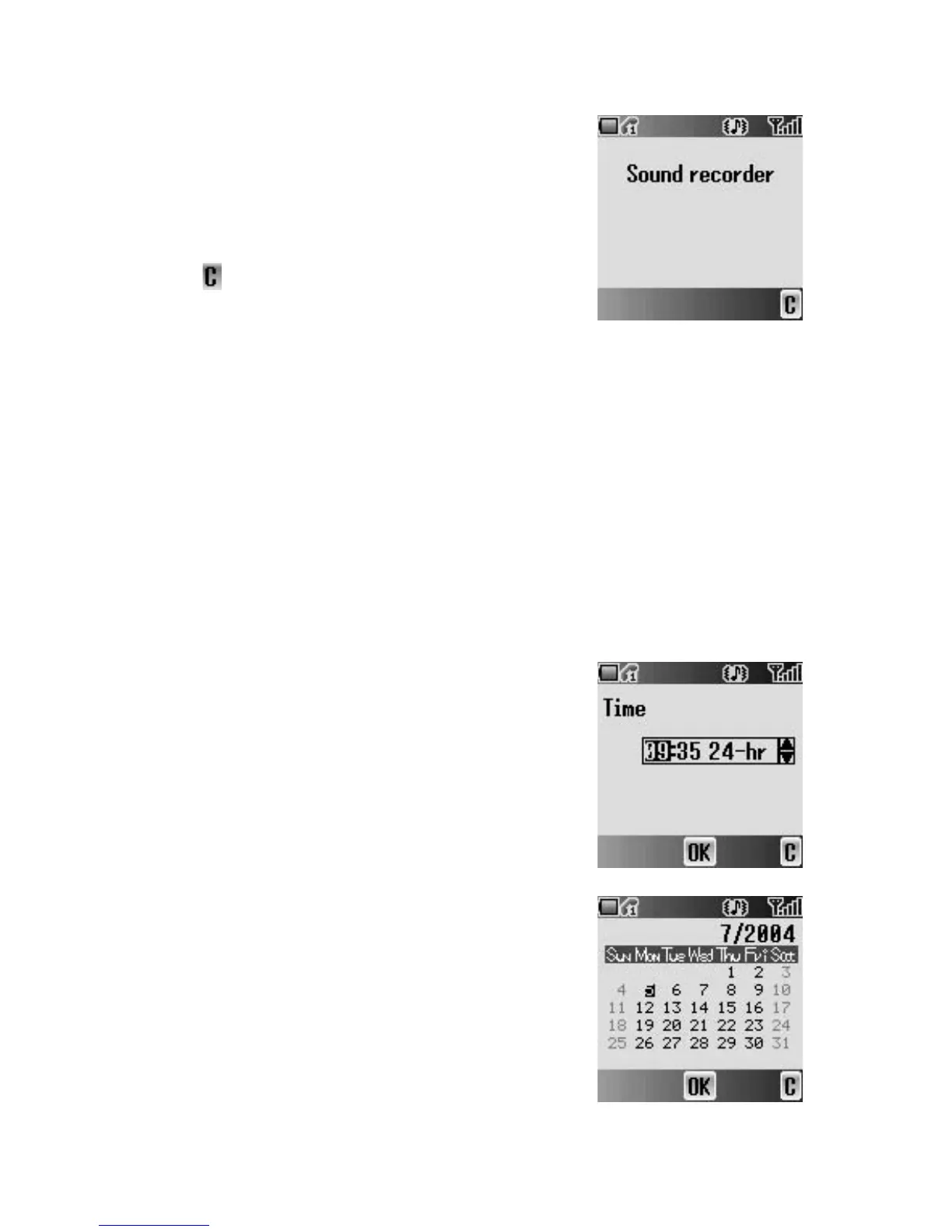
Sound recorder
You can record and make a sound file.
From Applications menu
1. 4 move to Sound recorder
2. Press < (Select) to start recording
3. Press @ ( ) to stop recording
Clock
You can set the time and date, and select from various types of clock formats.
Time & date
From Applications menu
1. 4 move to Clock
2. Press < (Select)
3. Press < (Select) Time & date
4. The currently set time and date is displayed
Setting time
From Time & date menu
1. Press < (Select)
2. # – , or 4 to change HOUR setting
3. 2 move to MINUTE
4. # – , or 4 to change MINUTE setting
5. Press < (OK)
Setting date
From Time & date menu
1. 4 move to the current date
2. Press < (Select)
Calendar is displayed.
3. 0 move to the current date
4. Press < (OK)














 To Next Page