My Phone 35
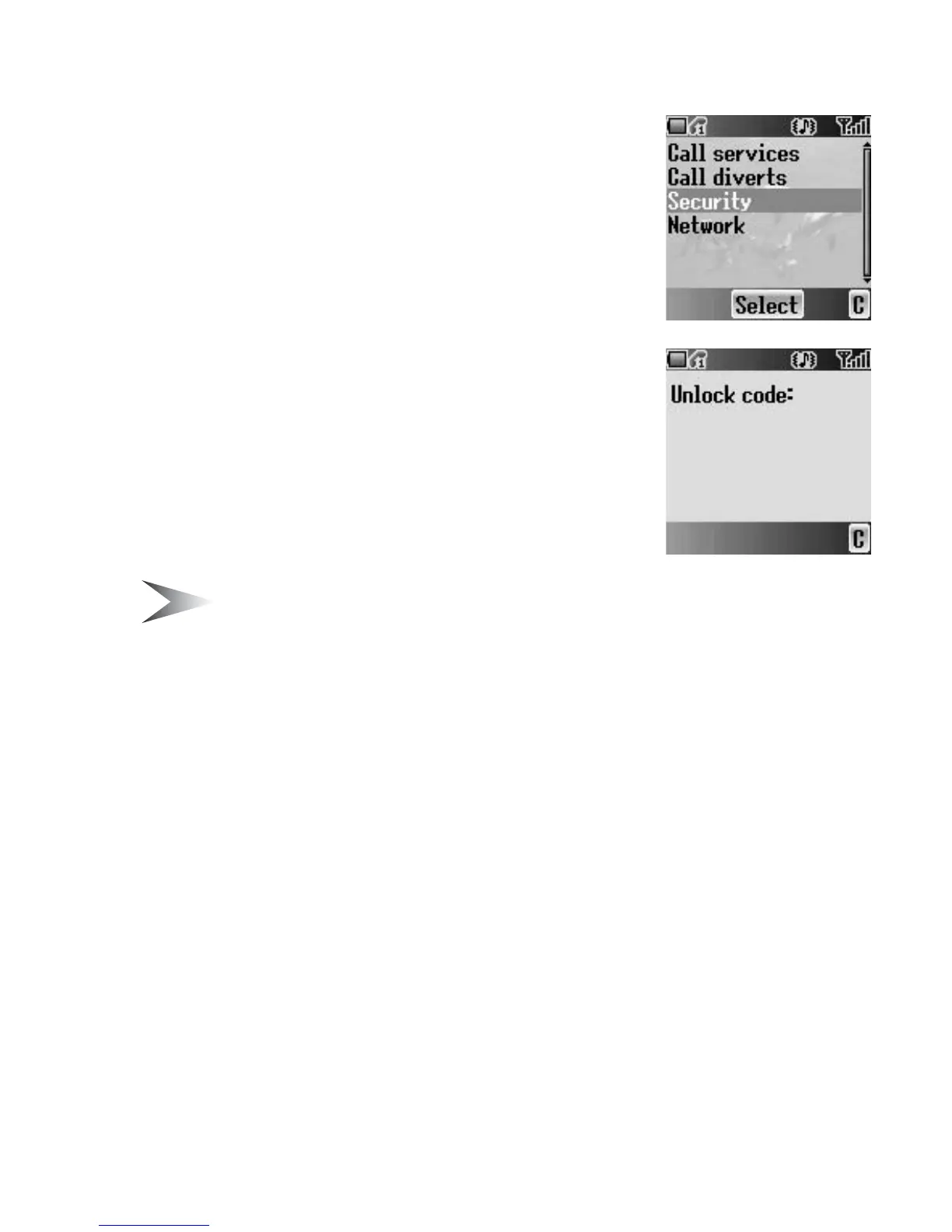
Security
You can limit access to protect your phone, SIM,
calls, information and data. You must enable the PIN
before changing the code.
Phone lock
You can lock your phone, and you will be prompted
to enter your unlock code when you switch on the
phone with a different SIM inserted.
From Security menu
1. Press < (Select)
2. 4 move to Status or Change code
Note: You are advised to write down your unlock code for yourself. If you
forget your unlock code, you will need to contact your service provider to
unlock the phone.
Changing the Status
From Phone lock menu
1. Press < (Select)
2. 4 move to On or Off
3. Press < (Select)
4. Enter the correct 4-digit unlock code
5. Press < (OK)
OR
In idle screen
1. Press and hold < (Menu)
2. 4 move to Phone lock
3. Press < (On)
4. Enter the correct 4-digit unlock code
5. Press < (OK)














 To Next Page