EasyManua.ls Logo

Panasonic A200 - Creating a Reminder; Reminder List

Panasonic A200
101 pages
Print Icon
To Next Page IconTo Next Page
To Previous Page IconTo Previous Page
Loading...
Calendar 71
Creating a reminder
On Calendar
1. 0 move to the required date
2. Press < (OK)
3. Set HOUR with # ,
OR
4 to set HOUR
4. 2 move to MINUTE
5. Set MINUTE with # ,
OR
4 to set MINUTE
6. Press < (OK)
7. Enter a title of the event
OR
On Calendar
1. Press A (List)
2. 4 move to [New event]
3. Press < (Select)
Follow the step 1 – 7 above.
Reminder list
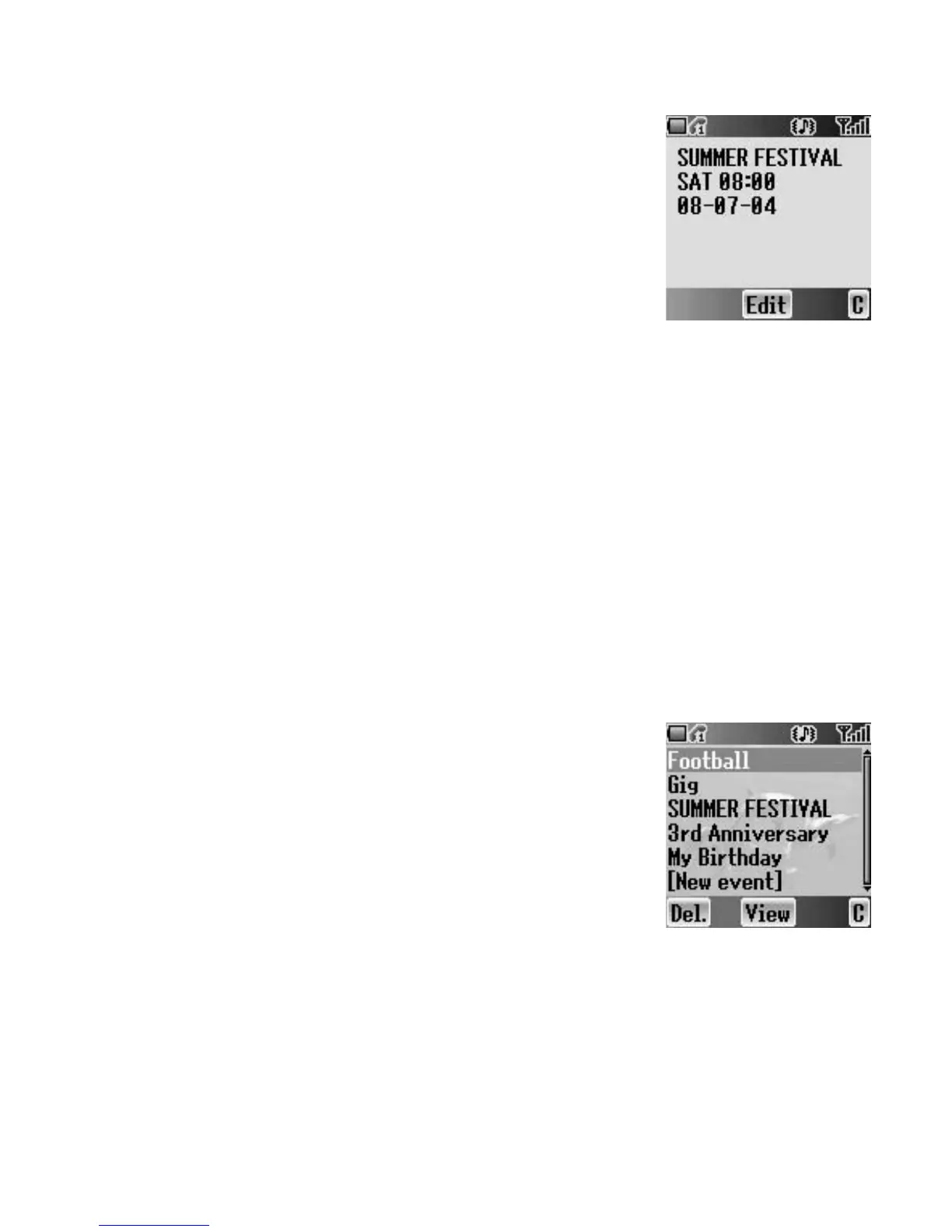
Viewing a reminder
On Calendar
1. Press A (List)
2. 4 move to the required entry
3. Press < (View)
Editing a reminder
On Calendar
1. Press A (List)
2. 4 move to the required entry
3. Press < (View)
4. Press < (Edit)
See “Creating a reminder” above.

Table of Contents

Related product manuals